30
SoundExpression
5. If you selected Express Setup, go to step 8. Otherwise continue here.
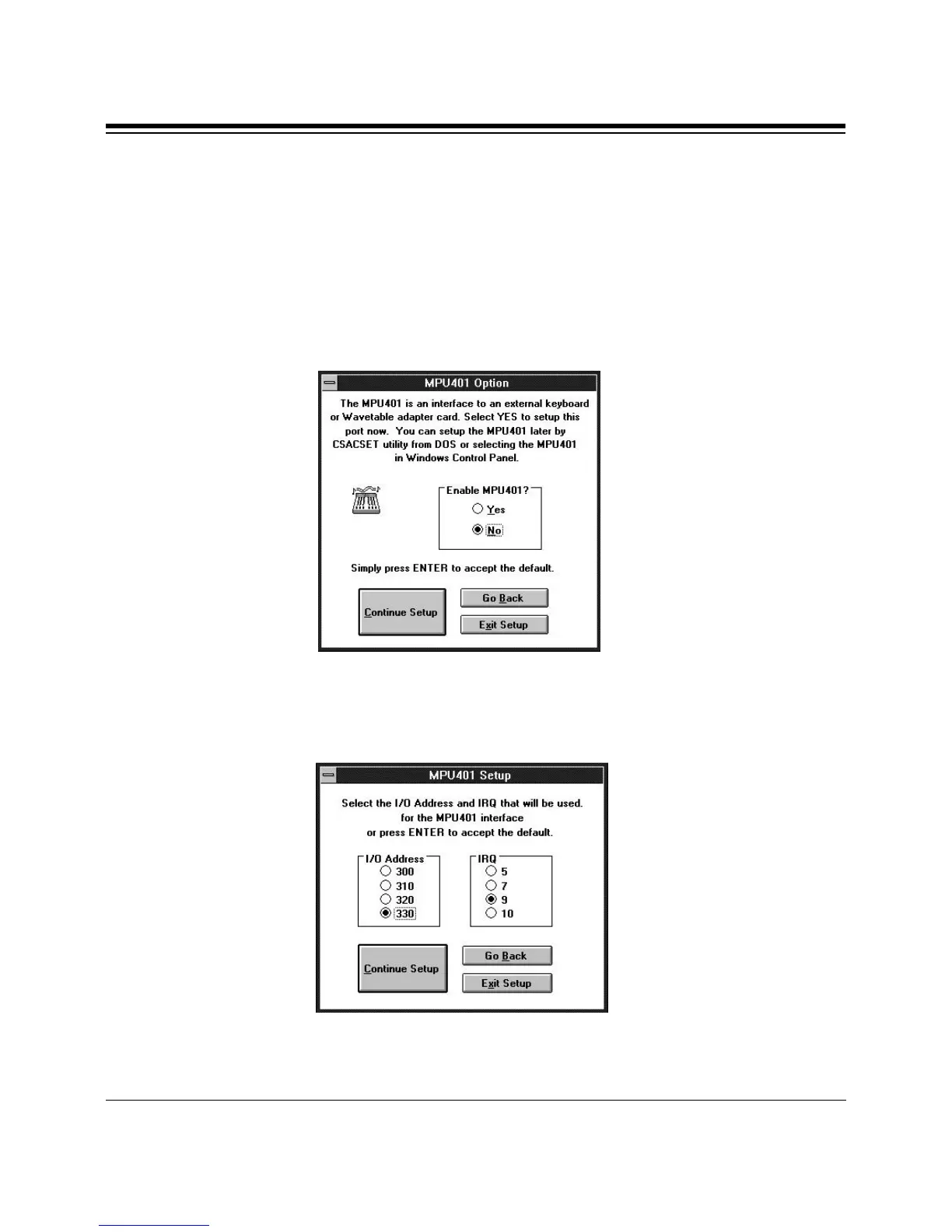
The MPU401 Option dialog box is then displayed. The MPU401 is an
interface to an external keyboard synthesizer or wavetable adapter card.
Select YES to enable this port now. You can also enable the MPU401
interface later with the CSACSET utility from DOS, or by selecting the
MPU401 in the Windows Control panel.
A second dialog box follows. This allows you to select the I/O address
and IRQ for the MPU401 interface.
Make your selections or accept the defaults and select Continue Setup.



 To Next Page