9
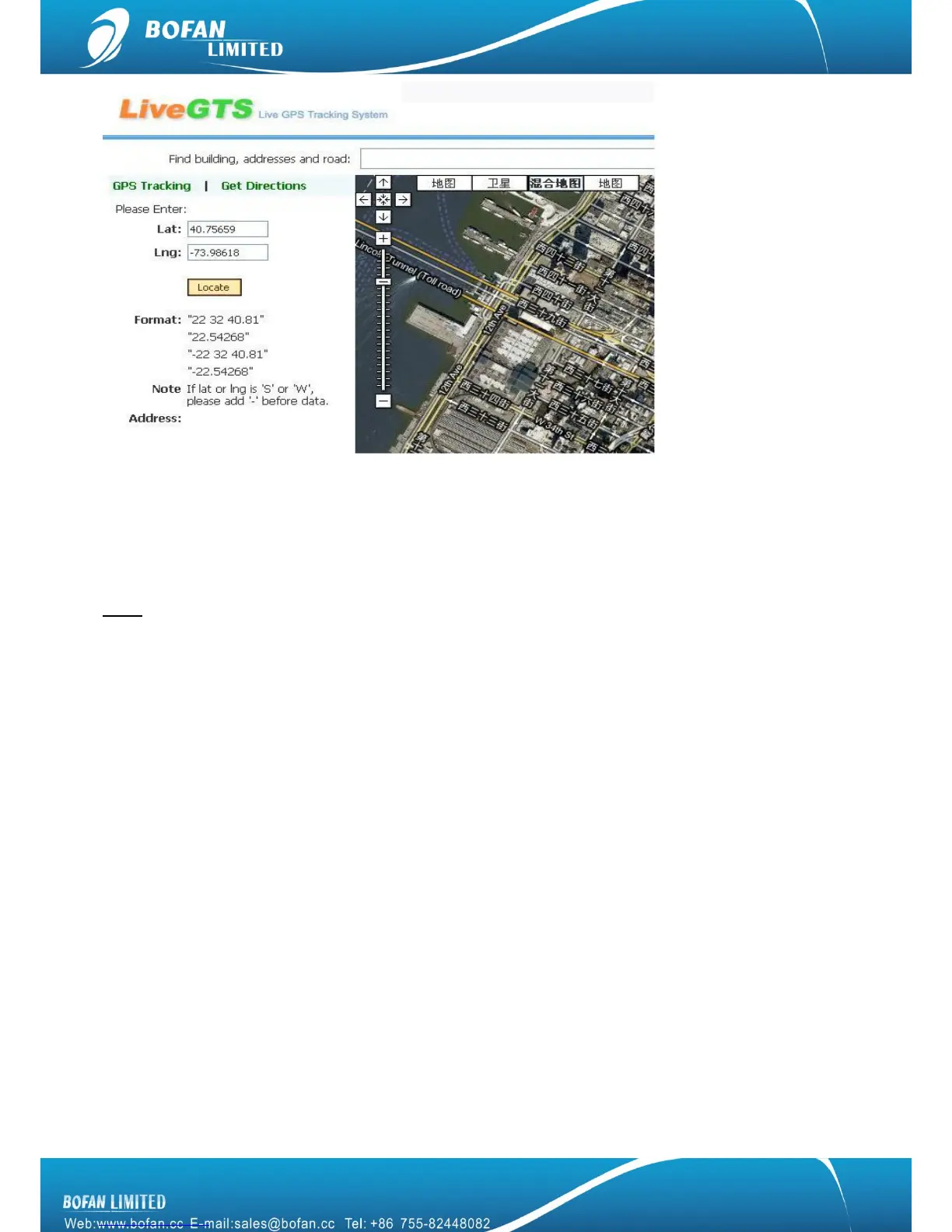
To get position in Google Map link
Send SMS command to SIM card number in tracker from your mobile, command format: <password>RCM
For example: you edit the SMS command 000000RCM and send it, after a few seconds, you will get a SMS
reply with a position link, you can click this link directly and locate it on your mobile.
Note: it will cause GPRS cost for your mobile.
4.2 Tracking by FMS platform
Please ensure that your SIM card in PT600X supports GPRS connection.
If you want to do live tracking on platform, you need strictly to add new tracker, set tracker ID, tracker SIM card
APN, FMS server, tracker Port and time interval as below steps 4.2.1~4.2.5.
4.2.1 Add New Tracker in FMS
Login FMS: open your FMS website by IE and login with your account
Go to ―Manage‖ -> ―Tracker Config‖ -> click ―Add New Tracker‖, please fill in name and tracker ID, select
correct tracker Model, and finally click ‖Modify‖ to add this tracker successfully.


 To Next Page