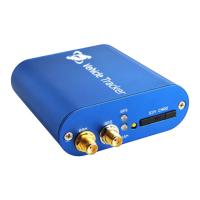
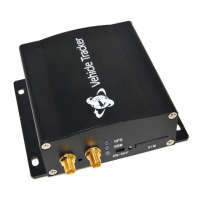
5.2 Accessories connection
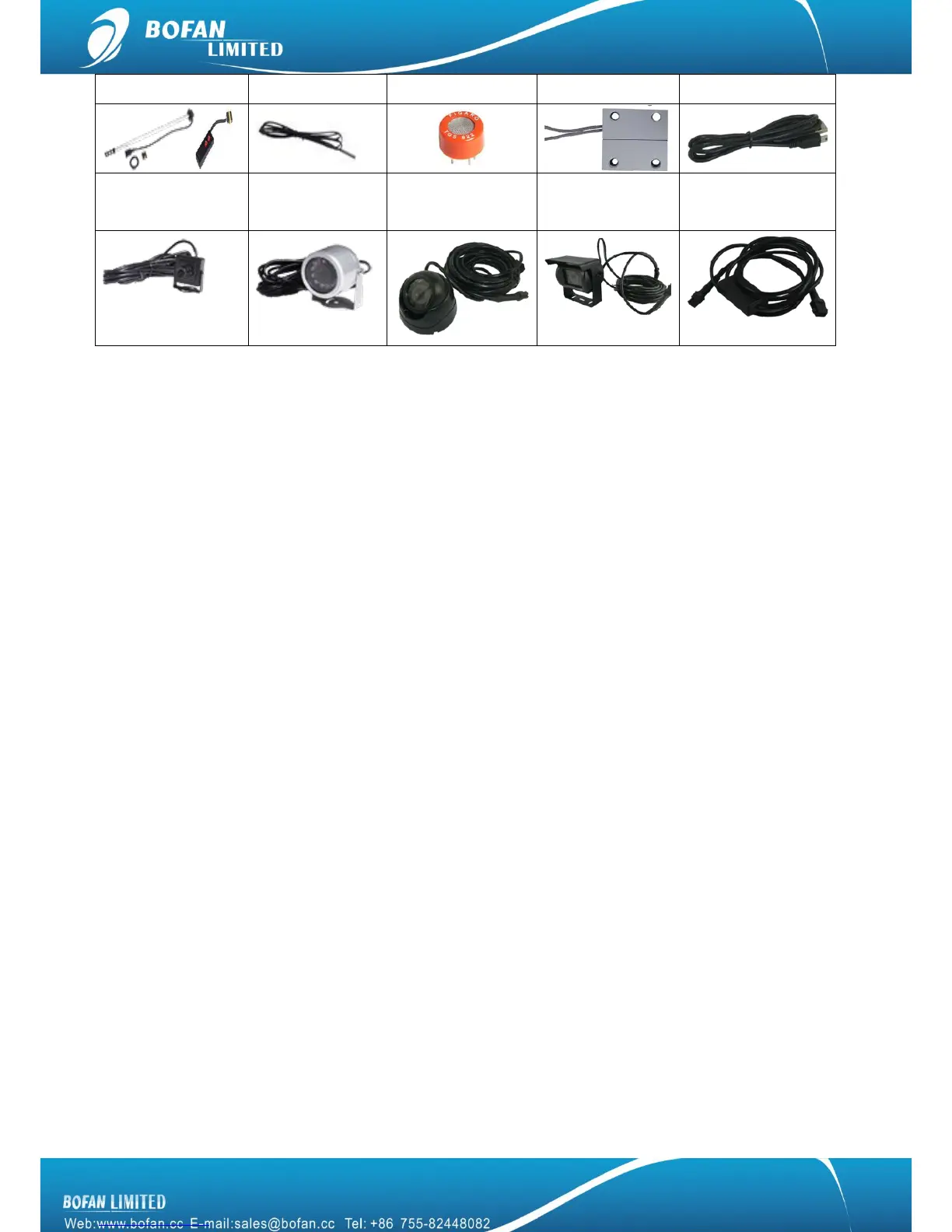
Microphone: plug-in tracker interface where marked MIC
Speaker: plug-in tracker interface where marked SPK
Normal camera: plug-in tracker interface where marked Camera
Circular camera: plug-in tracker interface where marked Camera
Conch and Rectangular camera: Connect ―camera conversion cable‖ to tracker interface where
marked Camera.
Buzzer: red wire of buzzer connect to tracker’s red wire for power supply directly, black wire of buzzer
connect to tracker’s output2
Door sensor: one wire of door sensor connect to tracker black wire, the other wire of door sensor
connect to tracker input2
RFID sets: using the RFID USB cable connect it between tracker and RFID reader, tracker must get
external power supply when using RFID sets.
Fuel sensor: it should be connected to AD1, please refer to fuel sensor user manual for more details
Temperature sensor: if you bought temperature sensor, it already be connected to AD2
Alcohol sensor: if you bought alcohol sensor, it already be connected to AD3
Relay: as below picture, suggest connect to output1


 To Next Page