12
After done all above settings, please login your FMS to track it online now.
If it still show ―NO DATA‖ in FMS after few minutes, please send below four SMS commands to tracker for
confirming tracker’s setting:
1
st
command: 000000ASKGID
Tracker will reply you ―Query Parameter OK, GIDXXXXX‖, please check if it is the correct tracker ID
number what you added in FMS, if no, please send new command 0000000GID with correct ID number
again.
2
nd
command: 000000ASKAPN
Tracker will reply you ―Query Parameter OK, APNXXXXX‖, please check if it is the correct APN of your SIM
card in tracker, if no, please send new command 000000APN with correct APN contents again.
3
rd
command: 000000ASKSVR
Tracker will reply you ―Query Parameter OK, SVRXXXXX,XXXX‖, please check if it is the correct FMS
domain and tracker port number, if no, please send new command 000000SVR with correct FMS domain
and 8600 contents again.
4
th
command: 000000ASKGTI
Tracker will reply you ―Query Parameter OK, GTIXX‖, please check if it is 0, you need to send new
command 000000GTI30 again.
If you still need to get help from us, please kindly send your FMS login access and tracker’s full response of
above four SMS commands and 000000RCP to us by email.
5. Accessories
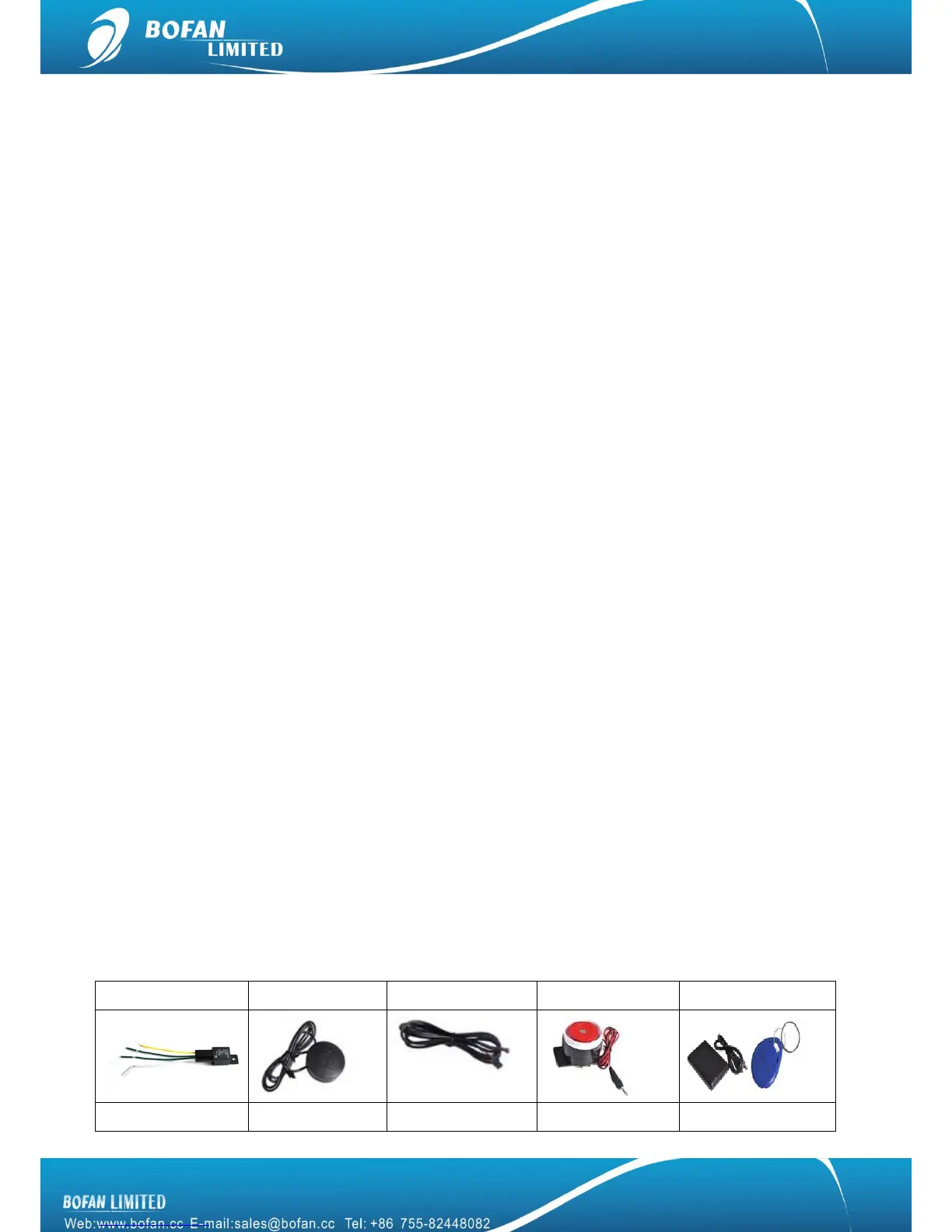
5.1 Optional accessories


 To Next Page