20
en
MANUALLY REGULATING HUMIDITY AND FAN LEVEL
PERFECT HUMIDITY
The recommended humidity level is between 40% and
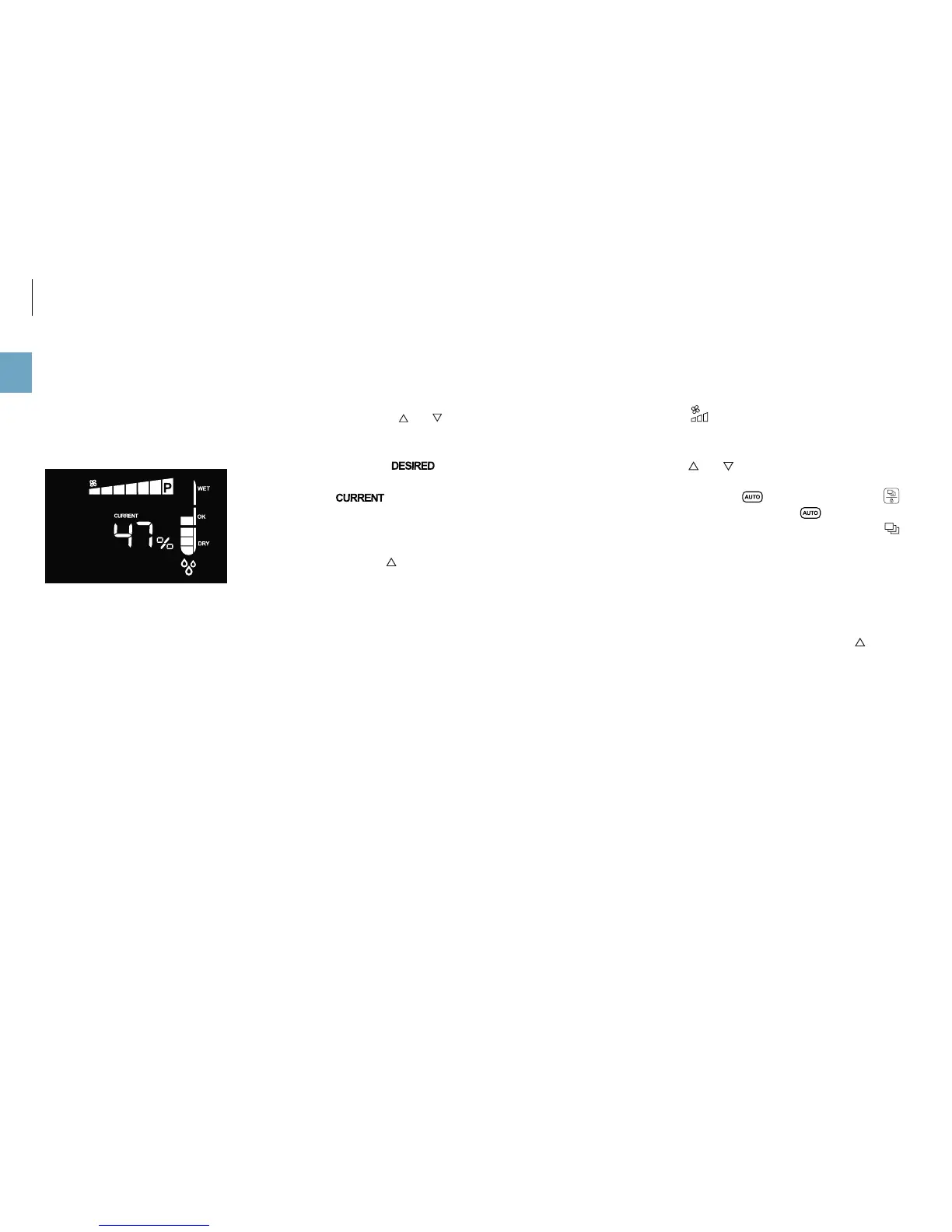
60%. The default setting is 50%. The indicator for current
humidity should ideally be within the “OK” range:
The humidity you set then stays saved if you switch off
the appliance.
CONTROLLING HUMIDITY
1. Press the and buttons to set the humidity as de-
sired.
The notice
is shown on the display. Once you
stop pressing the arrow keys, the notice switches to
after a few seconds. Now the display now
shows the current humidity again.
MAXIMUM HUMIDIFICATION
Press the button until the notice “Co” (for “Continu-
ous”) is displayed. Now the humidifier operates indepen-
dently of the measured humidity.
REGULATING THE FAN LEVEL
1. Press the
button once. The indicator for the fan
level flashes.
2. Press the
and buttons to adjust the fan level.
3. To switch back to the comfort mode, press the
button on the appliance until the notice is shown
on the display. Alternatively, you can also use the
button on the remote control.
POWER MODE (P)
The maximum power mode (P) can only be selected man-
ually. We recommend using it when room air has to be
cleaned and/or humidified in the shortest possible time.
To activate the maximum power level, press the button
repeatedly until the fan level “P” is shown in the indicator
(see figure in the left column).



 To Next Page