34
en
The Ionic Silver Stick
®
prevents the growth of bacteria in
water, making a vital contribution to health and cleanli-
ness. The Ionic Silver Stick
®
is also subject to wear and
has to be replaced regularly.
The display indicates an upcoming need to replace the
Ionic Silver Stick
®
with the following symbol:
You can obtain an Ionic Silver Stick
®
from your BONECO
specialist dealer or the BONECO online store at:
www.shop.boneco.com
REPLACING THE IONIC SILVER STICK
®
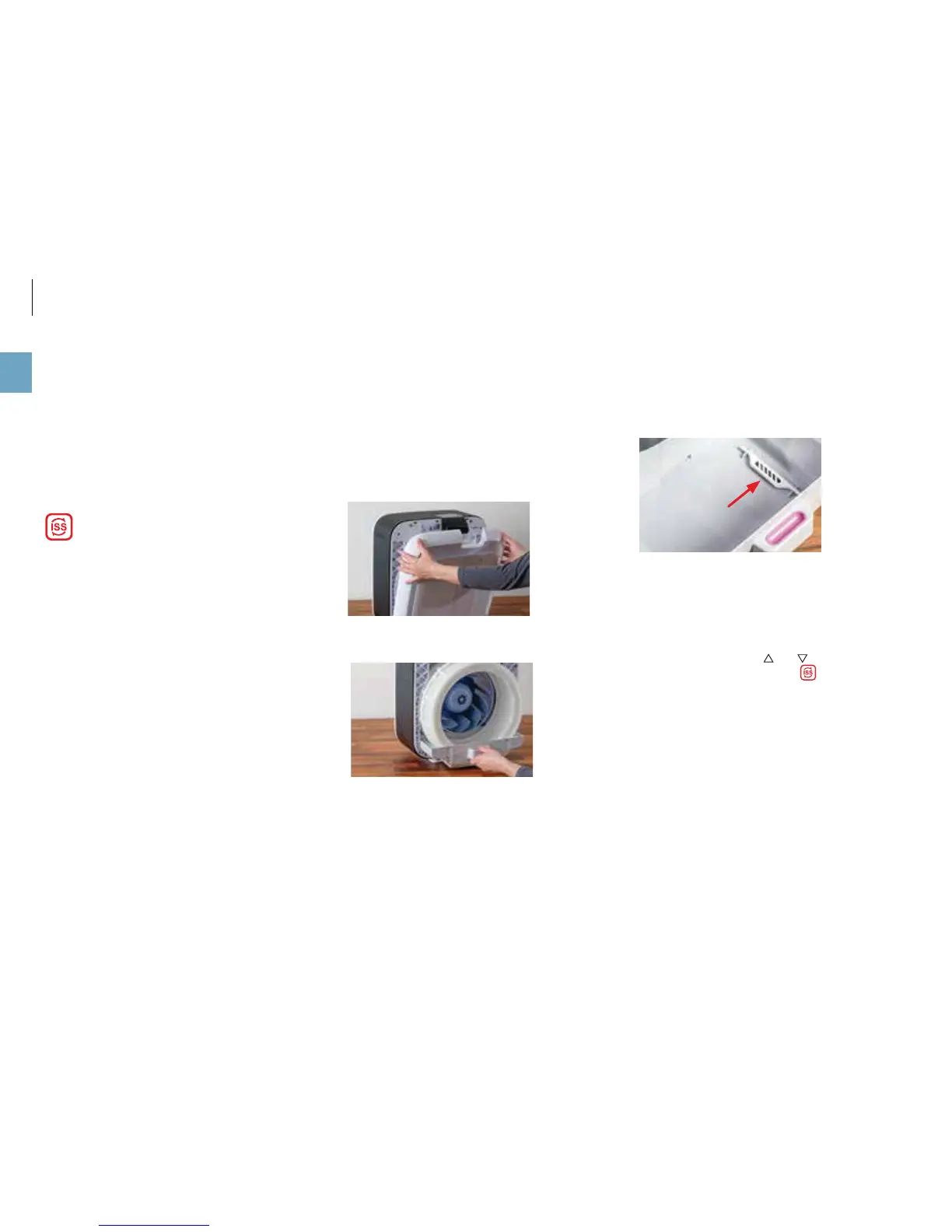
1. Take off the front cover.
2. Remove the water tank on the rear side.
3. Remove the filter holder.
4. Pull the water base out and remove the drum.
5. Remove the used Ionic Silver Stick
®
and dispose of it
with your regular household waste.
6. Insert the new Ionic Silver Stick
®
.
7. Put the parts back together by following the steps in
reverse order.
8. Simultaneously press the and buttons on the ap-
pliance for 5 seconds to hide the symbol.
REPLACING THE IONIC SILVER STICK
®



 To Next Page