Page 7 3BE390758NU – 12/11
BONNET GRANDE CUISINE
Registered Office:
Rue des Frères Lumière - Z.I Mitry Compans
F-77292 MITRY MORY Cedex
Switch 4 in
: Switch 3 adjusts the set time value (from 0 to 99h).
The display indicates the time in hours and minutes.
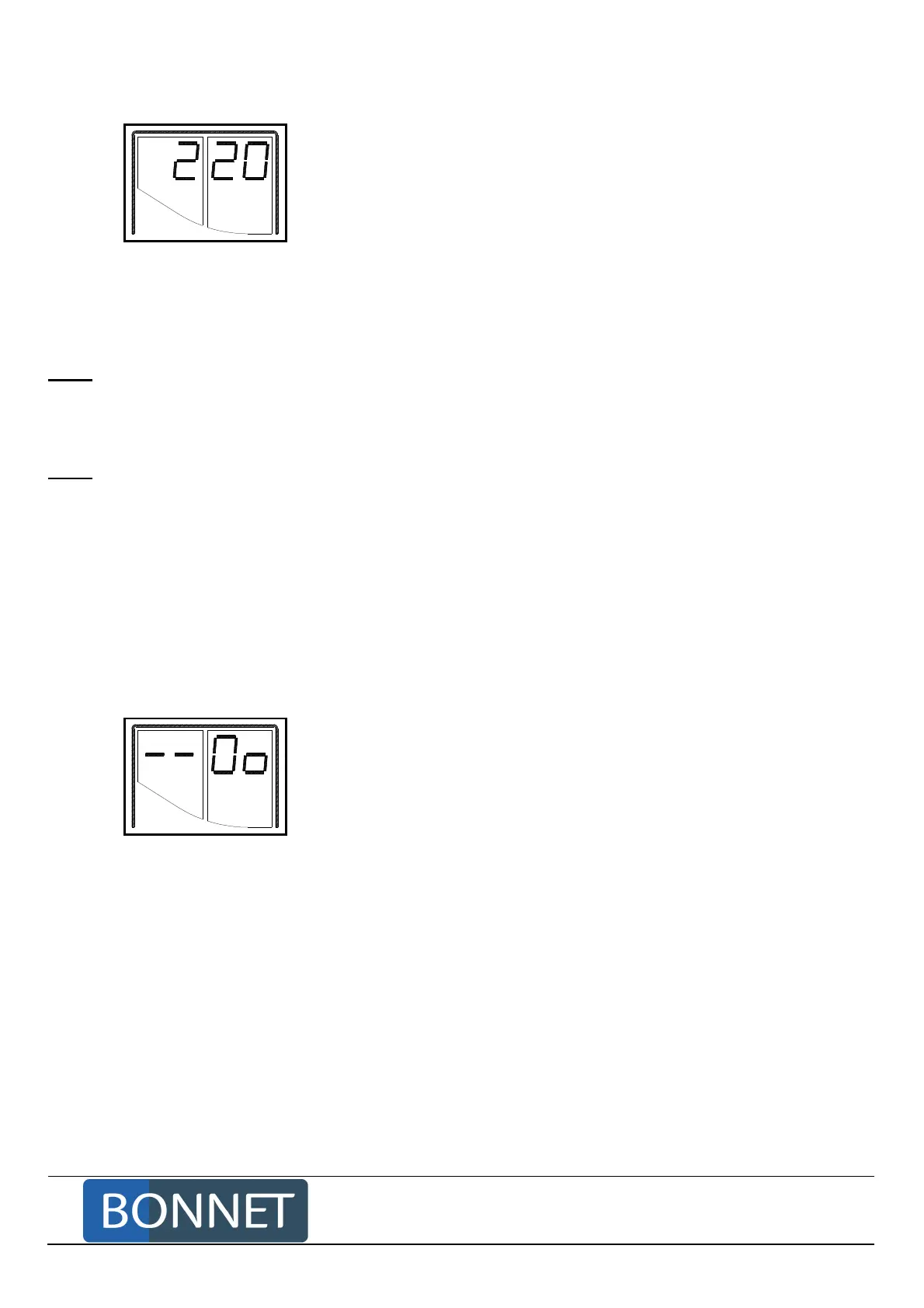
The display is formatted: hh.mm
For example: 2.20, ie 2 hours and 20 minutes.
Variations: - Minute by minute: from 0 to 1 hour
- Every 5 minutes: from 1 to 3 hours
- Every 15 minutes: from 3 to 4 hours 30
- Every 30 minutes from 4h 30 to 10 hours
- Every 1 hour from 10 to 99 hours
Cooking will be over when the time remaining is nil, the display shows the message "End" and the
buzzer rings.
Note: Adjusting a set time value to 00 00 effectively selects manual mode. Cooking will not stop automatically
(handy for keeping a given temperature…).
A programmed set time value cancels a programmed set core value.
Note: When starting cooking, the time begins to be count down when the oven approaches the set
temperature (set temperature – 30°C).
Without connected core probe.
Actuating this switch adjusts the set time value.
With connected core probe.
The display shows a core temperature read as soon as the probe is connected to the appliance
(Example: "SC55" in °C or "P1 30" in °F).
A first touch on the switch shows the cooking time set value.
A final touch on the switch corrects the set time.
Switch 4 in the
: switch 3 selects 2 ventilation speeds.
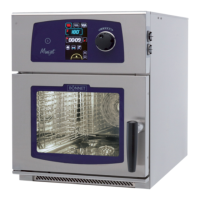
The display shows "-- 0o" or "-- -o"
"-- Oo": High speed
"-- -o": Low speed
Without connected core probe.
Without touching this switch, the display shows the speed set.
Touching this switch changes speed (low speed/High speed).
With connected core probe.
Without touching this switch, the display shows the core temperature read.
A first touch on the switch displays the ventilation speed.
A further touch on the switch changes speed (low speed/high speed).



 To Next Page