Boonton 4540 Series RF Power Meter
Getting Started
Table 3-2 LCD Monitor Display Fields (continued)
Ref. No. Field Name Mode Description
12 Main Measurement Modulated (Text) Displays the main measurement for the channel. This
menu selectable field can be channel average power
or one of several math functions.
13 Secondary Field Modulated (Text) There are two secondary parameter fields available
for each channel’s text display. These fields can
display any available measurement or setting for any
channel.
14 Sensor Model Modulated (Text) Field that shows the sensor model
number.
15 Frequency Modulated (Text) Frequency correction setting of the measurement
channel.
15 Filter Modulated (Text) Acquisition filter setting of the measurement channel.
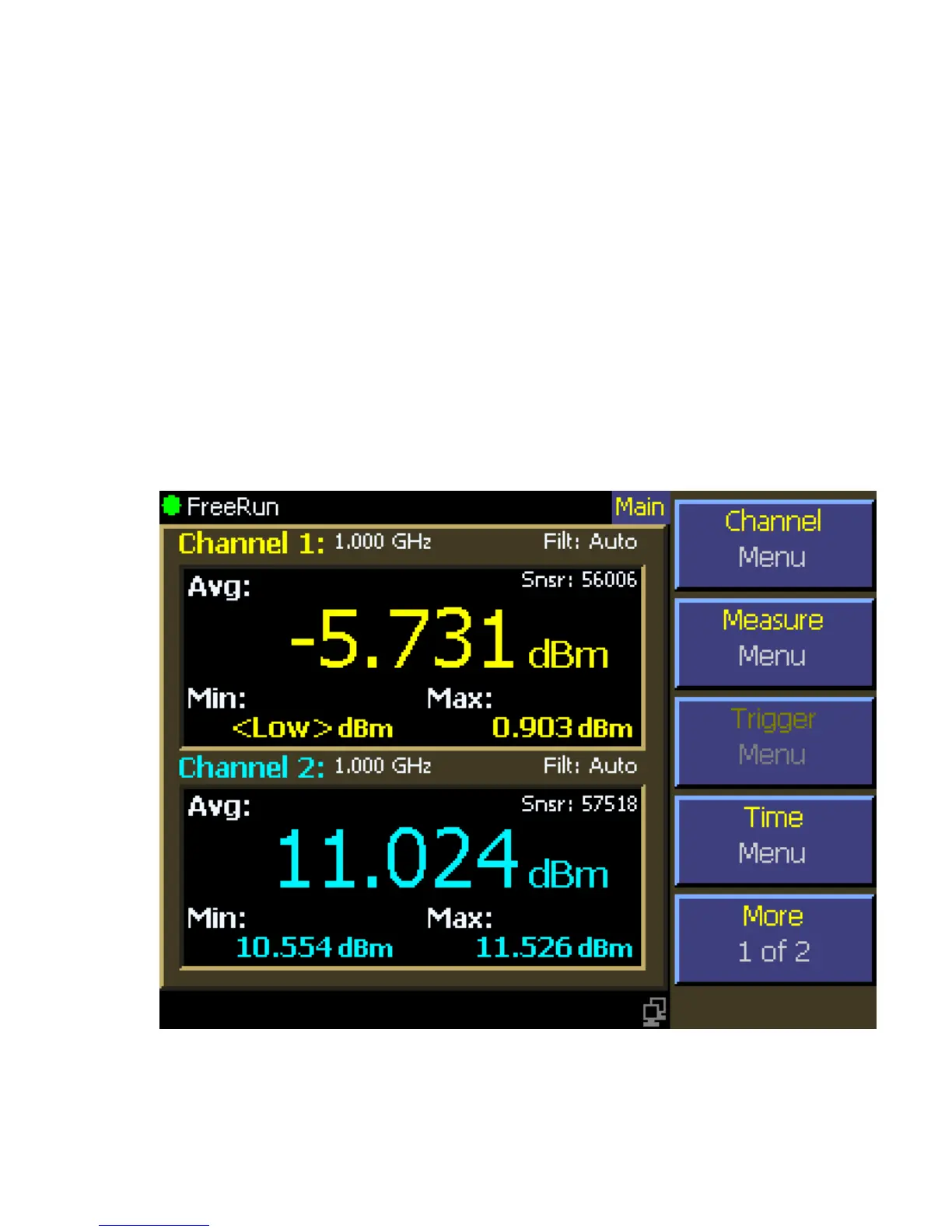
Figure 3-3c. LCD Monitor Text Display (Modulated Mode)



 To Next Page