Hookup
21 Active Fuel Injector Tester User Guide
Step 2—Connect the Tester to Power
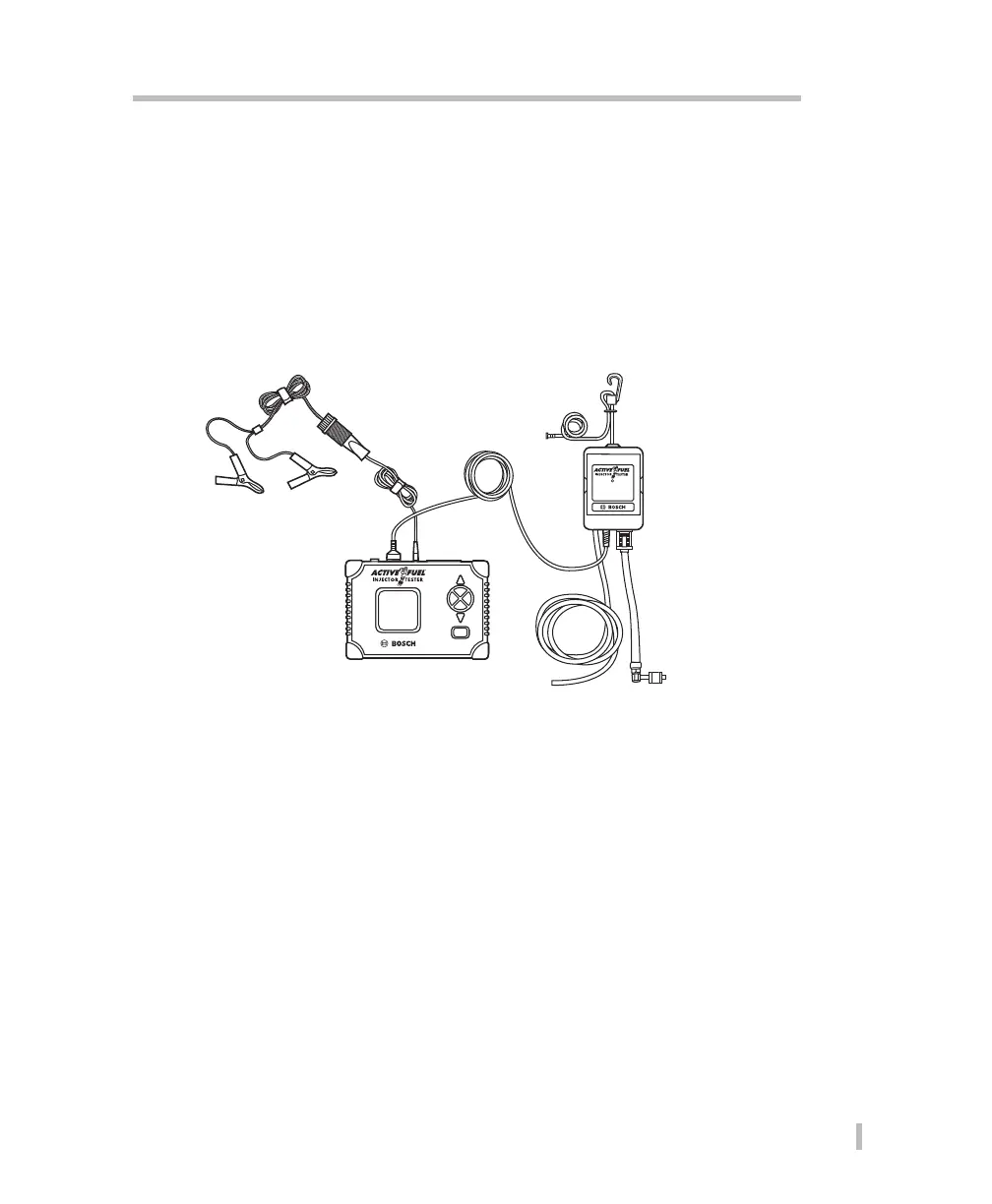
After connecting the tester to the vehicle, you will need to supply power. There are two options
for supplying power to AFIT:
• 12V power cable
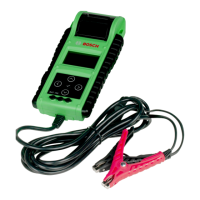
• Battery hookup (alligator clip adapter)
POWER
Fuel Management Unit
ENTERCANCEL
DOWN
ON / OFF
UP
Power
Interconnect
Cable
Hanger
Fuel Management Unit
(FMU)
Main Control Unit
(MCU)
Drain Hose
Fuel Schrader
Connector
Procedure:
1. Make sure the vehicle’s ignition key is in the OFF position.
2. Connect the interconnect cable from the FMU to the MCU.
3. Connect the power cord to the MCU and then connect to power.
Note: If using the alligator clips make sure to connect the red clip to the battery’s positive
(+) terminal, and the black clip to the negative (–) terminal.


 To Next Page