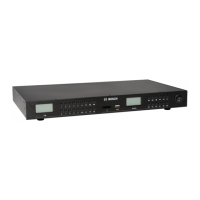
12 en | System Overview Plena Easy Line SD Tuner BGM source
PLE-SDT_OM | V1.0 | 2012.02 Installation and Operation manual Bosch Security Systems B.V.
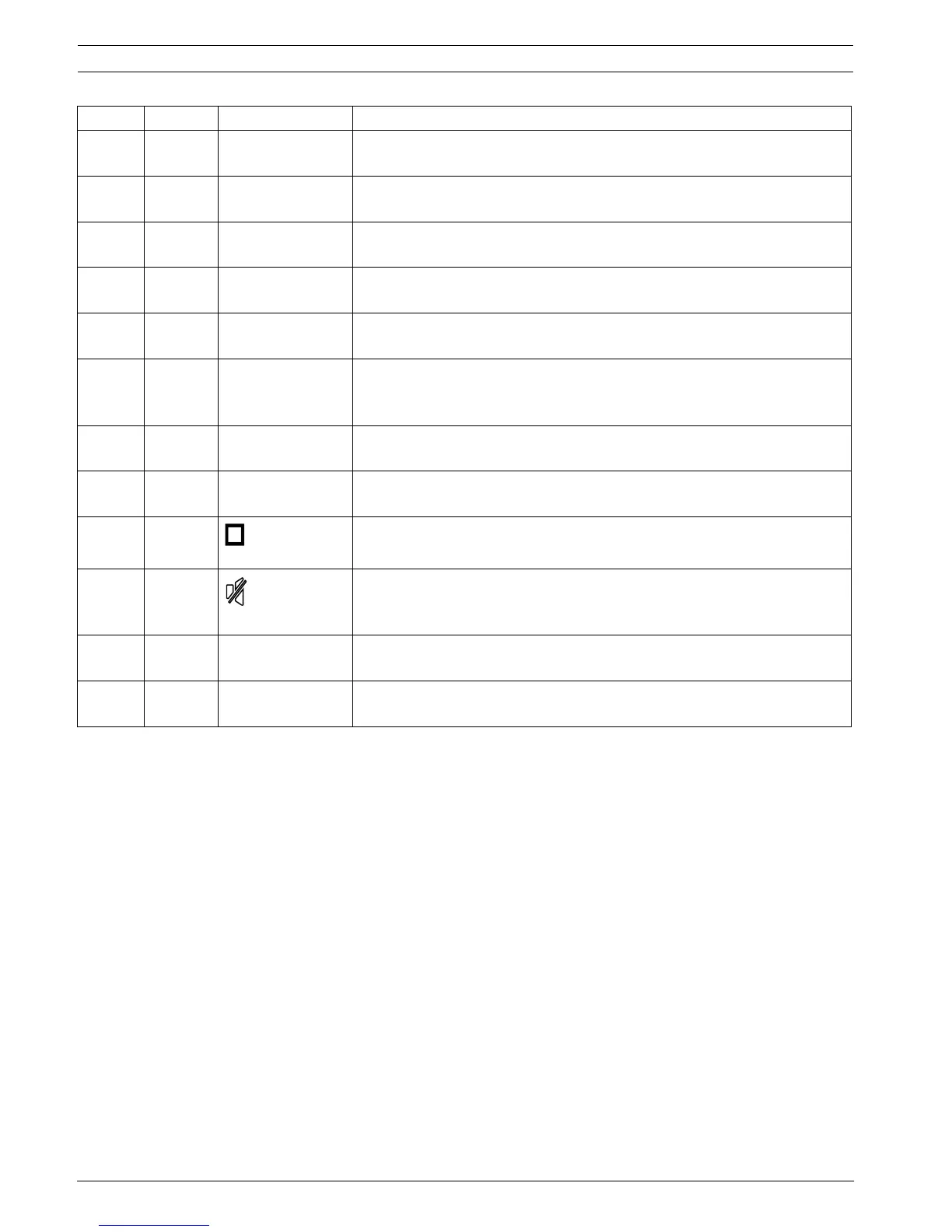
39 USB/SD,
TUNER
USB/SD-TUNER To select USB/SD or FM tuner operation.
Refer to Section 8.1 Remote control.
40 TUNER SLEEP To set the FM tuner switch-off timer.
Refer to Section 8.3.6 Switch off timer.
35 TUNER RDS Radio Data System. To display FM radio frequency information.
Refer to Section 8.3.5 Radio Data System (RDS).
43 TUNER SEARCH To search for a radio frequency.
Refer to Section 8.3.1 Search a FM radio frequency.
37 TUNER ST/MONO To switch between stereo or mono audio output signal.
Refer to Section 8.3.7 Stereo / mono output sound.
19, 22 TUNER |< - TUNE - >| Every time you press one of the buttons the tuning frequency goes up or
down with 50 kHz. Press for two seconds to scan up to the next station.
Refer to Section 8.3 FM tuner.
6 USB/SD |< - SKIP - >| For track selection and fast forward/reverse.
Refer to Section 8.2.2 Track selection.
10 USB/SD >|| To switch between track replay and pause.
Refer to Section 8.2 USB/SD source.
8 USB/SD To stop the track replay. Refer to Section 8.2 USB/SD source.
4 USB/SD,
TUNER
To mute the audio output level of USB / SD source or FM Tuner.
Refer to Section 8.2.5 Muting the output sound of the USB/SD.
Refer to Section 8.3.8 Muting the output sound of the FM Tuner.
13, 14 USB/SD USB-SD To select USB device or SD card operation.
Refer to Section 8.2 USB/SD source.
41 USB/SD,
TUNER
- IR transmitter lens. Refer to Section 8.1 Remote control.
Number Function Button Description


 To Next Page