EasyManua.ls Logo

Bosch PLM-4P220-US - User Manual

Bosch PLM-4P220-US
54 pages
Print Icon
To Next Page IconTo Next Page
Loading...
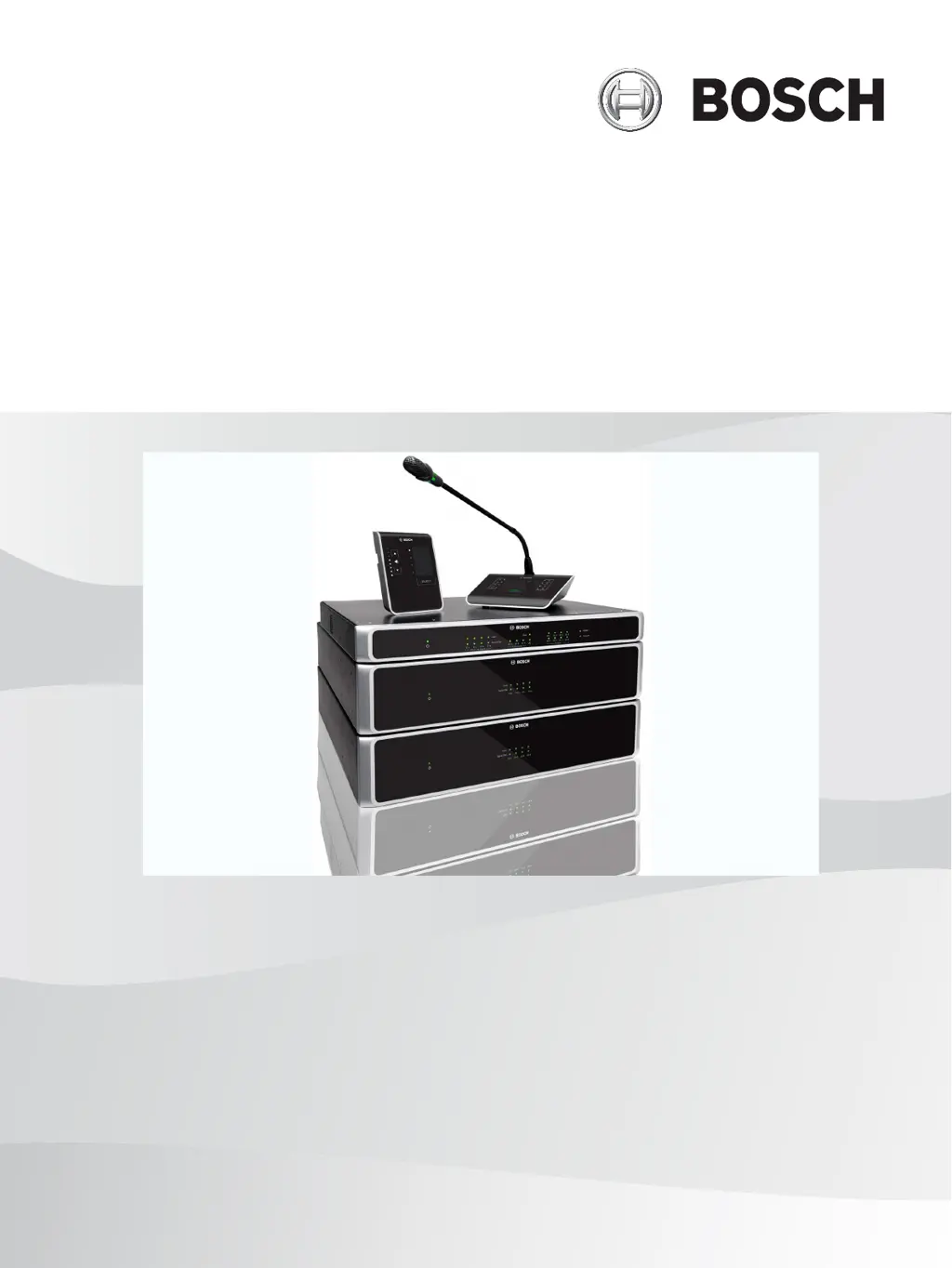
PLENA matrix
Public Address System
en
User manual

Table of Contents

Questions and Answers

Summary

Safety Information

System Overview

Installation Procedures

PC GUI Software Installation

Guides through the installation process for the PC GUI configuration software.

System Connections

System Configuration

Call Station DIP Switch Settings

Details how to set individual IDs for call stations using the 3-way DIP switch.

Wall Control Panel DIP Switch Settings

Explains DIP switch settings for wall control panels to assign IDs and functions.

DSP Matrix Mixer PC GUI Configuration

Instructions for using the PC GUI for DSP matrix mixer setup and control.

Multi Channel DSP Amplifier PC GUI Configuration

Guide to configuring amplifier DSP features and settings using the PC GUI.

System Operation

System Start-up Procedure

Initial steps for powering up and starting the PLENA matrix system correctly.

Call Station Operation

Explains the function, controls, and operational readiness of the call station.

Making Announcements with Call Station

Step-by-step guide to making announcements using the call station's interface.

Wall Control Panel Operation

Details the operation of the wall control panel for source selection and volume control.

Multi Channel DSP Amplifier Operation

Explains the operation and setup of the DSP amplifier, standalone or connected.

Operating Amplifier with PC GUI

Using the PC GUI for amplifier operation, configuration, and DSP features.

DSP Matrix Mixer Overview

Overview of the DSP matrix mixer's controls, indicators, and necessary connections.

Operating DSP Matrix Mixer with GUI

Using the PC GUI to operate and configure the DSP matrix mixer system.

Troubleshooting Common Issues

No Power or Illumination

Solves issues with devices not powering on or showing illuminated LEDs.

No Audio Output

Addresses problems with no sound output from the DSP matrix mixer or amplifier.

Distorted or Strange Audio Output

Diagnoses and resolves issues causing distorted or unusual audio output.

Amplifier Constant Red Fault Light

Troubleshoots persistent red fault lights on amplifiers, often indicating a fault.

Amplifier Slow Flashing Fault LEDs

Diagnoses slow flashing fault LEDs, often indicating PSU issues or thermal protection.

Maintenance Guidelines

Summary

Safety Information

System Overview

Installation Procedures

PC GUI Software Installation

Guides through the installation process for the PC GUI configuration software.

System Connections

System Configuration

Call Station DIP Switch Settings

Details how to set individual IDs for call stations using the 3-way DIP switch.

Wall Control Panel DIP Switch Settings

Explains DIP switch settings for wall control panels to assign IDs and functions.

DSP Matrix Mixer PC GUI Configuration

Instructions for using the PC GUI for DSP matrix mixer setup and control.

Multi Channel DSP Amplifier PC GUI Configuration

Guide to configuring amplifier DSP features and settings using the PC GUI.

System Operation

System Start-up Procedure

Initial steps for powering up and starting the PLENA matrix system correctly.

Call Station Operation

Explains the function, controls, and operational readiness of the call station.

Making Announcements with Call Station

Step-by-step guide to making announcements using the call station's interface.

Wall Control Panel Operation

Details the operation of the wall control panel for source selection and volume control.

Multi Channel DSP Amplifier Operation

Explains the operation and setup of the DSP amplifier, standalone or connected.

Operating Amplifier with PC GUI

Using the PC GUI for amplifier operation, configuration, and DSP features.

DSP Matrix Mixer Overview

Overview of the DSP matrix mixer's controls, indicators, and necessary connections.

Operating DSP Matrix Mixer with GUI

Using the PC GUI to operate and configure the DSP matrix mixer system.

Troubleshooting Common Issues

No Power or Illumination

Solves issues with devices not powering on or showing illuminated LEDs.

No Audio Output

Addresses problems with no sound output from the DSP matrix mixer or amplifier.

Distorted or Strange Audio Output

Diagnoses and resolves issues causing distorted or unusual audio output.

Amplifier Constant Red Fault Light

Troubleshoots persistent red fault lights on amplifiers, often indicating a fault.

Amplifier Slow Flashing Fault LEDs

Diagnoses slow flashing fault LEDs, often indicating PSU issues or thermal protection.

Maintenance Guidelines

Bosch PLM-4P220-US Specifications

General IconGeneral
RMS Output Power220 W
Number of Channels4
THD at rated power< 0.5 %
Power Supply100-240 VAC, 50/60 Hz
ColorBlack
Load Impedance4 Ohms
Frequency Response50Hz - 20kHz
Dimensions (H x W x D)88 x 483 x 400 mm
Connection TypeXLR
SensitivityNot applicable (Amplifier only)
Impedance (Microphone)Not applicable (Amplifier only)
Weight (Microphone)Not applicable (Amplifier only)
Dimensions (Microphone)Not applicable (Amplifier only)

Related product manuals