EasyManua.ls Logo

Bosch DCN-DS - User Manual

Bosch DCN-DS
26 pages
Print Icon
To Next Page IconTo Next Page
Loading...
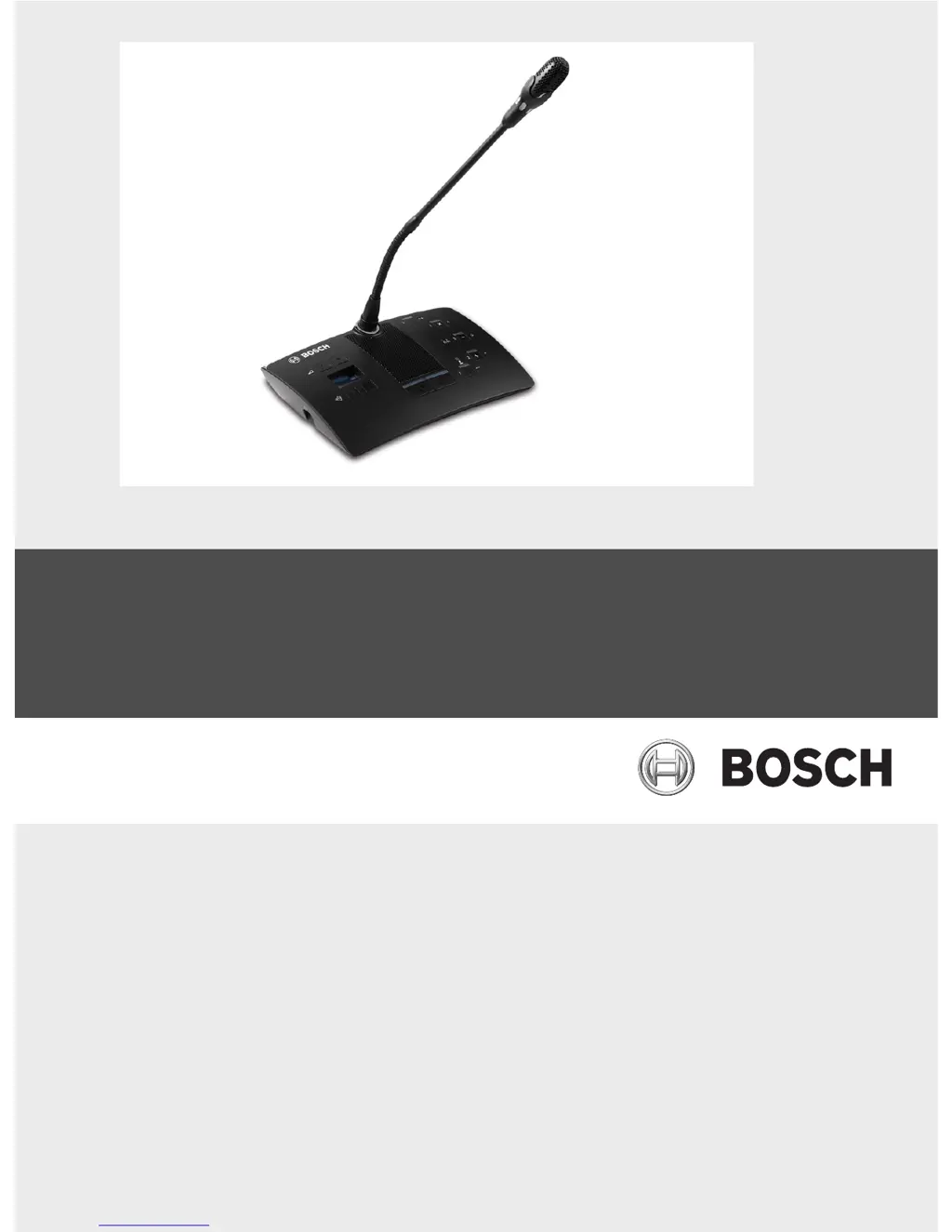
DCN-D Conference Delegate Units
DCN-DS/L, DCN-DCS, DCN-DV, DCN-DVCS
en Installation and Operation manual

Questions and Answers

  • J
    Joshua RussellJul 29, 2025
    Why is the microphone indicator ring flashing red on my Bosch Conference System?
    • A
      Anthony WilliamsJul 29, 2025
      If the microphone indicator ring is flashing red, or the LEDs of the microphone buttons are off on two or more delegate units in your Bosch Conference System, it means that the units have the same address. Ensure each active device in the DCN system has a unique address.

Summary

Safety

Safety Instructions

Instructions for safe installation and operation of delegate units and the DCN System.

Planning and design

System Limits

System capacity limits and general design considerations for DCN delegate units.

Installation

Connection

Connecting the Delegate Unit

Steps to connect the delegate unit to the DCN system using cables and clamps.

Configuration

Unit Initialization

Process of assigning a unique address to each delegate unit for system communication.

Unit De-initialization

Procedure to erase the address from a delegate unit, resetting it to its unaddressed state.

Internal Settings

Overview and location of internal setting switches (I and II) on the delegate unit.

Microphone Sensitivity Adjustment

How to adjust microphone sensitivity using switches and volume buttons, including LED feedback.

Operation

Troubleshooting

Delegate Unit Issues

Common problems with delegate units and their potential causes and solutions.

Technical Data

Bosch DCN-DS Specifications

General IconGeneral
Power SupplySupplied by the system
ControlCentral Unit
Number of devices that can be active simultaneouslyUp to 4
Headphone outputs1 x 3.5 mm stereo jack
Dimensions (Diameter x Height)Not applicable
ColorBlack

Related product manuals