EasyManua.ls Logo

Bosch DICENTIS - User Manual

Bosch DICENTIS
42 pages
Print Icon
To Next Page IconTo Next Page
Loading...
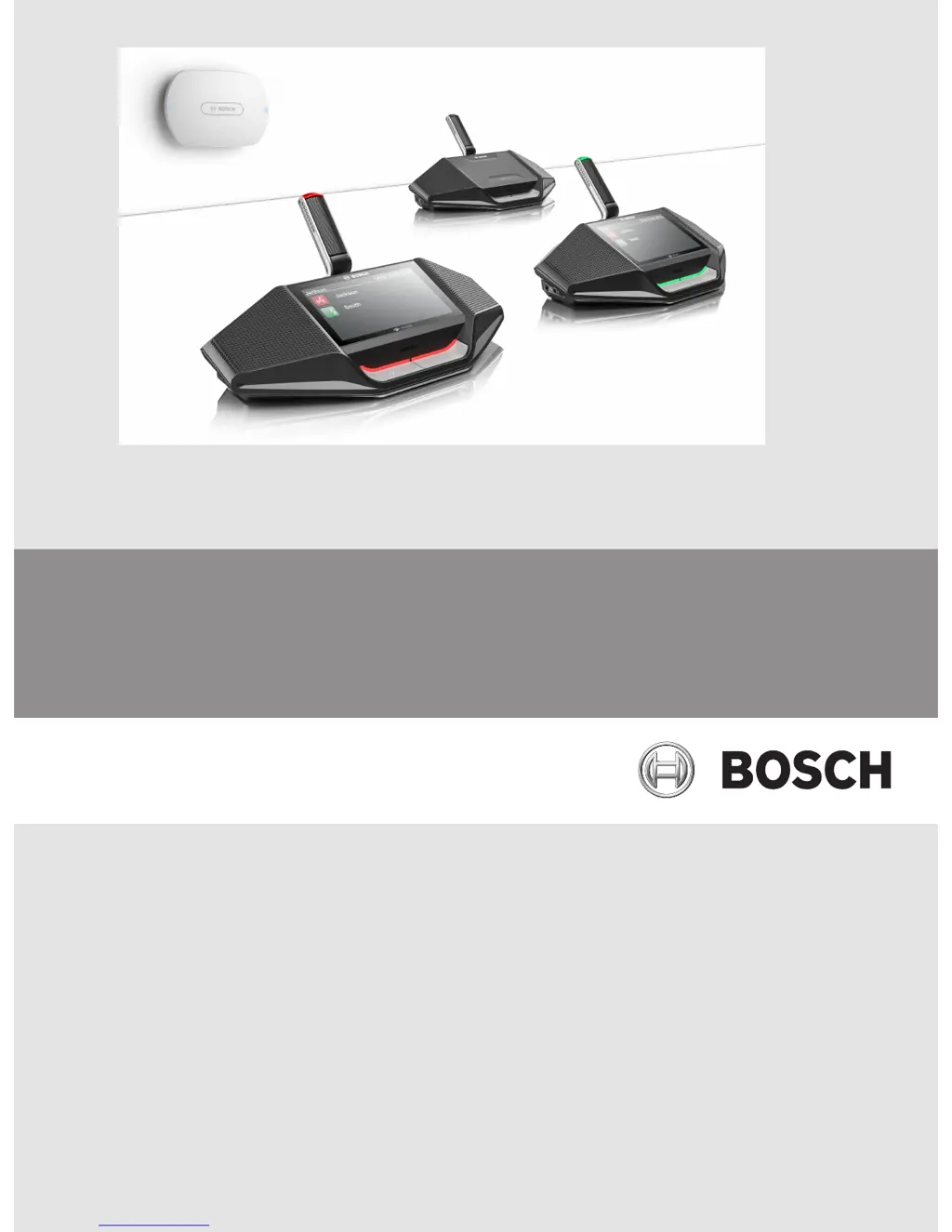
DICENTIS
Wireless Conference System
en Installation Manual

Other manuals for Bosch DICENTIS

Questions and Answers

  • R
    Robert GillJul 27, 2025
    What to do if the software upgrade fails on my Bosch DICENTIS Conference System?
    • D
      David FreemanJul 27, 2025
      If the software upgrade fails on your Bosch Conference System, several factors could be responsible. First, check the battery charge on the Battery and signal page and charge the batteries if they are low. Ensure the WAP is switched on and that the wireless devices are also on and subscribed to the WAP. If the devices are out of range, use the range test on the Battery and signal page to check their proximity to the WAP. Finally, if the wireless network is overloaded, try connecting the WAP(s) to a laptop or PC with a DCN multimedia System Network Cable or a standard network cable. Note that if a redundant WAP is configured, you'll need an Ethernet network switch to connect both WAPs to the laptop or PC.
  • T
    Tonya NelsonAug 9, 2025
    Why can't I log in to the secondary WAP when the Bosch DICENTIS Conference System switches to redundant mode?
    • A
      Antonio BrooksAug 10, 2025
      If you cannot log in to the secondary WAP of your Bosch Conference System when it switches to redundant mode, it's likely due to your web browser cache storing information from the primary WAP. To resolve this, simply delete the web browser cache.

Summary

Safety

Battery Pack Safety

Safety instructions and precautions for handling and using the battery pack.

Installation Planning

Installation Wireless Access Point

Cabling and Installation Options

Details on connecting cables and mounting the Wireless Access Point to various surfaces.

Power On, Connections, and Indicators

Explains powering the unit and understanding status LEDs and port connections.

Installation Wireless Devices and Accessories

Battery Pack Installation

Procedure for installing and removing the battery pack in DICENTIS wireless devices.

Maintenance

Technical Data

Wireless Access Point (DCNM-WAP) Specifications

Technical specifications for the DICENTIS Wireless Access Point, covering radio, electrical, and mechanical aspects.

Wireless Devices (DCNM-WD;WDE) Specifications

Technical specifications for DICENTIS wireless devices, including general, radio, electrical, and mechanical details.

Bosch DICENTIS Specifications

General IconGeneral
System TypeDigital Conference System
Cable lengthUp to 100 m (Ethernet)
IntegrationOpen API for integration with third-party systems
SecurityEncryption, authentication
TypeDiscussion device, multimedia device, interpretation desk, system device
MountingTabletop, flush mount
ConnectivityEthernet, OMNEO, USB
PowerPoE (Power over Ethernet)
DisplayTouchscreen
Headphone outputYes
NFC ReaderYes
Operating voltage48 VDC
ConnectorRJ45
Storage temperature-20°C to +60°C
Interpretation ChannelsUp to 31 (depending on device type)
Relative humidity10% to 90% (non-condensing)

Related product manuals