Battery Pack
The Battery Pack (DCNM-WLIION) is used to:
– Provide the power supply of the Wireless Devices (DCNM-WD and DCNM-WDE).
– Refer to Installation Wireless Devices and Accessories, page 19, if required.
Caution!
It is advised to charge the Battery Pack immediately after receipt. Use only the DCNM-WCH05
to charge the Battery Pack. Empty Battery Packs should be charged within 30 days. It is
advised to recharge the Battery Pack when the remaining capacity drops below 5%. Refer to
Charger, page 25.
Scope of delivery
– The DCNM-WLIION is shipped without (accessory) parts.
Caution!
Do not leave an empty Battery Pack within the Wireless Device.
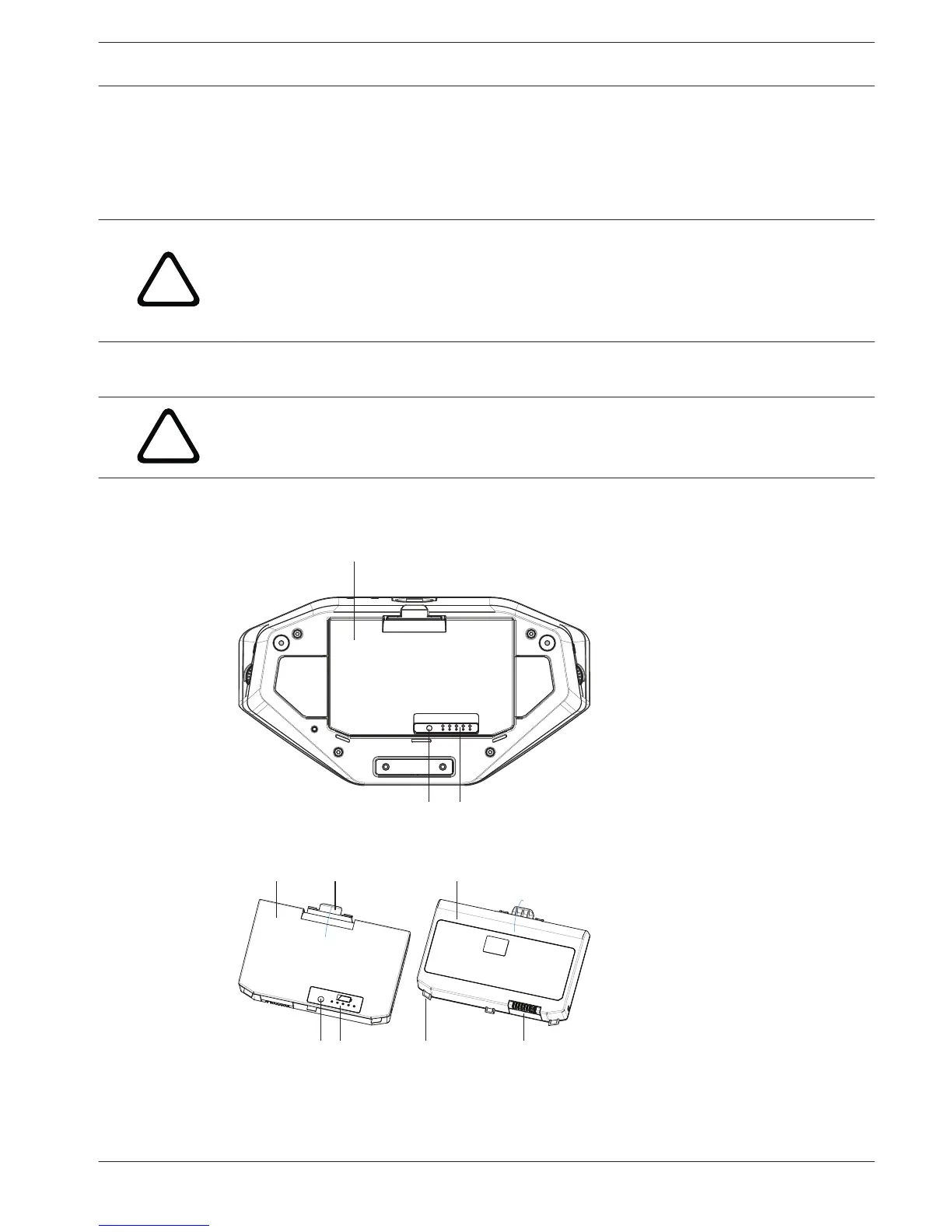
How to install the Battery Pack
Figure 6.4: Wireless Device bottom view including Battery Pack
Figure 6.5: DCNM-WLIION Battery Pack top (1) and rear (3) view.
1. Turn the Wireless Device up‑side‑down.
6.2
DICENTIS Installation Wireless Devices and Accessories | en 23
Bosch Security Systems B.V. Installation Manual 2015.03 | V1.01 |















 To Next Page