EasyManua.ls Logo

Bosch F.01U.299.030 - User Manual

Bosch F.01U.299.030
72 pages
Print Icon
To Next Page IconTo Next Page
Loading...
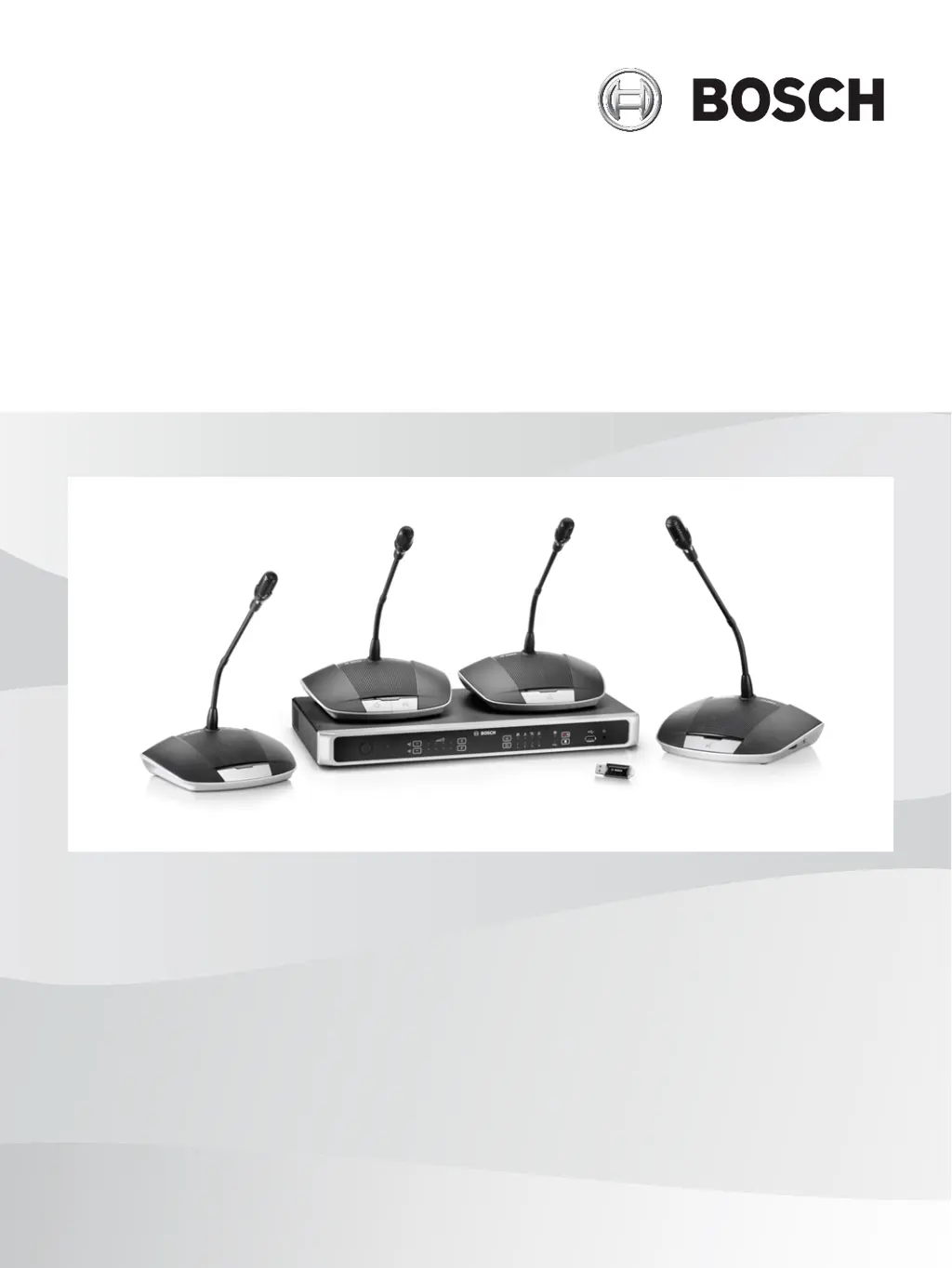
Digital Discussion System
CCS 1000 D
en
Operation manual

Table of Contents

Questions and Answers

  • A
    april66Aug 20, 2025
    How to fix no sound from loudspeakers of all Bosch Conference System Discussion Devices?
    • A
      Amy NealAug 20, 2025
      If there is no sound coming from the loudspeakers of all discussion devices, the loudspeaker volume may be too low. Use the volume control button on the control unit or the web browser interface to increase the volume.
  • L
    Logan RuizAug 22, 2025
    Why is the sound faint or distorted from my Bosch F.01U.299.030 discussion device?
    • C
      cliffordsanchezAug 22, 2025
      Faint or distorted sound from a discussion device can occur if one or more trunk lines are overloaded. To fix this, reduce the load on the trunk lines by either decreasing the number of discussion devices or shortening the length of the extension cables.
  • C
    christinahartAug 25, 2025
    What to do if there is no sound from the loudspeaker of a Bosch F.01U.299.030 Conference System discussion device?
    • J
      Joy GarciaAug 25, 2025
      If there is no sound from the loudspeaker of a discussion device, check if headphones are connected. If they are, remove the headphones.
  • K
    Katherine FullerAug 26, 2025
    How to fix faint or distorted sound from Bosch Conference System discussion device?
    • A
      Amy WallaceAug 27, 2025
      Faint or distorted sound from a discussion device can occur if one or more trunk lines are overloaded. To resolve this, reduce the load on the trunk lines by either reducing the number of discussion devices or reducing the length of the extension cable(s).
  • J
    jeremy60Aug 28, 2025
    Why is there acoustic feedback from my Bosch F.01U.299.030 Conference System discussion devices?
    • M
      Melinda CalderonAug 28, 2025
      Acoustic feedback occurs when there's a sound loop between a loudspeaker and a microphone. To resolve this: * Reduce the volume of all discussion devices using the control unit. * Decrease the volume of the control unit loudspeaker. * Increase the distance between the discussion devices and/or the control unit. * Increase the distance between the headphone and the microphone.
  • J
    jessicabridgesAug 30, 2025
    What to do if my Bosch F.01U.299.030 Conference System microphone does not respond?
    • H
      Hannah WoodAug 30, 2025
      If the microphone is not responding, one or more trunk lines may be overloaded. Reduce the load by either reducing the number of discussion devices or shortening the length of the extension cables.
  • S
    Stephen MartinezSep 1, 2025
    Why is there a brief interruption in the audio during a Bosch Conference System meeting/discussion?
    • P
      Patrick MorseSep 1, 2025
      Brief audio interruptions during a meeting or discussion can happen if recorder settings or individual microphone outputs are changed during the session. Avoid changing these settings during a meeting.
  • G
    Gregory SawyerSep 3, 2025
    Why is there no sound from the loudspeakers of all Bosch F.01U.299.030 Conference System discussion devices?
    • M
      michelerasmussenSep 3, 2025
      If there is no sound from the loudspeakers of all discussion devices, it may be because the loudspeaker volume is too low. Use the volume control button on the Control Unit or web browser interface to centrally increase the volume of all Discussion Devices.
  • K
    Krista PierceSep 5, 2025
    What to do if the Bosch F.01U.299.030 microphone does not respond?
    • S
      Susan BrooksSep 5, 2025
      If the microphone does not respond, one or more trunk lines might be overloaded. Reduce the load on the trunk lines by either reducing the number of discussion devices or reducing the length of the extension cable(s).
  • J
    Judy DunnSep 7, 2025
    Why is there no sound from the loudspeaker of a Bosch Conference System discussion device?
    • D
      David MillsSep 7, 2025
      If there is no sound from the loudspeaker of a discussion device, check if headphones are connected to the discussion device. If they are, remove the headphones.

Bosch F.01U.299.030 Specifications

General IconGeneral
BrandBosch
ModelF.01U.299.030
CategoryConference System
LanguageEnglish

Related product manuals