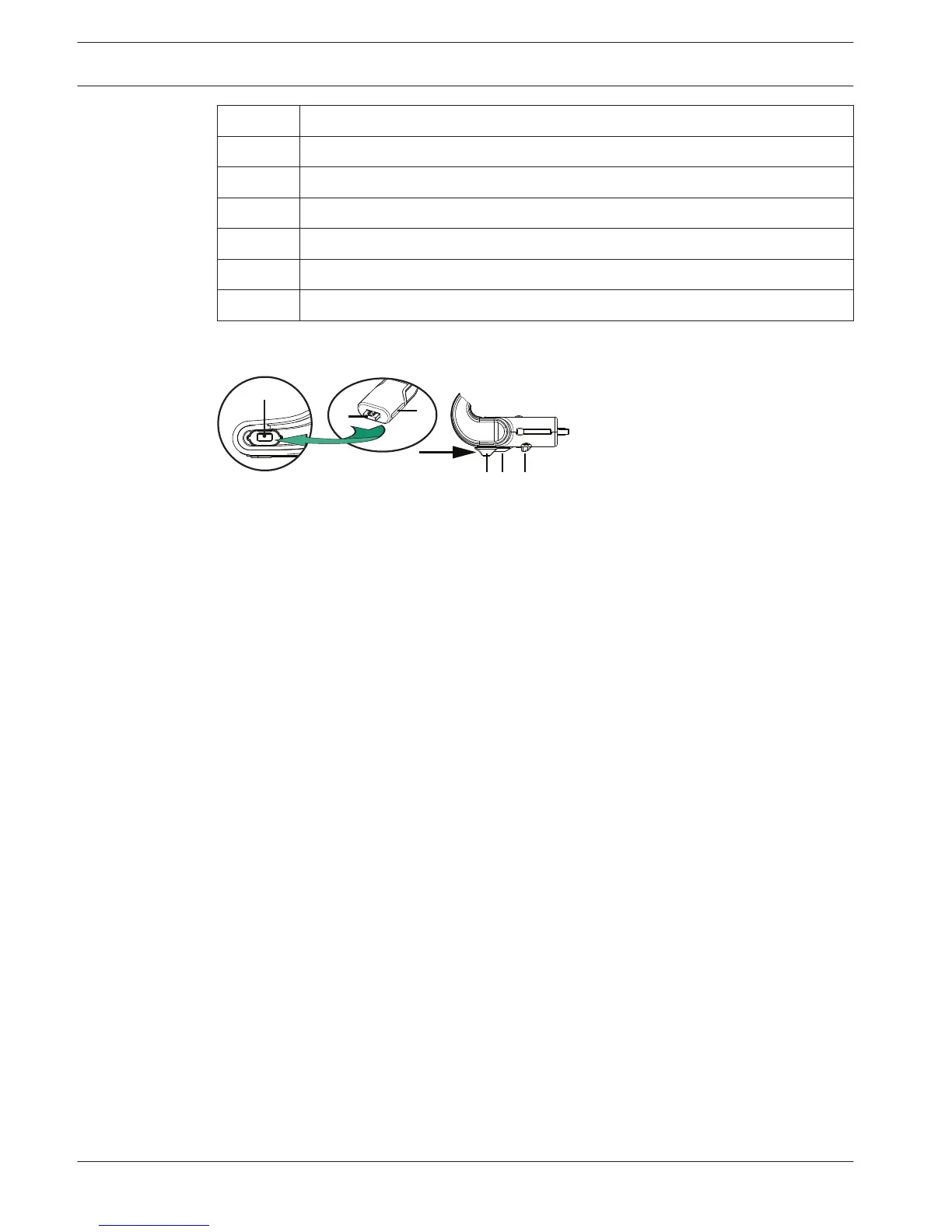
Number Description
4 Connection guidance.
5 Slider guidance.
6 Connector plug.
7 Lockslider for lock release (Press and shift to release).
8 Lock.
9 Device female connector.
How to connect or remove the microphone
The microphone can be easily connected to the device:
Figure 6.3: DCNM‑HDMIC or DCNM‑MICx to DCNM‑MMD connection
To do so:
1. Gently guide the connection guidance (4) into the device microphone connector (9).
2. Gently push the connector plug (6) into the device microphone connector (9) until the
connection lock (5) fits/click into place.
3. To remove the microphone from the device: Shift lockslider (7) towards the device and
hold in place lock release (8) and pull out the microphone.
22
en | Installation Wireless Devices and Accessories DICENTIS
2015.03 | V1.01 | Installation Manual Bosch Security Systems B.V.















 To Next Page