EasyManua.ls Logo

Bosch PLM-8CS - User Manual

Bosch PLM-8CS
54 pages
Print Icon
To Next Page IconTo Next Page
Loading...
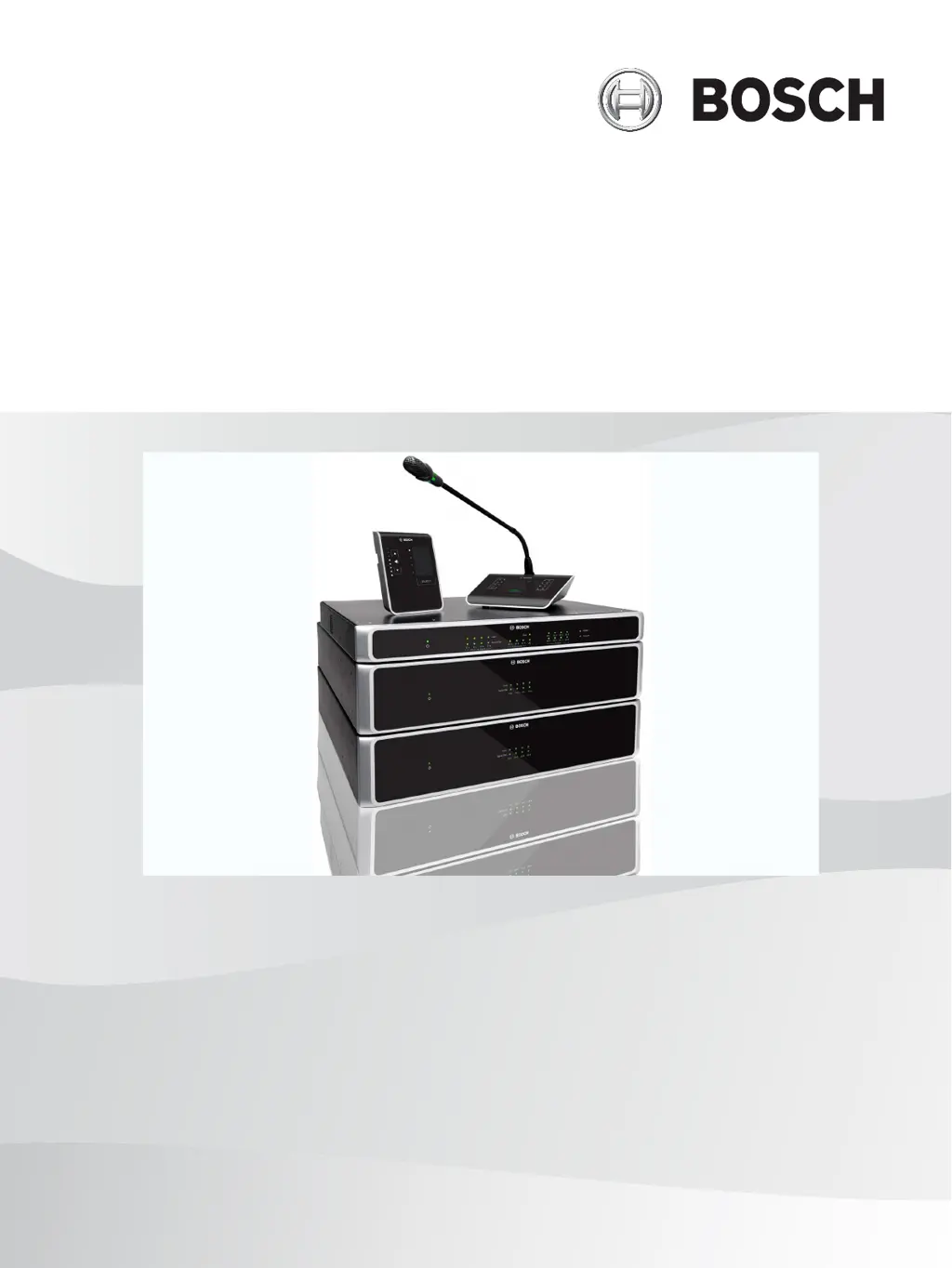
PLENA matrix
Public Address System
en
User manual

Table of Contents

Questions and Answers

Summary

Safety

FCC and ICES Compliance

Regulatory information for FCC and ICES compliance in US and Canada.

About this Manual

Manual Purpose

Outlines the manual's goal: to guide users through installation, configuration, and operation.

Digital Document Availability

States that the manual is available as a PDF document online.

Intended Audience

Identifies the target readers as installers, operators, and users of the system.

Alerts and Notice Signs

Explains the meaning and importance of safety signs used throughout the manual.

Copyright and Disclaimer

Provides legal information regarding copyright and disclaimers for the document.

Document History

Lists past versions of the document, including release dates and reasons for changes.

System Overview

Application Area

Describes the various public address scenarios and locations where the system is suitable.

Scope of Delivery

Lists all the components and accessories included with the PLENA matrix system.

Planning

Installation

DSP Matrix Mixer and Amplifiers Installation

Guidance for rack-mounting the DSP Matrix Mixer and Multi Channel DSP Amplifiers.

Call Station Installation

Installation instructions and precautions for the PLENA matrix Call Station.

Wall Control Panel Installation

Instructions for installing the Wall Control Panel, including mounting and cable management.

PC GUI Software Installation

Information on installing and setting up the PC GUI software for system configuration.

iOS GUI Software

Details on using the iOS GUI app for wireless control of the system.

Connections

Call Station Connection

Explains how to connect the Call Station to the DSP Matrix Mixer via CAT-5.

Wall Control Panel Connection

Describes the connection of the Wall Control Panel to the system using CAT-5.

Multi Channel DSP Amplifier Connection

Details on connecting the Multi Channel DSP Amplifier to the mixer using Amp Link or phoenix connectors.

DSP Matrix Mixer Connections

Overview of all connections for Call Stations, Wall Control Panels, and Amplifiers to the mixer.

Configuration

Call Station DIP Switch Settings

How to set unique ID numbers for each Call Station using DIP switches.

Wall Control Panel DIP Switch Settings

Configuration of Wall Control Panels using DIP switches for source and zone selection.

Multi Channel DSP Amplifier Settings

DIP switch settings for input sensitivity and bridging on the amplifier.

DSP Matrix Mixer PC GUI Configuration

Detailed guide on using the PC GUI for configuring the DSP matrix mixer.

Multi Channel DSP Amplifier PC GUI Configuration

Instructions for configuring the amplifier's DSP features via the PC GUI.

Amplifier Bridging Configuration

Steps for configuring amplifier bridging using DIP switches on the rear unit.

Operation

System Start-up

Initial startup procedures and checks for the PLENA matrix system.

Call Station Operation

How to use the Call Station to make announcements in selected loudspeaker zones.

Wall Control Panel Operation

Operating the Wall Control Panel to select input sources and adjust volume.

Multi Channel DSP Amplifier Operation

Operating the amplifier, either standalone or connected to the DSP matrix mixer.

DSP Matrix Mixer Operation

Overview of DSP Matrix Mixer operation via control interfaces.

Troubleshooting

Maintenance

Cleaning and Checks

Guidance on cleaning units, air vents, connectors, and grounding for system upkeep.

Technical Data

Electrical Specifications

Detailed electrical specifications for system components including power and performance.

Mechanical Specifications

Mechanical specifications like dimensions, mounting, color, and weight for system components.

Environmental Conditions and Standards

Operating environment requirements and compliance with EMC standards.

Summary

Safety

FCC and ICES Compliance

Regulatory information for FCC and ICES compliance in US and Canada.

About this Manual

Manual Purpose

Outlines the manual's goal: to guide users through installation, configuration, and operation.

Digital Document Availability

States that the manual is available as a PDF document online.

Intended Audience

Identifies the target readers as installers, operators, and users of the system.

Alerts and Notice Signs

Explains the meaning and importance of safety signs used throughout the manual.

Copyright and Disclaimer

Provides legal information regarding copyright and disclaimers for the document.

Document History

Lists past versions of the document, including release dates and reasons for changes.

System Overview

Application Area

Describes the various public address scenarios and locations where the system is suitable.

Scope of Delivery

Lists all the components and accessories included with the PLENA matrix system.

Planning

Installation

DSP Matrix Mixer and Amplifiers Installation

Guidance for rack-mounting the DSP Matrix Mixer and Multi Channel DSP Amplifiers.

Call Station Installation

Installation instructions and precautions for the PLENA matrix Call Station.

Wall Control Panel Installation

Instructions for installing the Wall Control Panel, including mounting and cable management.

PC GUI Software Installation

Information on installing and setting up the PC GUI software for system configuration.

iOS GUI Software

Details on using the iOS GUI app for wireless control of the system.

Connections

Call Station Connection

Explains how to connect the Call Station to the DSP Matrix Mixer via CAT-5.

Wall Control Panel Connection

Describes the connection of the Wall Control Panel to the system using CAT-5.

Multi Channel DSP Amplifier Connection

Details on connecting the Multi Channel DSP Amplifier to the mixer using Amp Link or phoenix connectors.

DSP Matrix Mixer Connections

Overview of all connections for Call Stations, Wall Control Panels, and Amplifiers to the mixer.

Configuration

Call Station DIP Switch Settings

How to set unique ID numbers for each Call Station using DIP switches.

Wall Control Panel DIP Switch Settings

Configuration of Wall Control Panels using DIP switches for source and zone selection.

Multi Channel DSP Amplifier Settings

DIP switch settings for input sensitivity and bridging on the amplifier.

DSP Matrix Mixer PC GUI Configuration

Detailed guide on using the PC GUI for configuring the DSP matrix mixer.

Multi Channel DSP Amplifier PC GUI Configuration

Instructions for configuring the amplifier's DSP features via the PC GUI.

Amplifier Bridging Configuration

Steps for configuring amplifier bridging using DIP switches on the rear unit.

Operation

System Start-up

Initial startup procedures and checks for the PLENA matrix system.

Call Station Operation

How to use the Call Station to make announcements in selected loudspeaker zones.

Wall Control Panel Operation

Operating the Wall Control Panel to select input sources and adjust volume.

Multi Channel DSP Amplifier Operation

Operating the amplifier, either standalone or connected to the DSP matrix mixer.

DSP Matrix Mixer Operation

Overview of DSP Matrix Mixer operation via control interfaces.

Troubleshooting

Maintenance

Cleaning and Checks

Guidance on cleaning units, air vents, connectors, and grounding for system upkeep.

Technical Data

Electrical Specifications

Detailed electrical specifications for system components including power and performance.

Mechanical Specifications

Mechanical specifications like dimensions, mounting, color, and weight for system components.

Environmental Conditions and Standards

Operating environment requirements and compliance with EMC standards.

Bosch PLM-8CS Specifications

General IconGeneral
BrandBosch
ModelPLM-8CS
CategoryConference System
LanguageEnglish

Related product manuals