en Hob-based hood control
24
Note:Please note that the HomeConnect functions
can only be utilised with the HomeConnect app. In-
formation on data protection can be retrieved in the
HomeConnect app.
Hob-based hood control
24 Hob-based hood control
If the hob and the extractor hood are HomeConnect-
compatible, connect the appliances in the HomeCon-
nectapp. To do this, connect the two appliances to
HomeConnect and follow the instructions in the app.
Notes
¡ Using the controls on the extractor hood always
takes priority. It is not possible to use the hob-based
hood control during this time.
¡ You can only connect to the extractor hood via the
HomeConnect app. Other connection routes are no
longer supported.
24.1 Resetting HomeConnectsettings
If you have problems connecting your appliance to the
WLAN home network (Wi-Fi) or if you want to log your
appliance onto a different WLAN home network (Wi-Fi) ,
you can reset the HomeConnect settings.
Note:If you reset the HomeConnect settings, the con-
nection to any extractor hood will also be terminated.
1.
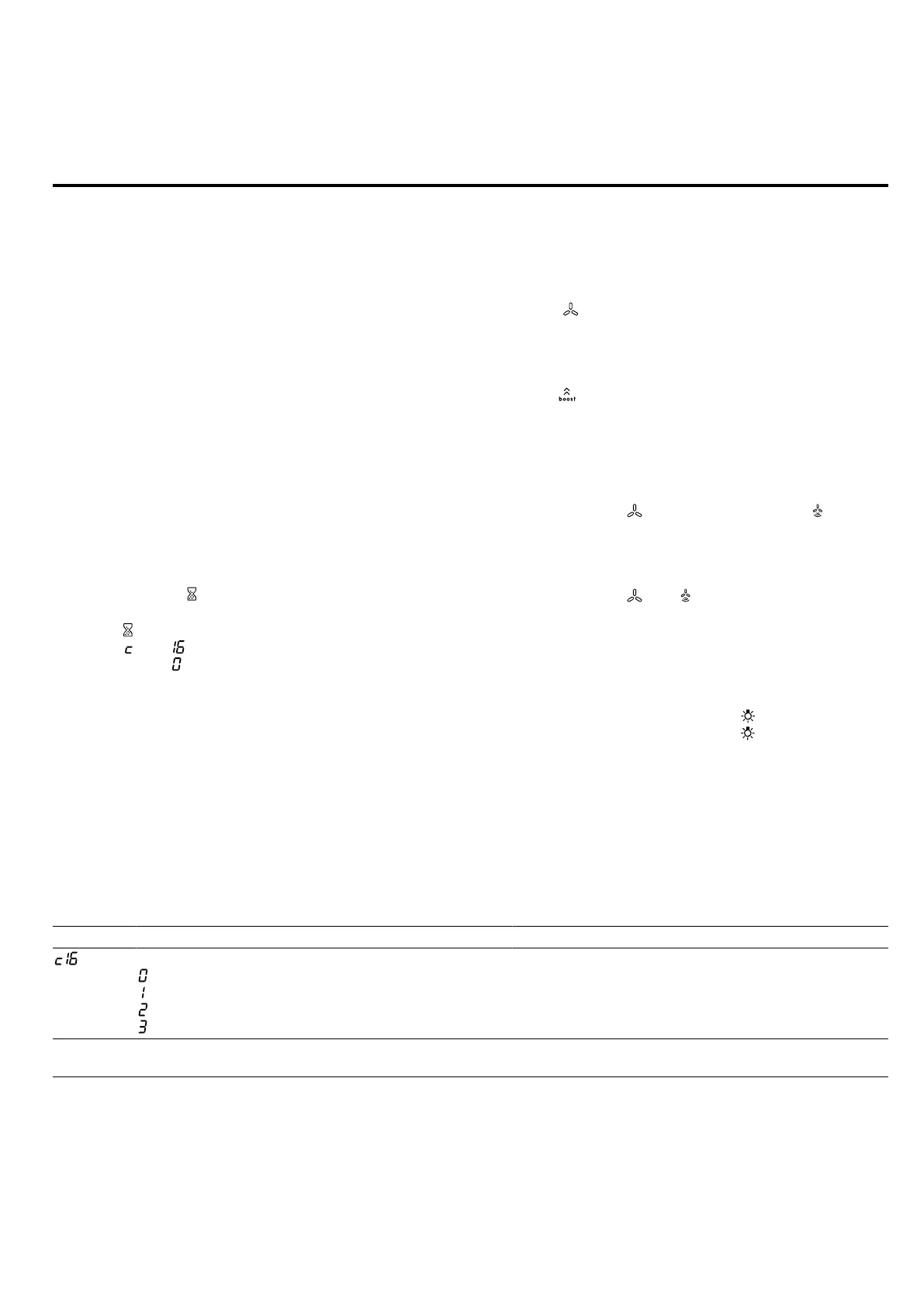
Press and hold for 4seconds.
a The display will show the product information.
2.
Touch repeatedly until the display alternately
shows and .
3.
Set the value on the control panel.
24.2 Controlling the extractor hood via the
hob
In the basic settings for your hob, you can adjust the
behaviour of your extractor hood depending on
whether the hob or individual cooking zones are
switched on or off.
You can select other settings using the controls on the
hob.
Setting the fan
1.
Touch .
2.
Select a fan setting on the control panel.
You can choose between the levels 1, 2 and 3.
To select an intensive setting, touch 4 or 5 on the
control panel. Alternatively, you can repeatedly
touch until the required intensive setting is dis-
played.
Switching off the fan
▶
Select the fan setting 0 on the control panel.
Switching on automatic mode
▶
Press and hold until the display shows .
a The fan will start automatically when steam is pro-
duced.
Switching off automatic mode
▶
Press and hold until goes out.
Automatic mode will also end if you select a differ-
ent fan setting.
Setting the hood lighting
You can switch the hood lighting on and off using the
control panel of the hob.
1.
To switch the lighting on, touch .
2.
To switch the lighting off, touch again.
24.3 Overview of the hood control settings
In the basic settings for your hob, you can adjust the behaviour of your extractor hood depending on whether the hob
or individual cooking zones are switched on or off.
Setting
1
Selection Description
Connection between hob and extractor hood
– Not connected/disconnected
– No function
– Connected to WLAN home network (Wi-Fi)
– Connected to WLAN and extractor hood
-
1
Depending on the appliance specifications
2
Factory setting (may vary according to model)




 To Next Page