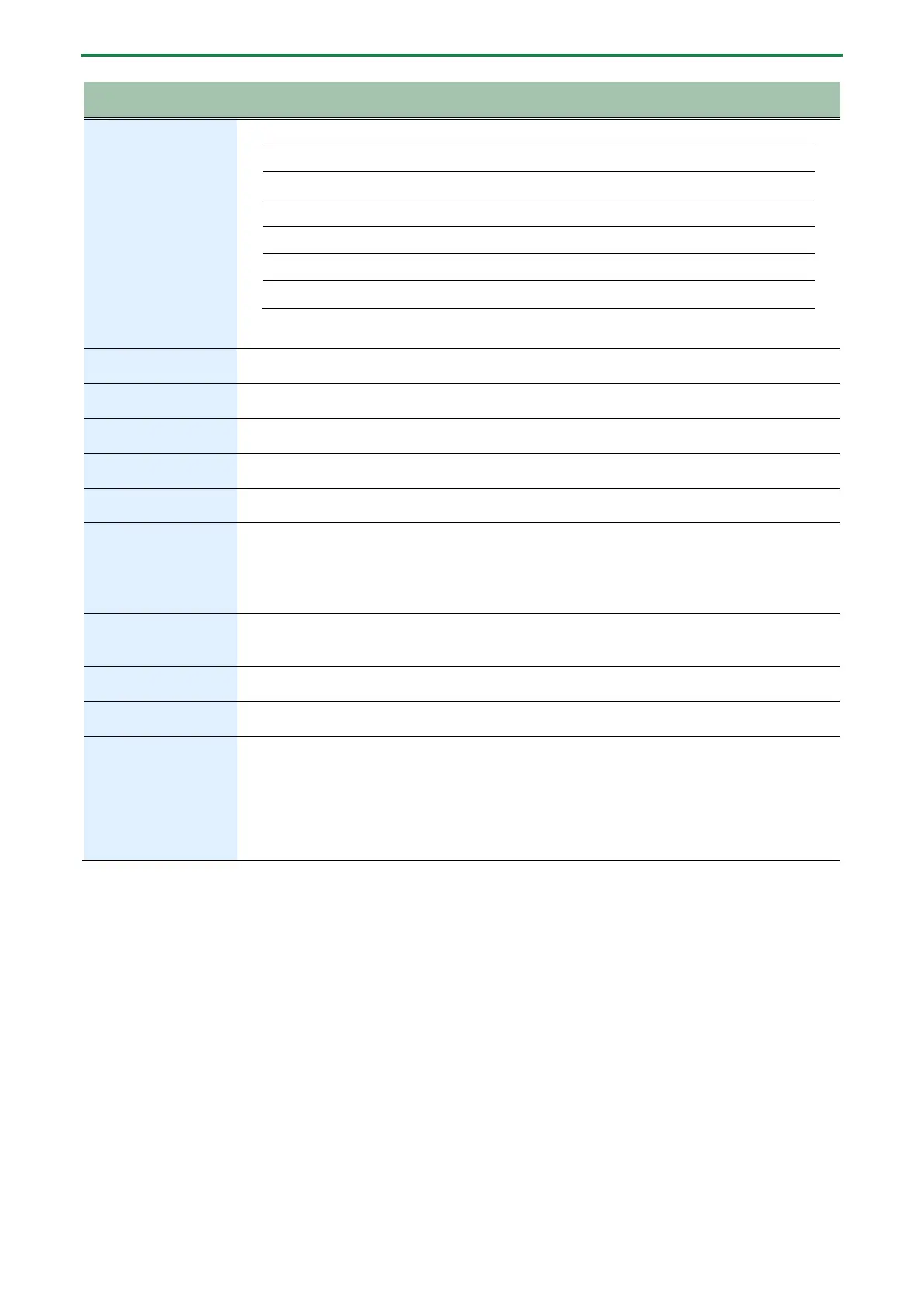
Panel Descriptions
4
Dotted quarter note (150%)
µ
µ
µ
µ
Quarter-note triplet (67%)
Eighth-note triplet (33%)
* Not supported in some delay modes. For details, refer to “1.5. Mode List(P.8)”.
Adjusts the modulation rate of the delay sound.
Adjusts the modulation depth of the delay sound.
Adjusts the tonal character of the delay sound.
The effect differs depending on the mode. See the “1.5. Mode List(P.8)” for details.
Selects the delay mode (type).
1.5. Mode List(P.8)
Adjusts the delay time.
Turning the knob toward the right increases the delay time.
Adjusts the number of delay repeats.
Turn this knob toward the right to increase the number of repeats. If you turn the knob all the way to
the left, a single delay is heard.
* If you turn the knob all the way to the right, oscillation might occur.
knob
Adjusts the volume of the delay sound.
Turn this knob toward the right to increase the delay sound. If you turn the knob all the way to the left,
only direct sound is heard.
Press to switch between memories.
By pressing the switch at the tempo of the song you’re performing, this lets you specify a matching
delay time.
If the tempo is lower than the minimum delay time, the delay time is set to 1/2 and 1/4 of the tempo.
If the tempo is higher than the maximum delay time, the delay time is set to two and four times the
tempo.
* Not supported in some delay modes. For details, refer to “1.5. Mode List(P.8)”.


 To Next Page