18
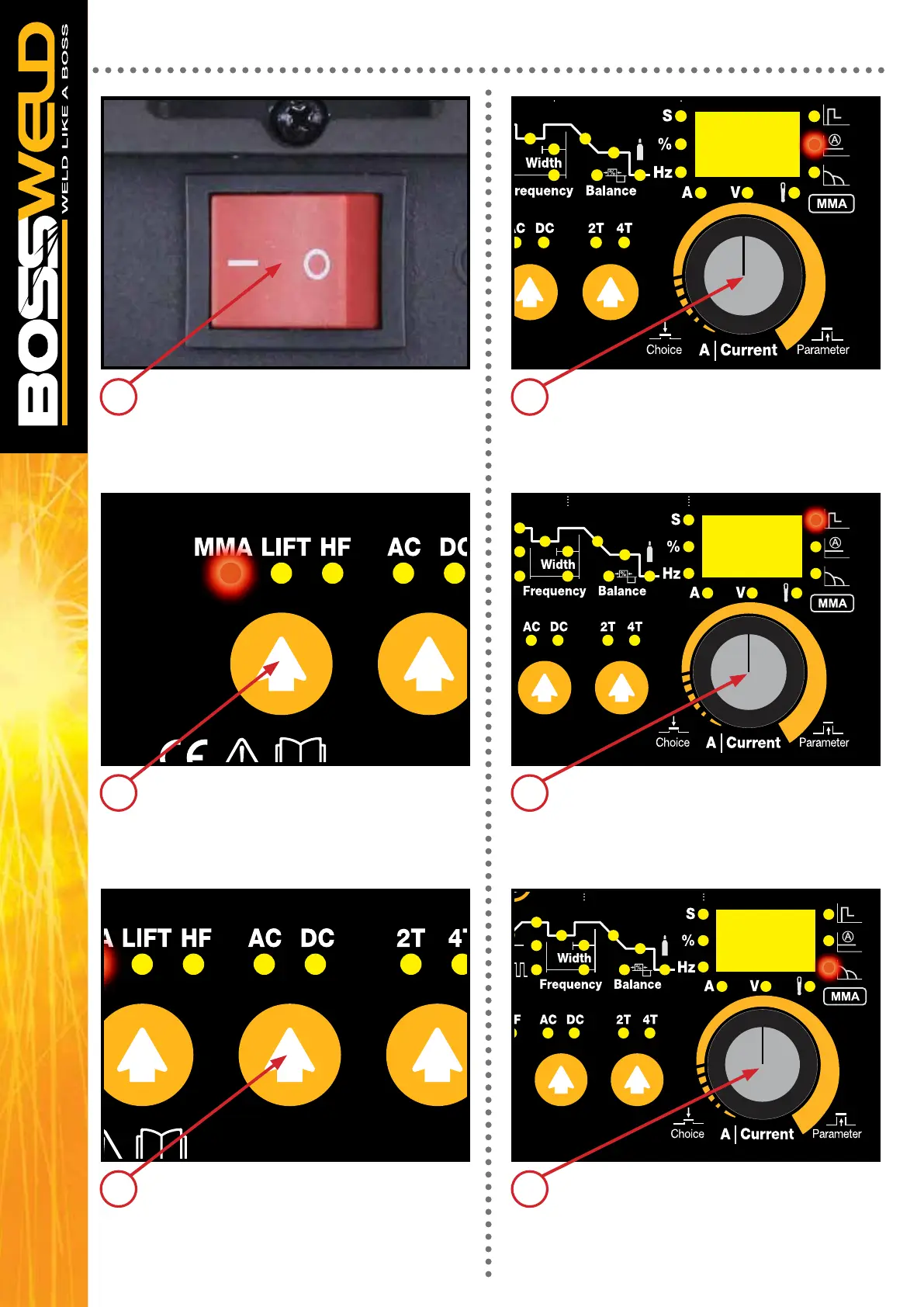
Ensure the electrode/electrode holder is not
near the work-piece or can earth out, turn the
machine on using the mains power switch.
The front displays will light up and the cooling
fan will start.
Select Stick / MMA on Welding Output Mode
Switch.
Select the desired welding wave form (AC or
DC) using the AC/DC Selection switch
MACHINE SET UP STICK/MMA - CONTINUED
5
6
7
Select your required amperage by
turning the Multi-Function Control knob
You can adjust the Hot Start by pressing the
Multi-Function Control knob to cycle to Hot start
then adjusting to the required parameter
You can adjust the Arc force by pressing the
Multi-Function Control knob to cycle to Arc
Force then adjusting to the required
parameter.
8
9
10


 To Next Page