2-6
MUTE
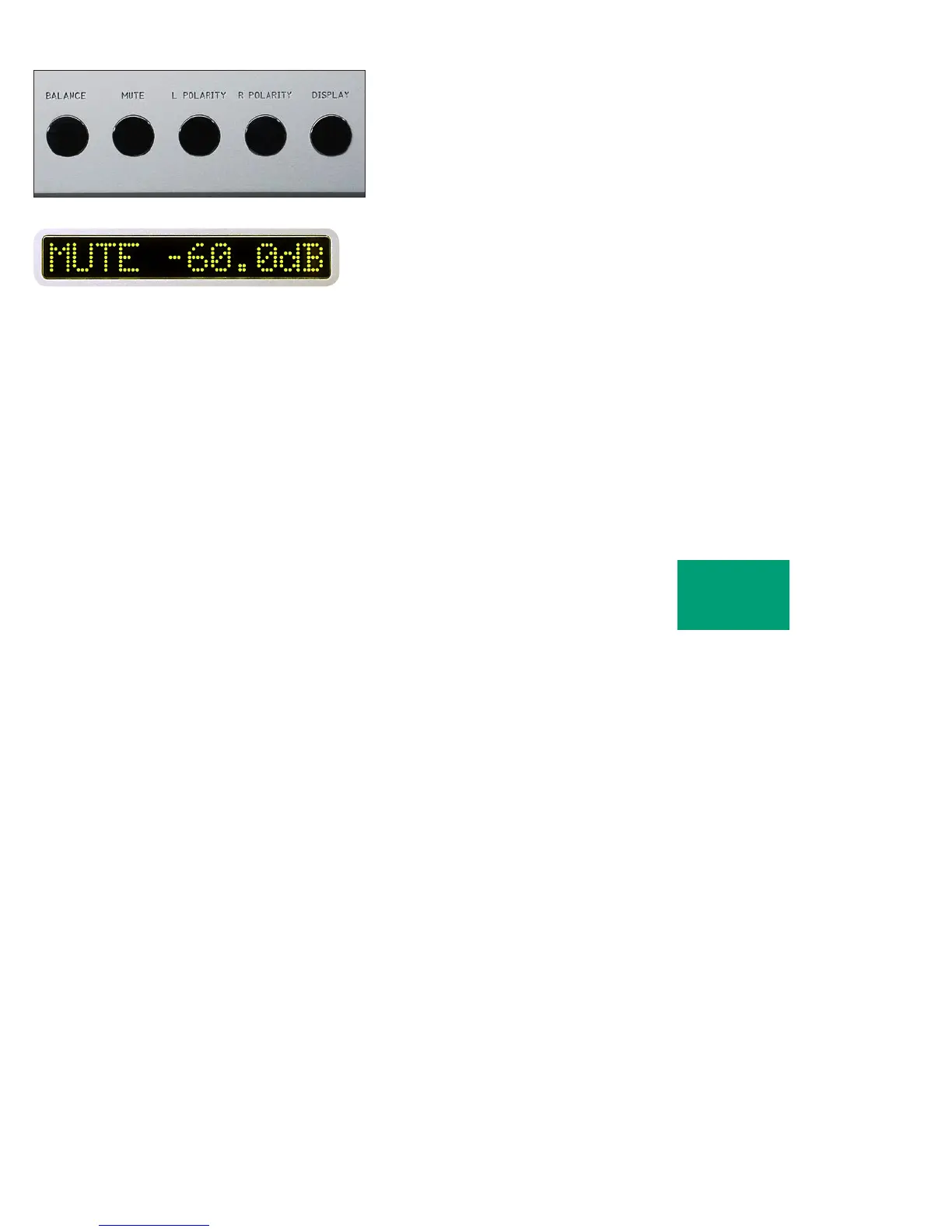
To temporarily reduce the volume, press the MUTE pushbutton.
”MUTE -60.0dB” will show in the right display, replacing the volume
indication. Again pressing the MUTE pushbutton will return the volume
to normal level.
While muted, the level of both channels will be reduced by the
amount indicted in the display, regardless of volume setting.
The amount of mute level reduction may be changed. See the
programming section.
OPERATION



 To Next Page