4-9
MAIN OUTPUTS POLARITY
The polarity of the main outputs may be adjusted to match the
power amplifiers used. If you are using a Boulder 100, 250 or 500 series,
this should be set to “PIN 3 HIGH.” For Boulder series 2000 amplifiers,
it should be set to “PIN 2 HIGH.” For other brands, consult the product’s
owners manual.
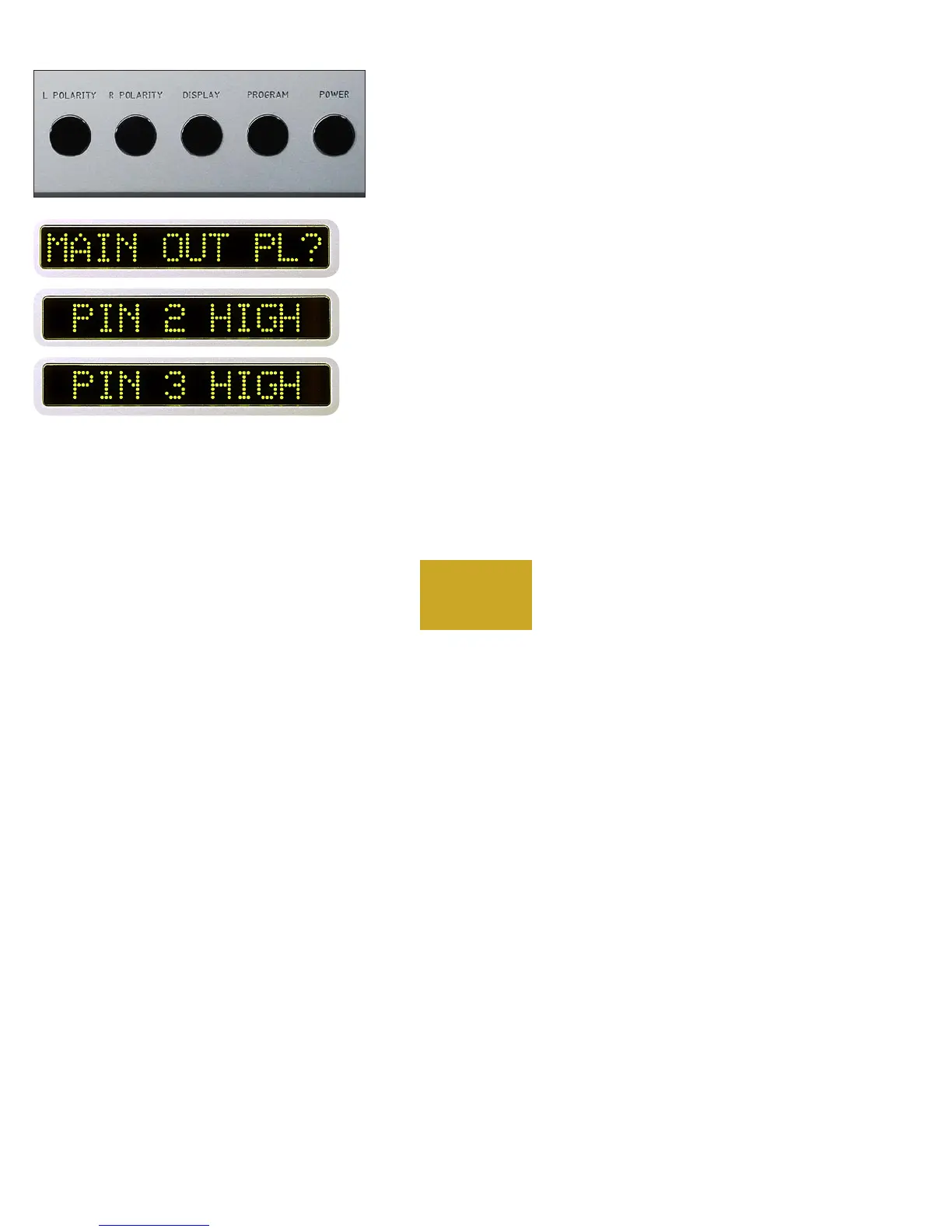
From “PROGRAM MODE” press the L POLARITY pushbutton.
”MAIN OUT PL?” will show in the left display and “PIN 2 HIGH”
will show in the right display. Rotate the center control until the
desired polarity is shown in the right display. The polarity changes
simultaneously with the display. Then press the L POLARITY pushbutton
again to return to the program mode starting point.
PROGRAMMING



 To Next Page