4-17
OUTPUT BALANCE
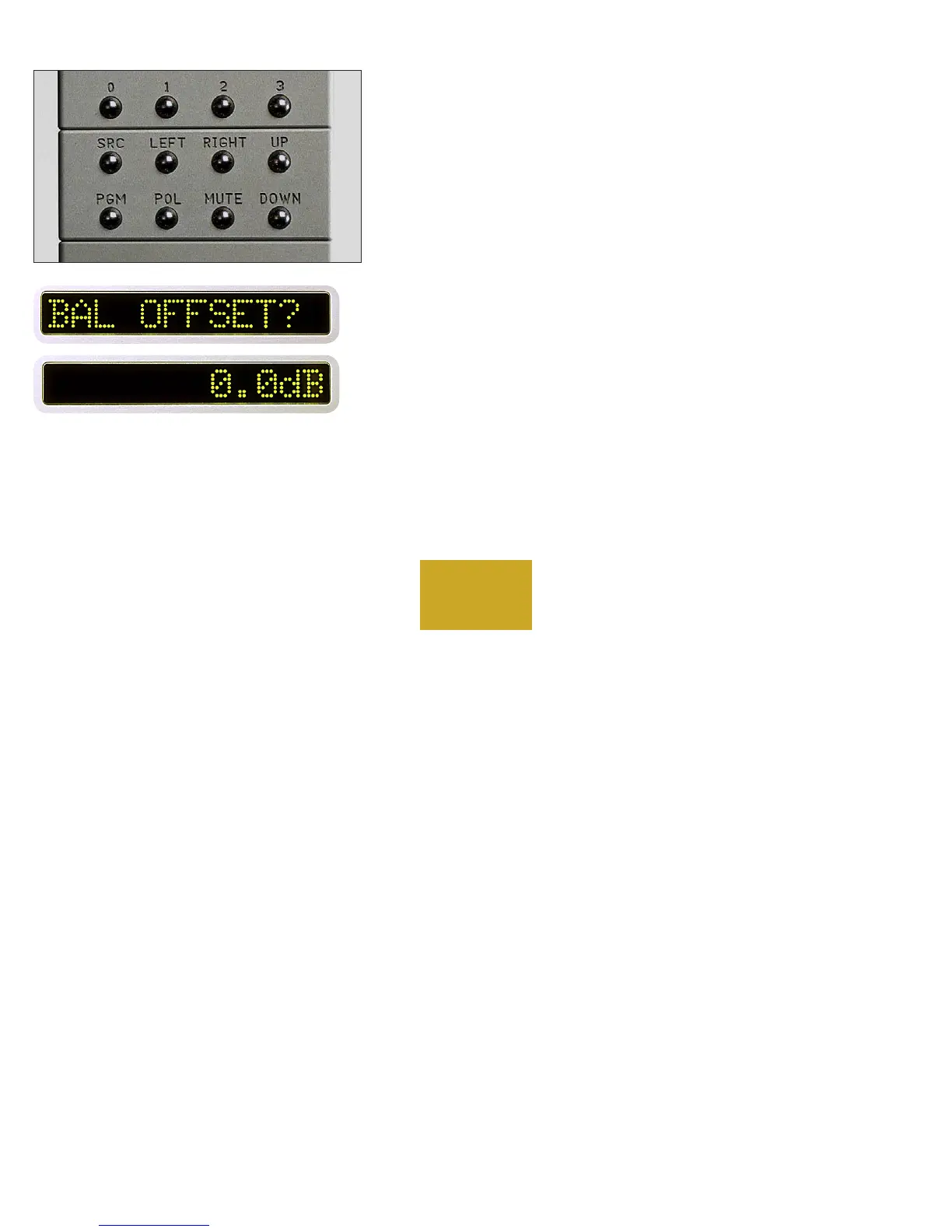
From “PROGRAM MODE” press the LEFT or RIGHT buttons.
“BAL OFFSET?” will show in the left display, and “0.0dB” will show in
the right display. Press the LEFT and RIGHT buttons until the desired
output balance is obtained as indicated in the right display. A maximum
of -20.0dB may be set.
Then press the PGM button again to activate the balance change and
leave program mode. (Press the PGM button again if you wish to return
to program mode.)
PROGRAMMING



 To Next Page