2-9
DISPLAY
The display brightness may be set to any of 8 brightness levels and
also completely off.
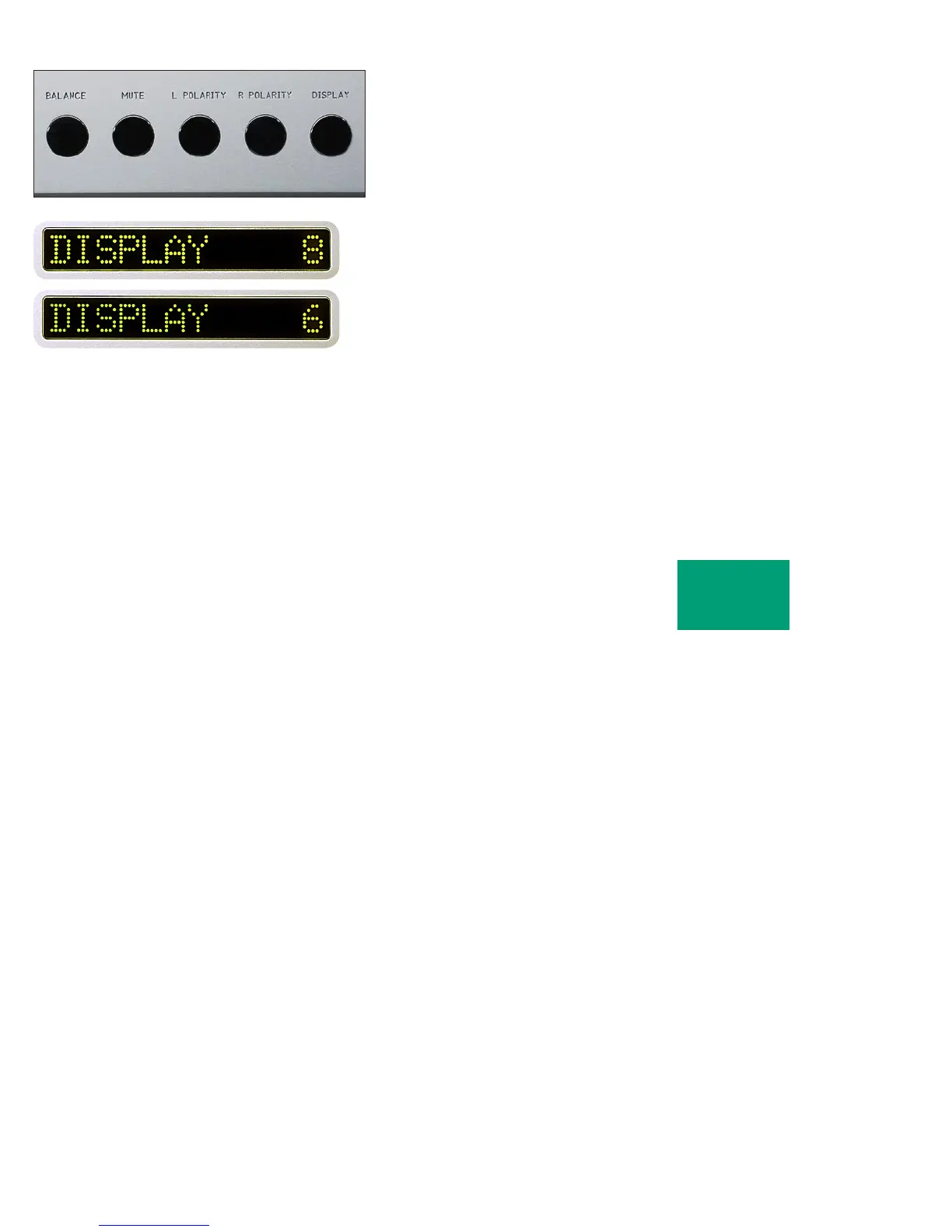
To change the brightness level, press the DISPLAY pushbutton.
“DISPLAY 8” will show in the right display. Rotate the center control
until the desired brightness is obtained such as “DISPLAY 6.” The
number in the display indicates the relative brightness.
After several seconds of not changing the brightness level, the right
display will return to the “VOL...” indication. You may also return to
controlling volume by again pressing the DISPLAY pushbutton.
With the display at a brightness less than that of 8, any operation of
a pushbutton or the volume control will cause the display to go to full
brightness for several seconds, and then return to the desired brightness.
This ensures that if a function is changed, it will be noticed whether
intentional or inadvertent.
OPERATION



 To Next Page