4-8
MUTE LEVEL
The mute feature allows for temporary level reduction without
losing the original setting. Because everyone’s use of this feature varies,
the actual level reduction is adjustable.
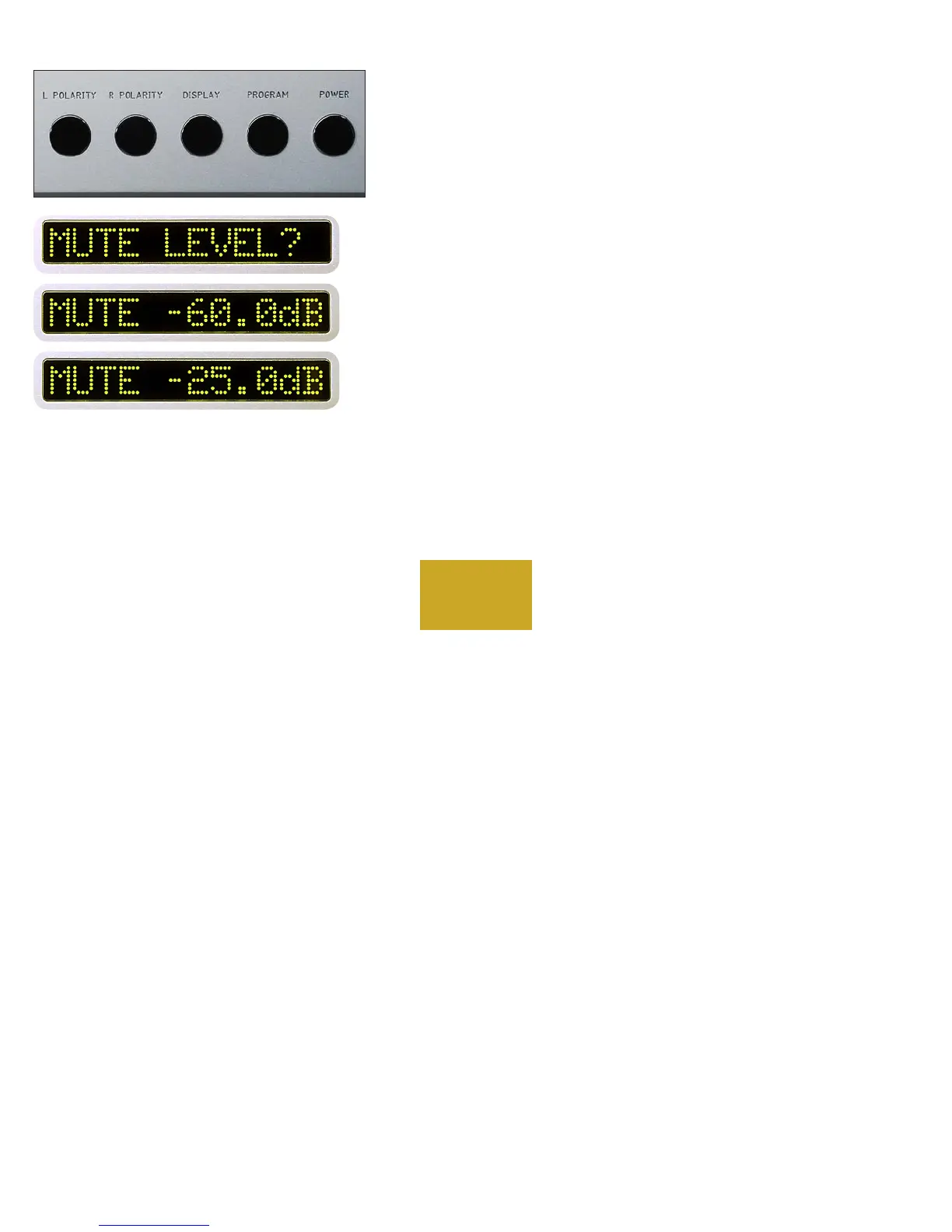
From “PROGRAM MODE” press the MUTE pushbutton. “MUTE
LEVEL?” will show in the left display and “MUTE -60.0dB” will show
in the right display. Rotate the center control until the desired mute level
is reached as displayed in the right display.
For example, setting the display to “MUTE -25.0dB” will allow a level
reduction suitable for conversation. Then press the MUTE pushbutton
again to return to the program mode starting point.
PROGRAMMING



 To Next Page