4-15
VOLUME CONTROL
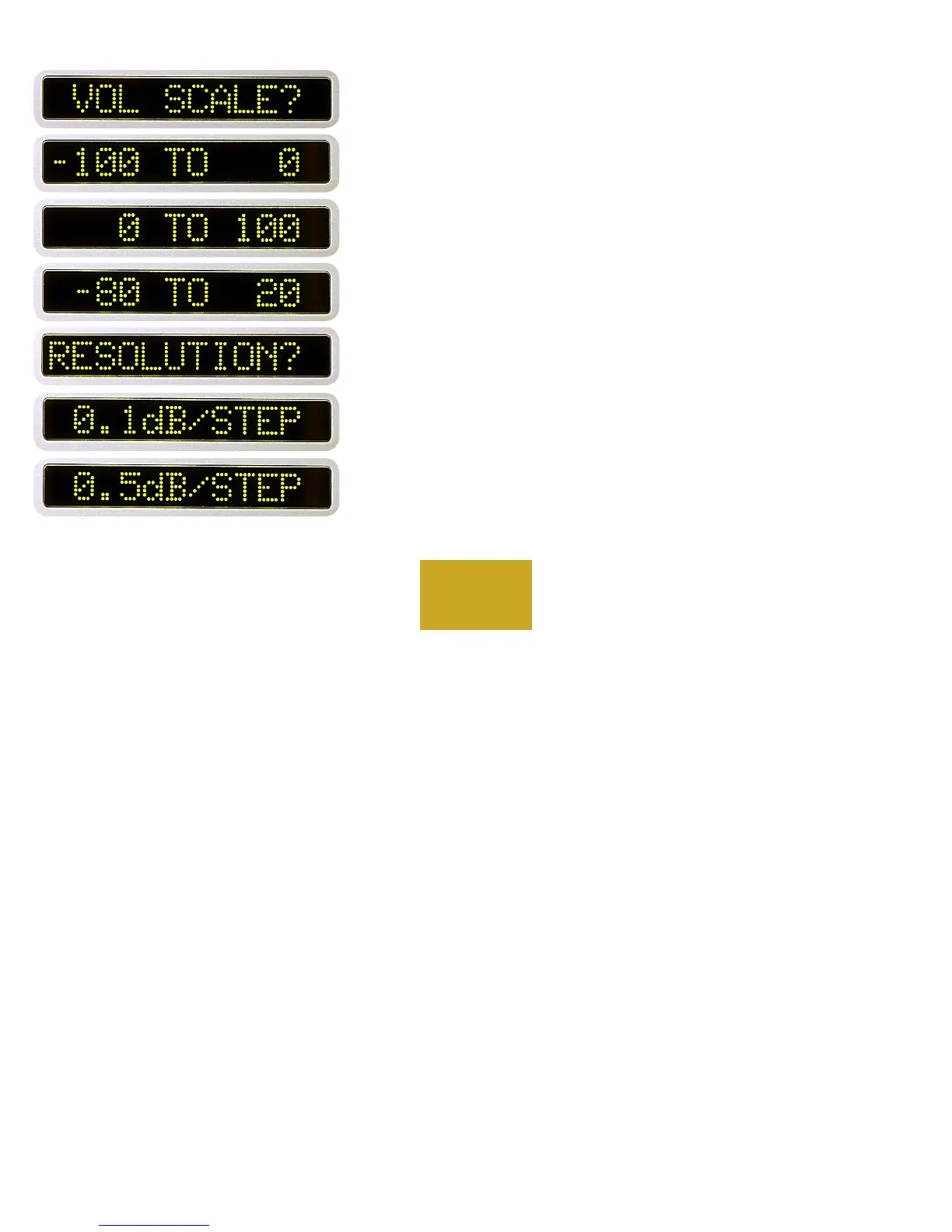
From “PROGRAM MODE” press the DISPLAY button. “VOL
SCALE?” will show in the left display, and “-100 TO 0” will show in the
right display. Use the UP and DOWN buttons to change the lowest setting
now shown to a maximum of “0 TO 100” or anywhere in between.
Press the DISPLAY pushbutton again.
“RESOLUTION?” will show in the left display, and “0.1dB/STEP”
will show in the right display. Use the UP and DOWN buttons to select
0.1, 0.5, or 1.0 dB per step as displayed in the right display. Then press
the DISPLAY pushbutton again to return to the program mode starting
point.
PROGRAMMING



 To Next Page