4-14
PROGRAMMING
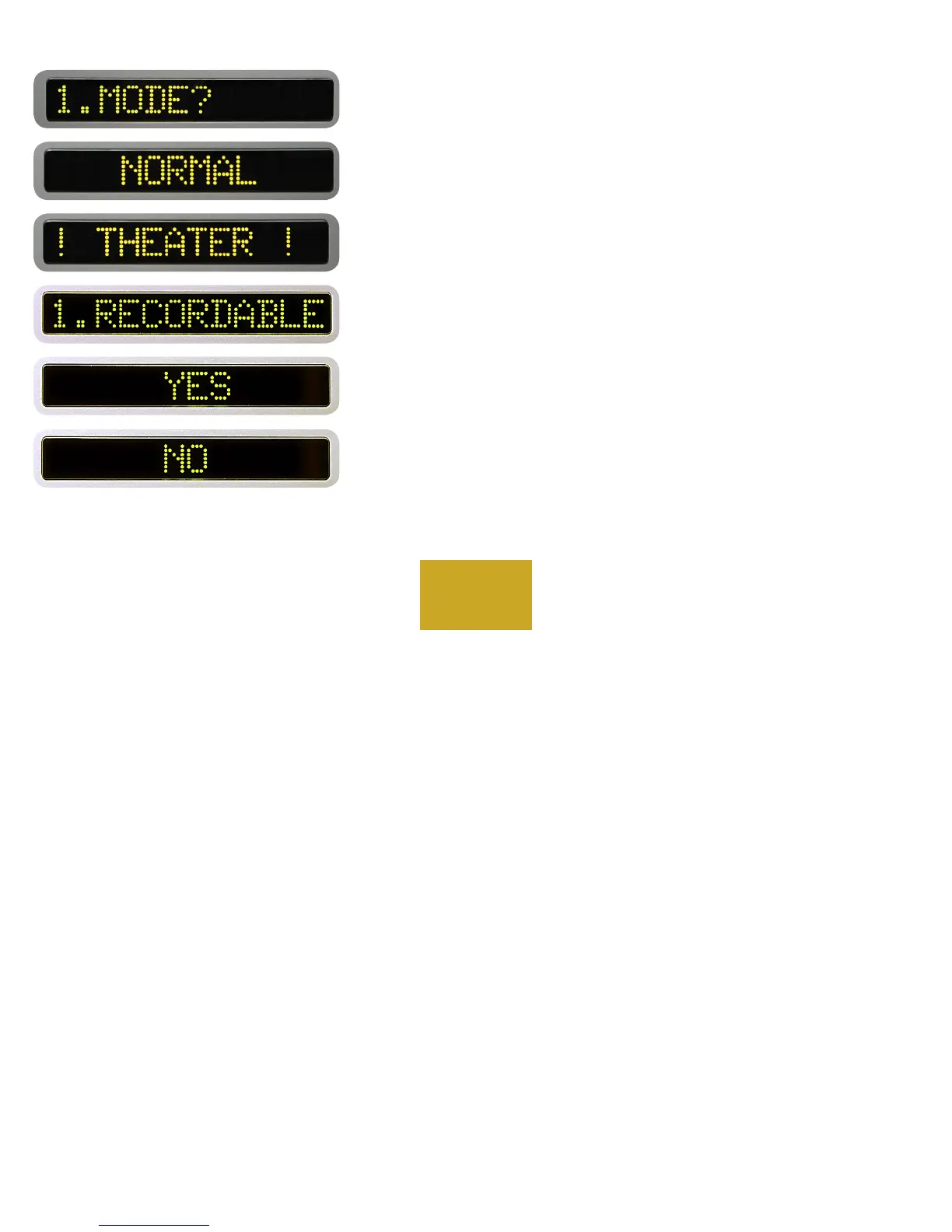
”1.MODE?” will show in the left display and ”NORMAL” will show
in the right display. Pressing the UP button to display “! THEATER !” and
the DOWN button to display ”NORMAL”. Mode changes do not take
affect until after the programming mode is exited.
WARNING: Theater Mode sets the selected input to unity gain with
no control of the volume. It should only be used in conjunction with a
suround sound processor or similar device. Use extreme caution when
selecting this option!
After the desired mode is selected with the UP and DOWN buttons,
or if no change is desired, press the SRC button.
“1.RECORDABLE” will show in the left display and “YES” will
show in the right display. Pressing the UP button to display “YES” and
the DOWN button to display ”NO”. This feature prevents an input from
being connected to the record outputs (which would cause feedback).
Use of this program feature is fully described in the “Using a Recorder”
section.
Press the SRC button to return to the program mode starting point.



 To Next Page