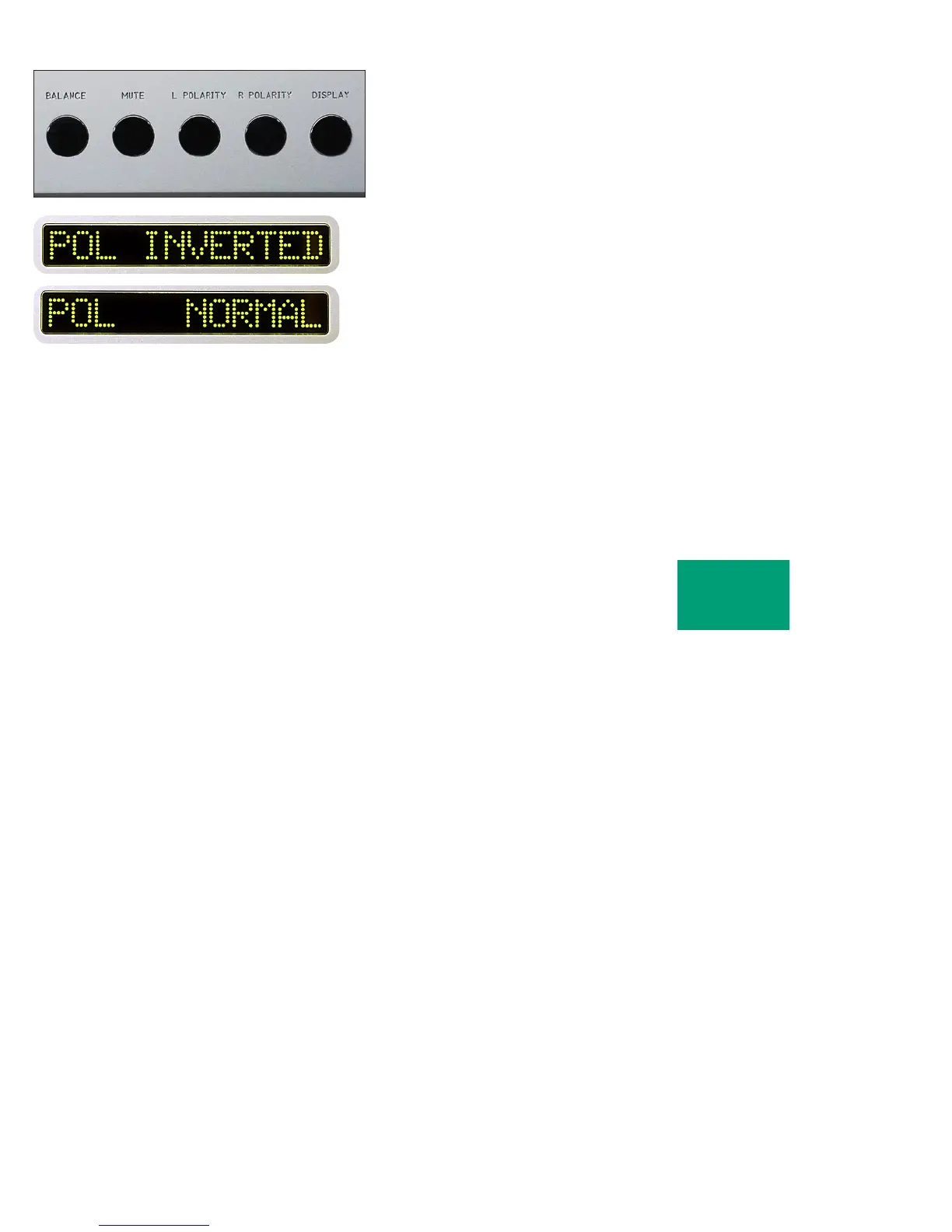
To activate a polarity change in both channels, again start by pressing
one of the polarity pushbuttons. “POL NORMAL” will show in the right
display. Now press the L POLARITY pushbutton and then press the R
POLARITY pushbutton while “POL...” is displayed. “POL INVERTED”
will show in the right display and the output polarity of both channels
of the main outputs will be inverted.
To return to normal (noninverted) polarity, again press one of
the polarity pushbuttons. While “POL...” is displayed, press the L
POLARITY and R POLARITY pushbuttons until “POL NORMAL” is
displayed. Both channels of the main outputs will now be noninverted.
OPERATION
2-8



 To Next Page