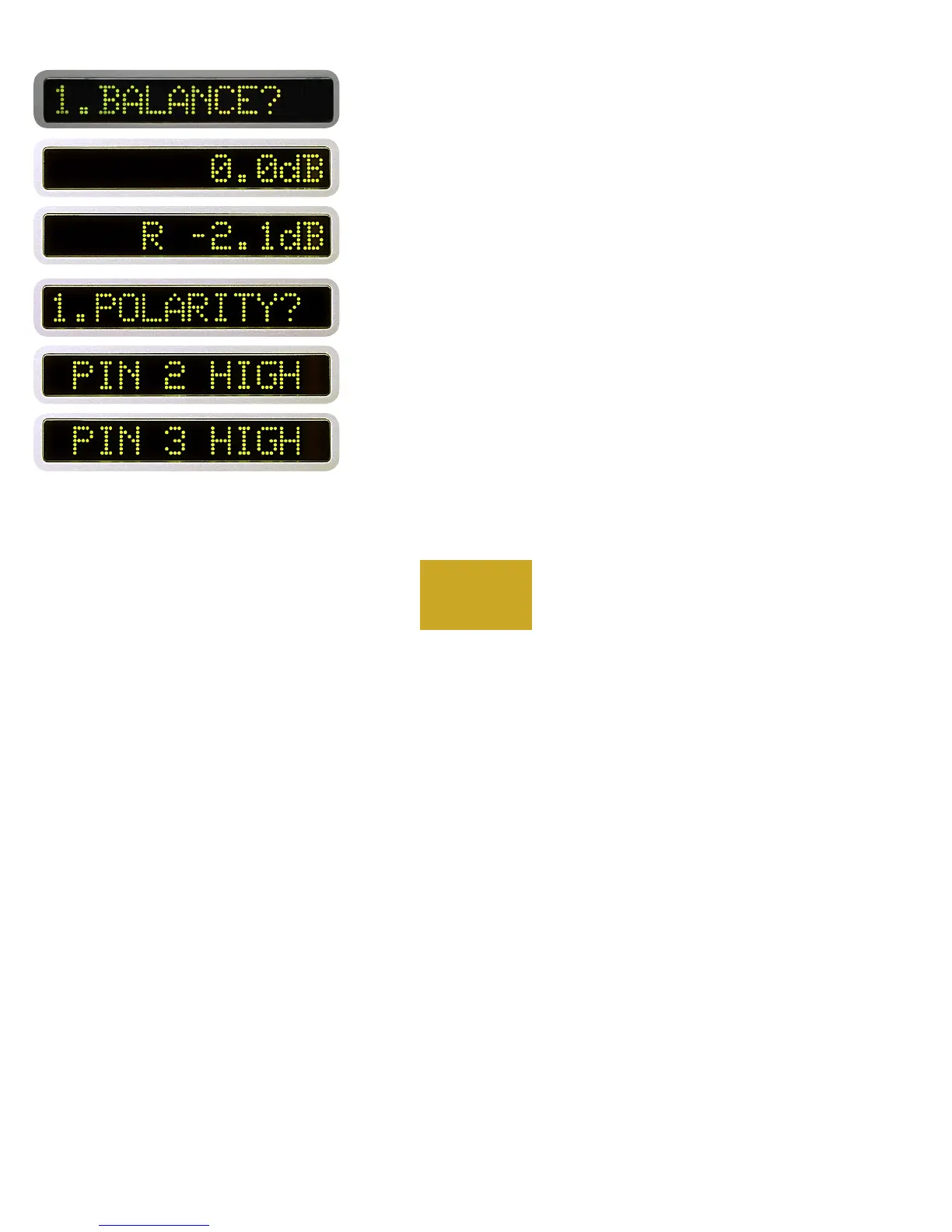
After the desired level is reached, or if no change is desired, press the
same input source number.
“1. BALANCE?” will show in the left display and “0.0 dB” in the
right. Rotate the center control until the desired balance offset is obtained
as indicated in the right display. A maximum of 12.0 dB may be set.
For example, rotate the center control until “R -2.1 dB shows in the
right display. The level of the right channel will be reduced by 2.1 dB for
this input only after you leave program mode.
After the desired balance is reached, or if no change is desired, press
the same input source number pushbutton.
“1.POLARITY?” will show in the left display and “PIN 2 HIGH”
will show in the right display. As you rotate the center control to “PIN
3 HIGH” the polarity relays will immediately activate. After the desired
polarity is selected, or if no change is desired, press the same input
source number. (If uncertain of the source’s polarity, check the source’s
owners manual or consult with the manufacturer.)
PROGRAMMING
4-3



 To Next Page