Assembly / Owner’s Manual
38
Care should be used when mounting or dismounting the machine.
Be aware that the Pedals and the Handlebars are connected and when either of
these parts move the other does as well. In order to avoid possible serious injury,
grasp the Static Handlebars to steady yourself.
6. GrasptheStaticHandlebars.
7. Steadying yourself with the Static Handlebars, step up onto the lowest Pedal and place
your other foot onto the opposite Pedal.
Note:“Bottomedout”iswhentheUserisunabletostartaworkoutbecausethePedals
will not move. If this occurs, safely grasp the Static Handlebars and apply your
weight to the heel of the higher foot. While still grasping the Static Handlebar, lean
back slightly applying more weight onto the heel. Once the Pedals begin to move,
resume your intended workout.
8. You are now in position to begin a workout.
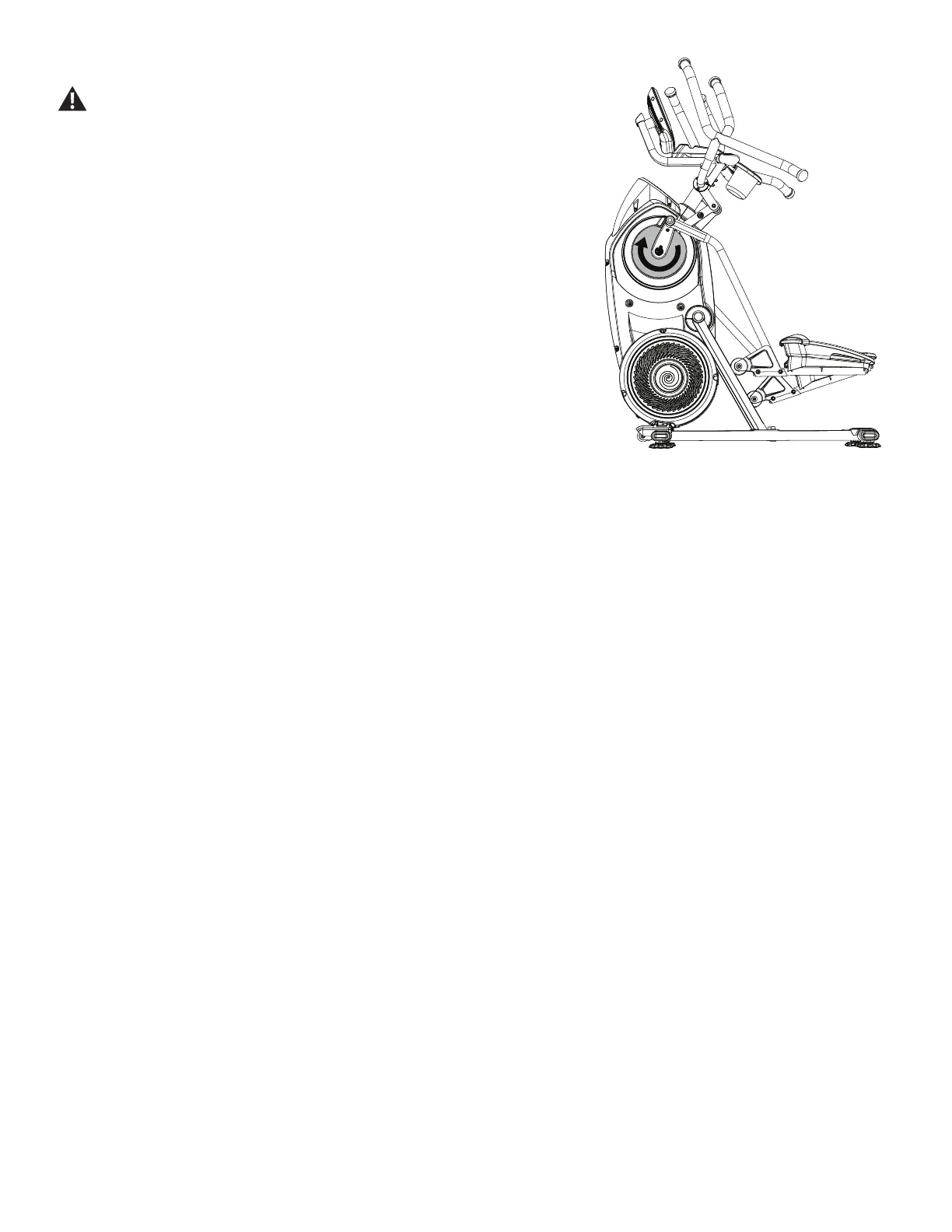
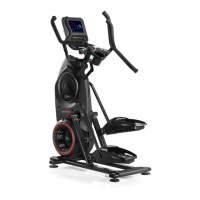
Note:WhenoperatingtheBowex™MaxTrainer™machine,besuretheLegsaremov-
ing in the direction as shown on the Crank Cover.
Power-Up / Home Tab
The Console will enter Power-Up / Home Tab if it is plugged into a power source, the Console display is touched, the Resistance Level Knob is
turned, or if it receives a signal from the RPM sensor as a result of pedaling the machine.
Note:IftheStatusLEDturnsoffbrieyevery2seconds,thentheConsoleneedstochargebeforethemachinecanstart.TheConsolewill
chargeforabout60minutes.
FITNESS ASSESSMENT Program
The Fitness Assessment program is one Warm Up segment followed with 4 Intervals (Sprint followed by Recover). How you perform during the
SprintIntervals,basedontherequestsmadebytheConsole,willinformthemachineofyourcurrenttnesslevel.Besuretofollowtherequestsand
perform them to the best of your abilities. The Console will create your custom workouts* based on the results of this workout.
1. Warm Up segment - Adjust the resistance level until comfortable using the machine. After 1 minute at this comfortable pace, the Console will
displaythe"START"button.TapSTARTwhenreadyfortherstSprintInterval.
2. FirstSprintInterval-Hityourtopspeedfor5seconds.Thiswilldeneyourmaximumburnrate.
3. First Recover Interval - Drop your pace to where you can easily talk while still breathing. After 1.5 minutes at this pace, the Console will display
the"START"buttonforthenextSprintInterval.TapSTARTwhenready.
4. SecondSprintInterval=Theredlightsareyour90%maximumburnraterange.KeeptheBurnRateNeedlewithinthe90%maximumburnrate
range for as long as possible. The Sprint Interval ends when the Needle is not in the range.
5. Second Recover Interval - Drop your pace to where you can easily talk while still breathing. After 1.5 minutes, the Console will display the
"START"button.TapSTARTwhenreadyforthenextSprintInterval.
6. ThirdSprintInterval=TheredTargetBurnRatelightsareyour50%maximumburnraterange.KeeptheBurnRateNeedlewithintheredlight
range for as long as possible. The Sprint Interval ends when the Needle is not in the range.
7. Third Recover Interval - Drop your pace to where you can easily talk while still breathing. After 1.5 minutes, the Console will display the
"START"button.TapSTARTwhenreadyforthenextSprintInterval.
8. FourthSprintInterval=TheredTargetBurnRatelightsareyour75%maximumburnraterange.KeeptheBurnRateNeedlewithintheredlight
range for as long as possible. The Sprint Interval ends when the Needle is not in the range.
9. Fourth Recover Interval - Drop your pace to where you can easily talk while still breathing. After 1.5 minutes at this pace, the workout will stop.


 To Next Page