Assembly / Owner’s Manual
23
Console Features
TheBowex™MaxTotal™machineusestheBowex™MaxIntelligence™Appasthecentralcomponentofthemachine.
AWiconnectionisrequiredtouseyourBowex™MaxTotal™machine.IfyoudonothaveaWiconnectionavailable,contactyourBowex™Max
Trainer™ Representative immediately for further assistance.
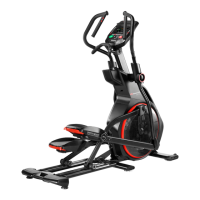
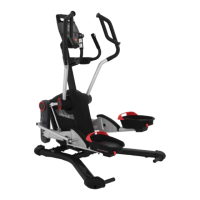
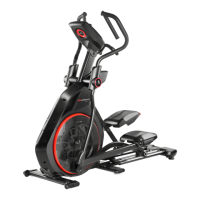
Note:YourConsolemaynotlookexactlyastheprovidedimages.Theseimagesaretobeusedonlyasaguidetouseyourmachine.
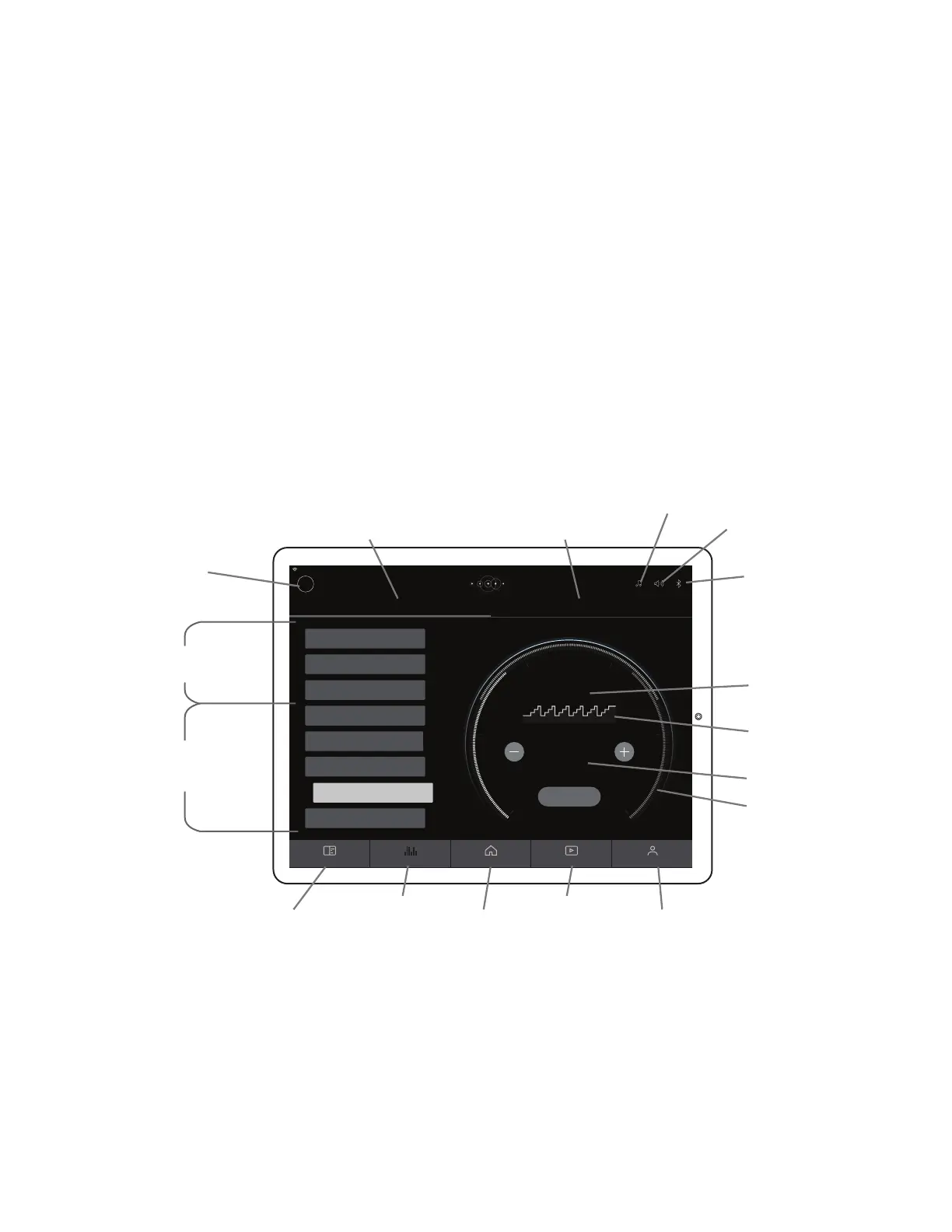
Console Display
TheConsoleDisplayshowstheworkoutmeasurements,currentoptions,andisthecommunicationportalfortheBowex™MaxIntelligence™App.
The Display can be touched to make selections on the screen or to simply wake up the Console from Sleep Mode.
Status LED and Status LED Ring
The Status LED and Status LED Ring show if the Console is activated and starting up/operating correctly (LED is on), if the battery is being initially
charged(LEDturnsoffbrieyevery2seconds),oriftheConsoleisexperiencinganerror(LEDisblinkingquickly)andshouldberestarted.
Note: For the initial Start-up or after a long period of storage, the Console can take up to 3 minutes to activate and shift into a deep charge mode.
Resistance Level Knob
Proledisplay
Profile Name
PN
BenetModePrograms
Bluetooth
®
Heart Rate
Device Connected icon
Currently Selected Workout
WorkoutProle
Goal Display
BenetZone/Burn Rate
display
TargetCoaching,orMaxInterval,
Programs
Console Display from WORKOUTS tab (Bene t Mode Program selected)
JOURNAL tab
HOME tab PROFILE tab
WORKOUTS tab CHANNEL tab
PROGRAMS tab FITNESS ASSESSMENT tab
Turn the Knob to adjust the resistance level. Clockwise will increase the value, counter-clockwise will decrease the value.
Pro le display
TheProledisplayshowstheselecteduserprole.Auserproleisalwaysselected.Toselectorcreateanewuserprole,tapontheProledisplay
and the options will be displayed.
Note: FormoreaccuratecaloriecountsandBurnRateTargets,besuretocreateyourUserProle.
Volume / Heart Rate Device icon
Bowex™Radioicon


 To Next Page