Assembly / Owner’s Manual
41
Paused / Results / Cool Down Mode
1. To Pause a workout, stop pedaling during the workout.
Note: The Console will automatically pause if there is no RPM signal for 5 seconds.
Whenpaused,theConsolewillbrieyshowthePausedimage.ItwillthendisplaythePlaybutton.
2. To continue the workout, begin pedaling or tap the Play button.
To end the workout before completing it, tap the STOP button. After the workout, the Console will display the workout result values (Total Time,
Interval Count, Total Calories, Average Burn Rate, Average Heart Rate, Average RPM, and Average Resistance Level).
CAL/MIN
100
40
30
20
10
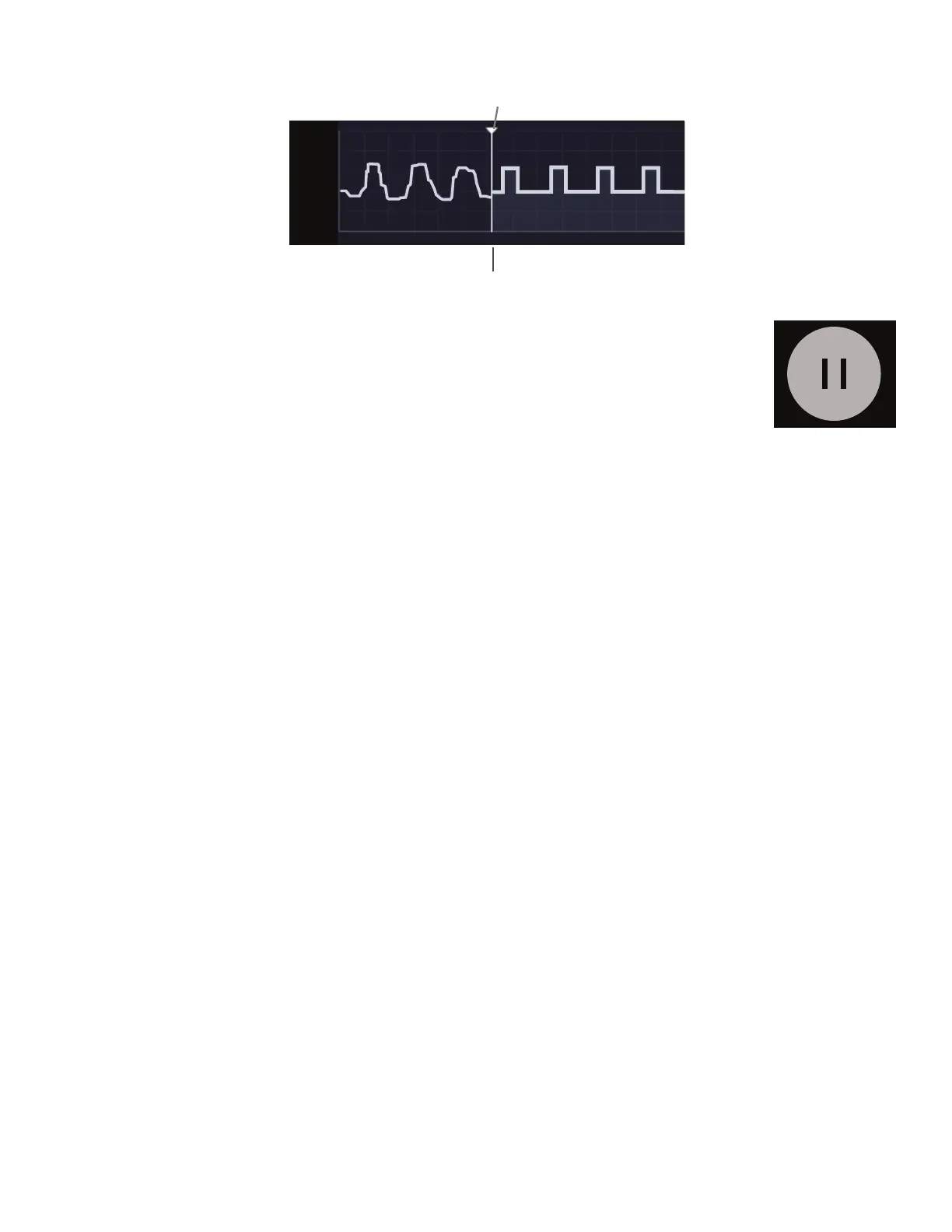
Active Segment of Workout
Completed Intervals of Workout
(Burn Rate)
Remaining Intervals (Resistance)


 To Next Page