Assembly / Owner’s Manual
27
Using the Bowex™ Max Intelligence™ App on your Portable Device (Optional)
ThoughtheBowex™MaxIntelligence™Appkeepstrackofallyourworkouts,alongwithyourtotalcaloriesburned,time,andmoreonthema-
chine,youcanalsoaccessallofyourinformationremotelyonyourowndevice.SimplydownloadtheApptoyourdeviceandaccessyourprole.
1. Downloadthefreeapp,named“Bowex™MaxIntelligence™App
". The app is available on Google Play™ and the App Store.
Note: For a complete list of supported devices, review the app on the App Store or Google Play™.
2. FollowtheinstructionsontheapptosyncyourdevicetoyourBowex™MaxIntelligence™account.
When your device has access to the account, you will be able to review workouts, coaching tips*, and upcoming workouts.
Workout with Other Apps
ThistnessmachinehasintegratedBluetooth
®
connectivity which allows it to work with a number of digital partners. For our latest list of supported
partners,pleasevisit:bowex.com/max-trainer-app.html
USB Charging
If a USB Device is attached to the USB Port, the Port will attempt to charge the Device. The power supplied from the USB Port may not be enough to
operate the Device and charge it at the same time.
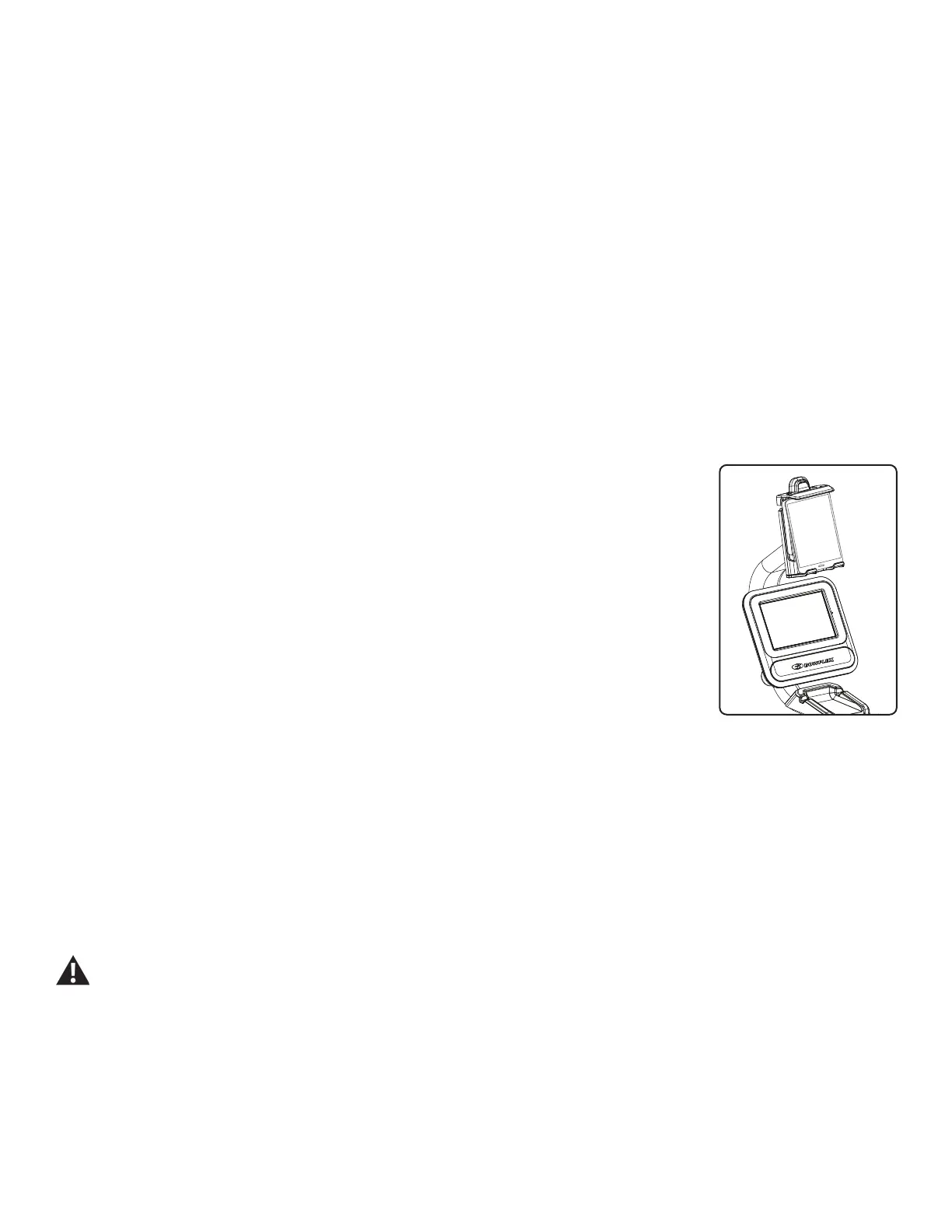
Media Rack (Optional Accessory)
AnoptionalaccessorycanbeaddedtoyourtnessmachinethatwillholdadditionalmediaabovetheConsole.The
optional Media Rack easily attaches to your machine, adding more space for media and devices.
To order the optional Media Rack, contact Customer Service (if in US/Canada) or your local distributor (if outside US/
Canada).
Contact Heart Rate Sensors
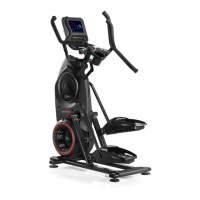
Contact Heart Rate (CHR) sensors send your heart rate signals to the Console. The CHR sensors are the stain-
less steel parts of the Handlebars. To use, put your hands comfortably around the sensors. Be sure that your hands
touchboththetopandthebottomofthesensors.Holdrm,butnottootightorloose.Bothhandsmustmakecon-
tact with the sensors for the Console to detect a pulse. After the Console detects four stable pulse signals, your initial pulse rate will be shown.
Once the Console has your initial heart rate, do not move or shift your hands for 10 to 15 seconds. The Console will now validate the heart rate.
Manyfactorsinuencetheabilityofthesensorstodetectyourheartratesignal:
• Movement of the upper body muscles (including arms) produces an electrical signal (muscle artifact) that can interfere with pulse detection. Slight
hand movement while in contact with the sensors can also produce interference.
• Calluses and hand lotion may act as an insulating layer to reduce the signal strength.
• Some Electrocardiogram (EKG) signals generated by individuals are not strong enough to be detected by the sensors.
• Theproximityofotherelectronicmachinescangenerateinterference.
Use the values calculated or measured by the machine’s computer for reference purposes only.
*Thecustomworkout,Bowex™radio,andvoicecoachingfeaturesandcertainvideosrequireasubscriptiontothepremiumfeaturesoftheMax
Intelligence™app.TheMaxIntelligence™subscriptionmustbepurchasedseparatelybydownloadingtheMaxIntelligence™appontoyourphone
ortabletandsubscribingwithinthedownloadedappor(forUnitedStatescustomersonly)directlyfromNautilus,Inc.bycalling800-269-4216.This
feature may not be available in all countries.


 To Next Page