Before Use
40
Before Use
Before To Use Network Control Software
n
If the system is Windows 2000, NT 4.0 or XP, the PC should be started by the
Administrator.
o
Before starting the Network Control software, please check the following.
(1) The computer must have Network Control software installed.
(2) The projector should be powered on and the LAN wire is well connected to
projector.
(3) Make sure the computer and projector can connect to network. Network Control
software needs to arrange in TCP/IP network communication and the network cable.
Open Network Control Software
n
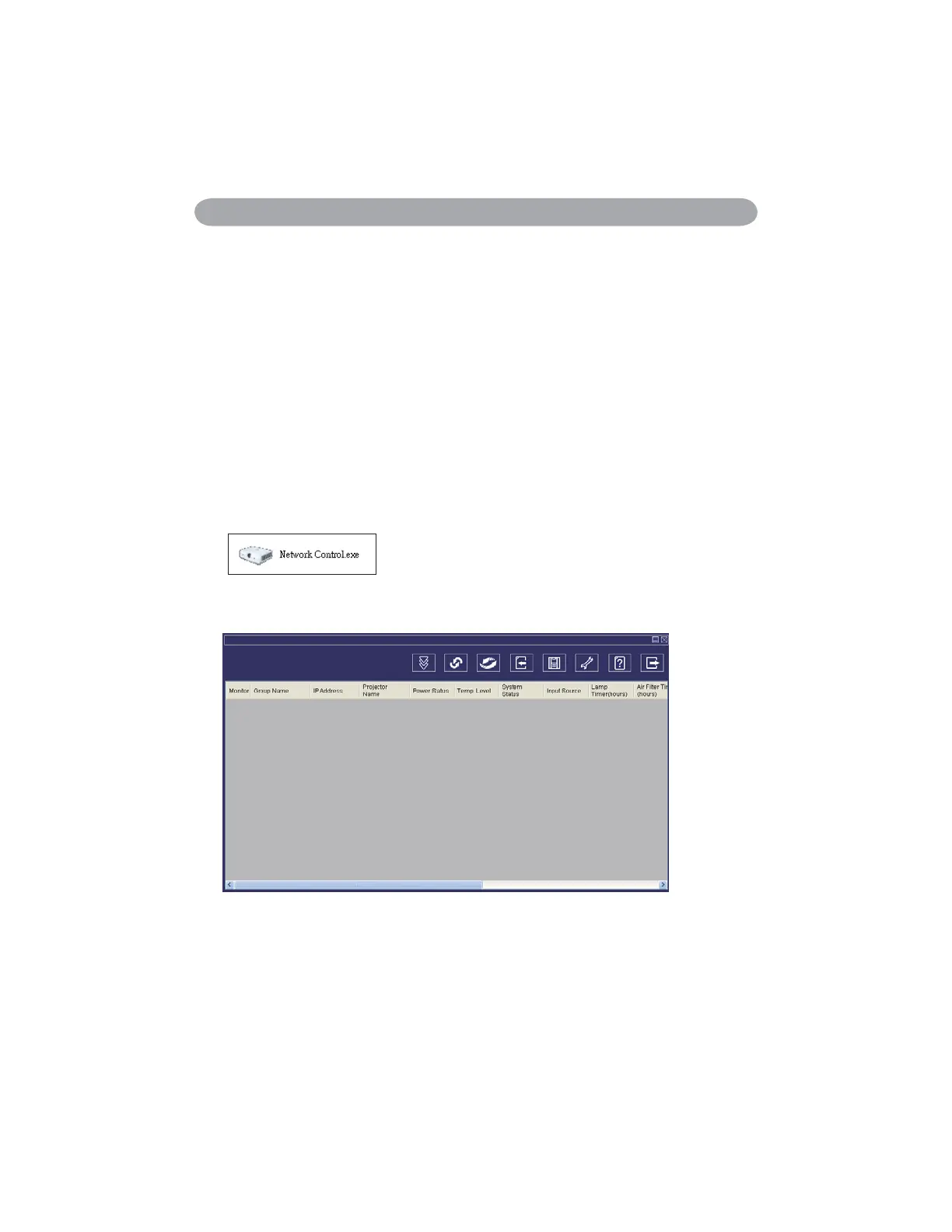
Click Network control software icon.
o
Monitor window will show as Graph 1 and Table 2.
<Graph 1>


 To Next Page