NOTE. In the mains-powered device,
in the event of there being no power
supplied, the relay remains in the state
prior to the power outage.
Inserting/replacing batteries
(only on battery-powered model)
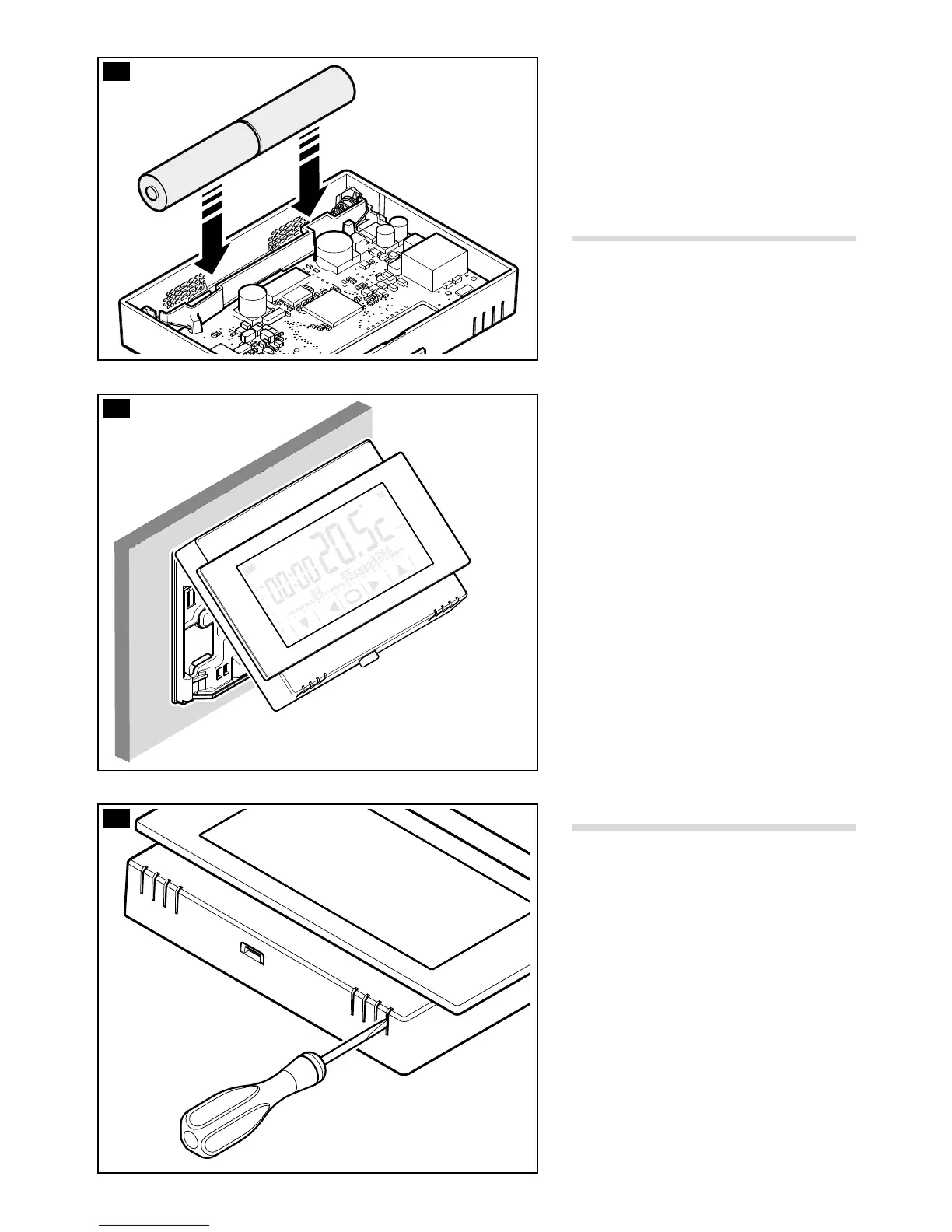
Insert 2 AA 1.5V LR6 penlight alkaline
batteries (not supplied with purchase) into
the relative slot, respecting the polarities
shown on the bottom of the housing G.
WARNING. Inserting the batteries the
wrong way round could damage the unit.
Close the unit H making sure that the
hooks are inserted into the slots.
Device reset
If necessary lightly press the button inside
the opening shown in gure I; release
the button as soon as the screen darkens
and wait a few seconds before starting
normal use of the device again.
NOTE. This operation does NOT lead to
any programming being deleted.



 To Next Page