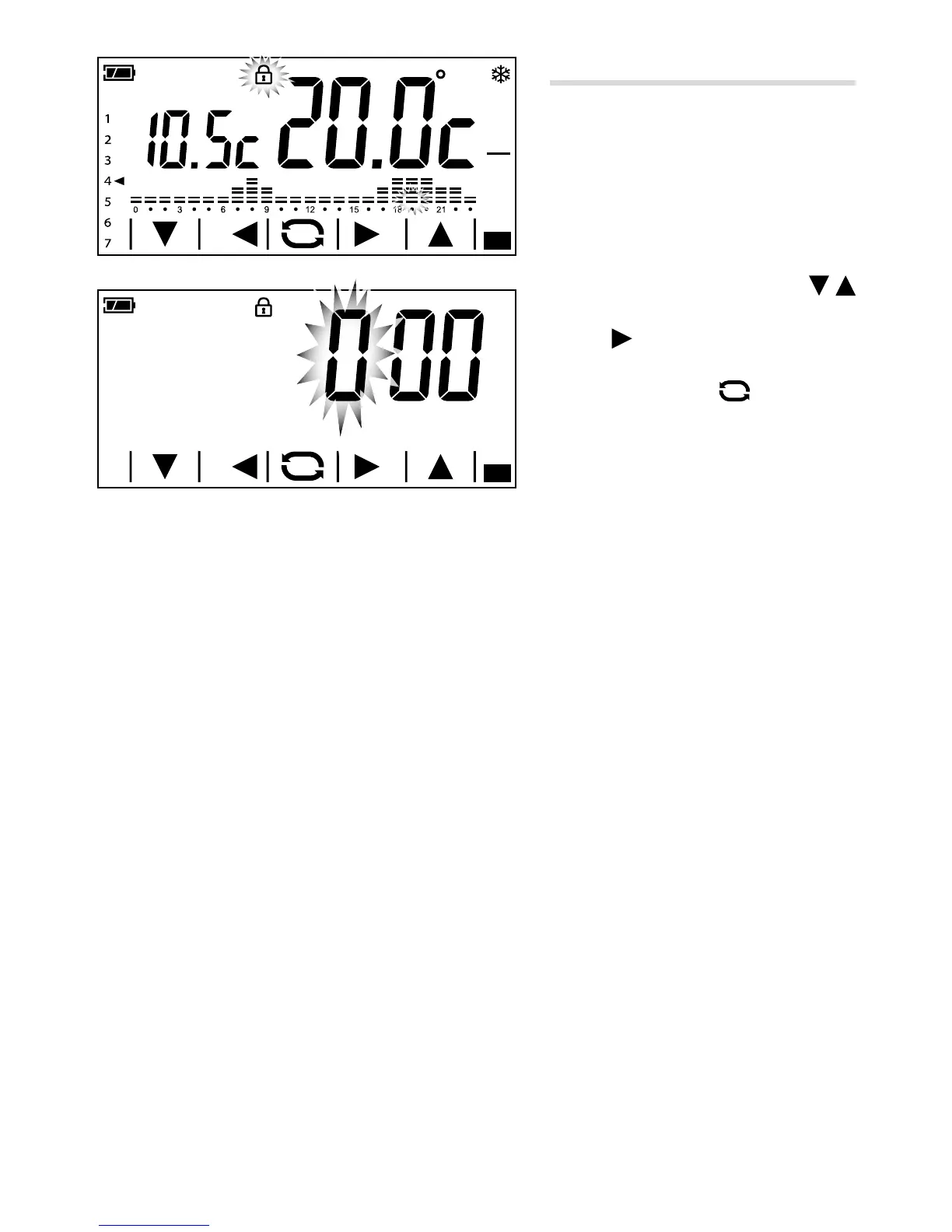
Unlocking the screen
If screen lock is enabled A, pressing on any
sensitive area of the screen gives access to
the window shown in gure B.
The first number flashes; use the
arrows to choose the rst digit of the code,
and the
arrow to move on to the next
digit; once all the digits of the code have
been entered, press the
button to con-
rm what has been entered and the screen
unlocks; the unlocking is valid until the next
time the screen times out.



 To Next Page