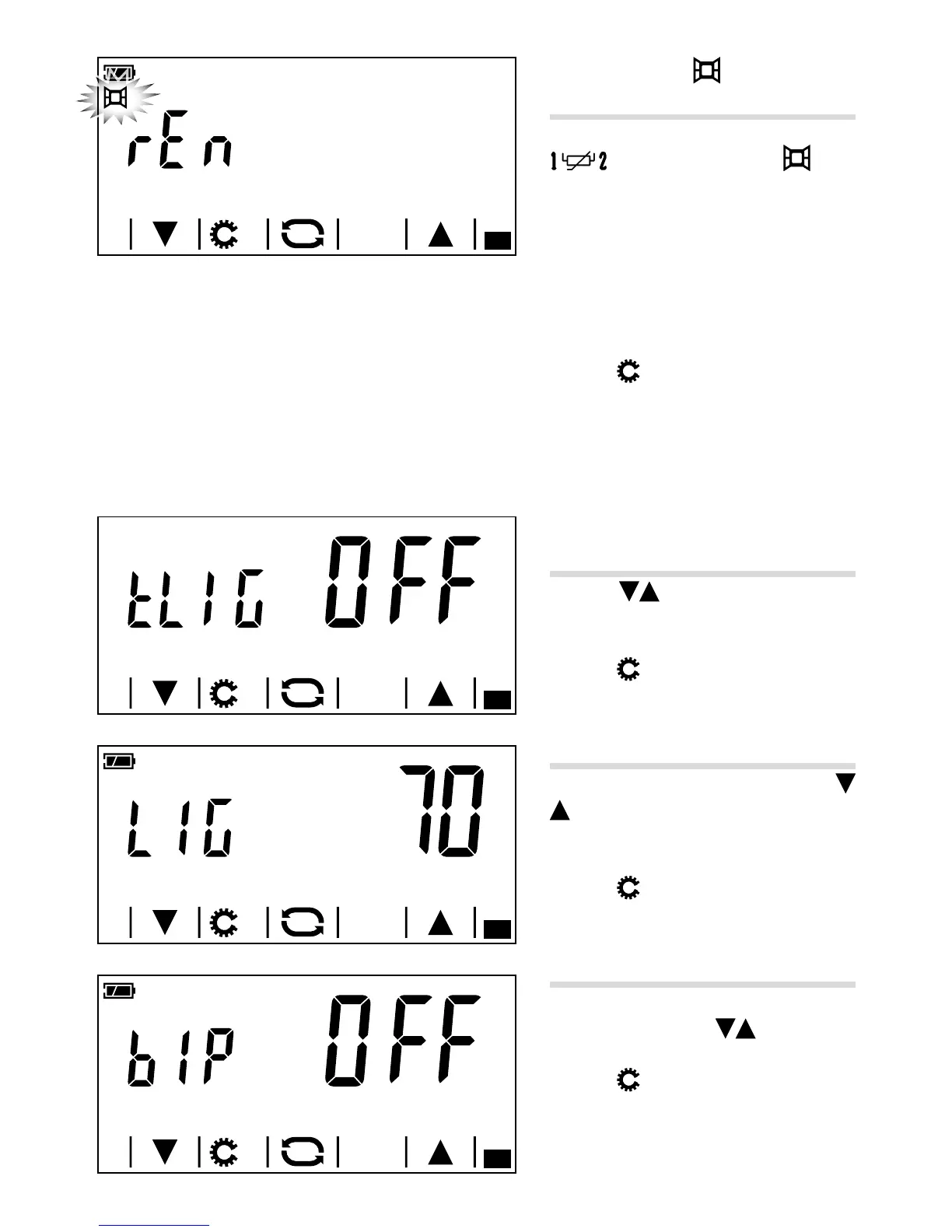
Window contact
(only on battery-powered model)
If you have chosen to connect to the terminals
a window contact D ( ), you
can set it so that the thermal zone is turned
o thirty seconds after the window in which
the contact is tted is opened.
Note. When the window is closed again, the
thermal zone goes back to the mode prior
to its activation.
Press the
button to move on to the next
parameter to be congured.
Back-lighting of display
(only on mains-powered model)
Using the arrows E, choose whether
the back-lighting should always be on (ON)
or only when the display is touched.
Press the
button to move on to the next
parameter to be congured.
Adjusting display brightness
Change the screen brightness using the
arrows F.
OO= Back-lighting always o.
Press the
button to move on to the next
parameter to be congured.
Buttons beep
Choose whether to activate/deactivate the
buttons beep using the
arrows G.
Press the
button to move on to the next
parameter to be congured.



 To Next Page