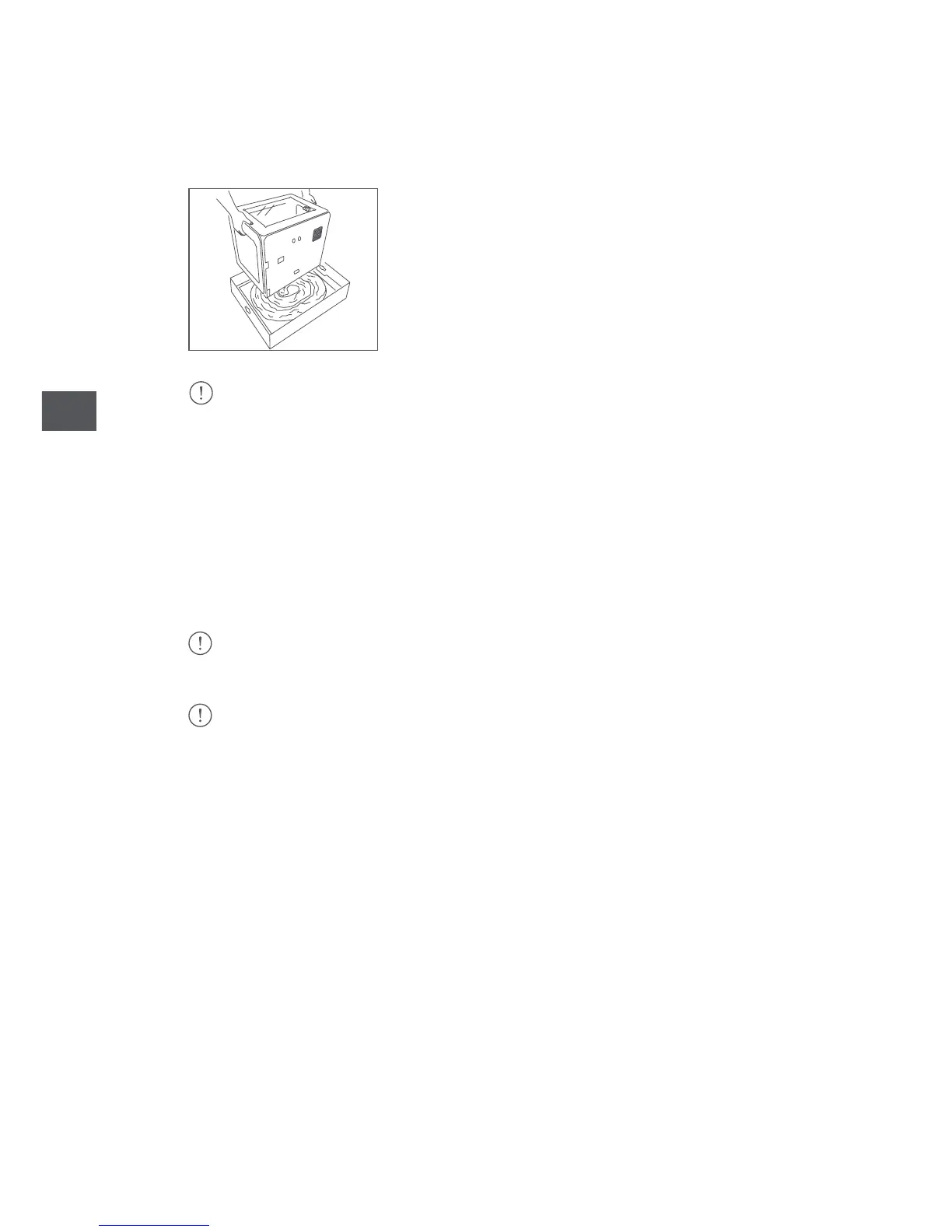
3. After removing the printer from its protective bag, hold it firmly by the sides
and place it on a table.
4. To avoid scratching the table: The Witbox 2 sits on four metal support legs which
have been designed to enable you to stack up to three printers on top of each other.
Move it with caution. Take care not to drag the printer when moving it in order to
prevent any scratches on the surface of the table. Four protective covers are
included with your Witbox 2 which can be attached to the legs.
Caution: heavy object.
Make sure you keep the original packaging for future transportation. Failing this, your
printer could get damaged.
If you need to send your Witbox 2 printer to our technical support service for repair, we
remind you that BQ accepts no liability for damage to the product resulting from failure
to pack it correctly on the part of the Customer, who must bear the cost for any such
damage. We therefore request that you keep the original box along with all the protective
packaging included, and that you unpack your printer according to the instructions. Any
return with boxes or protective packaging other than the original ones is made at the risk
and the expense of the Customer.



 To Next Page