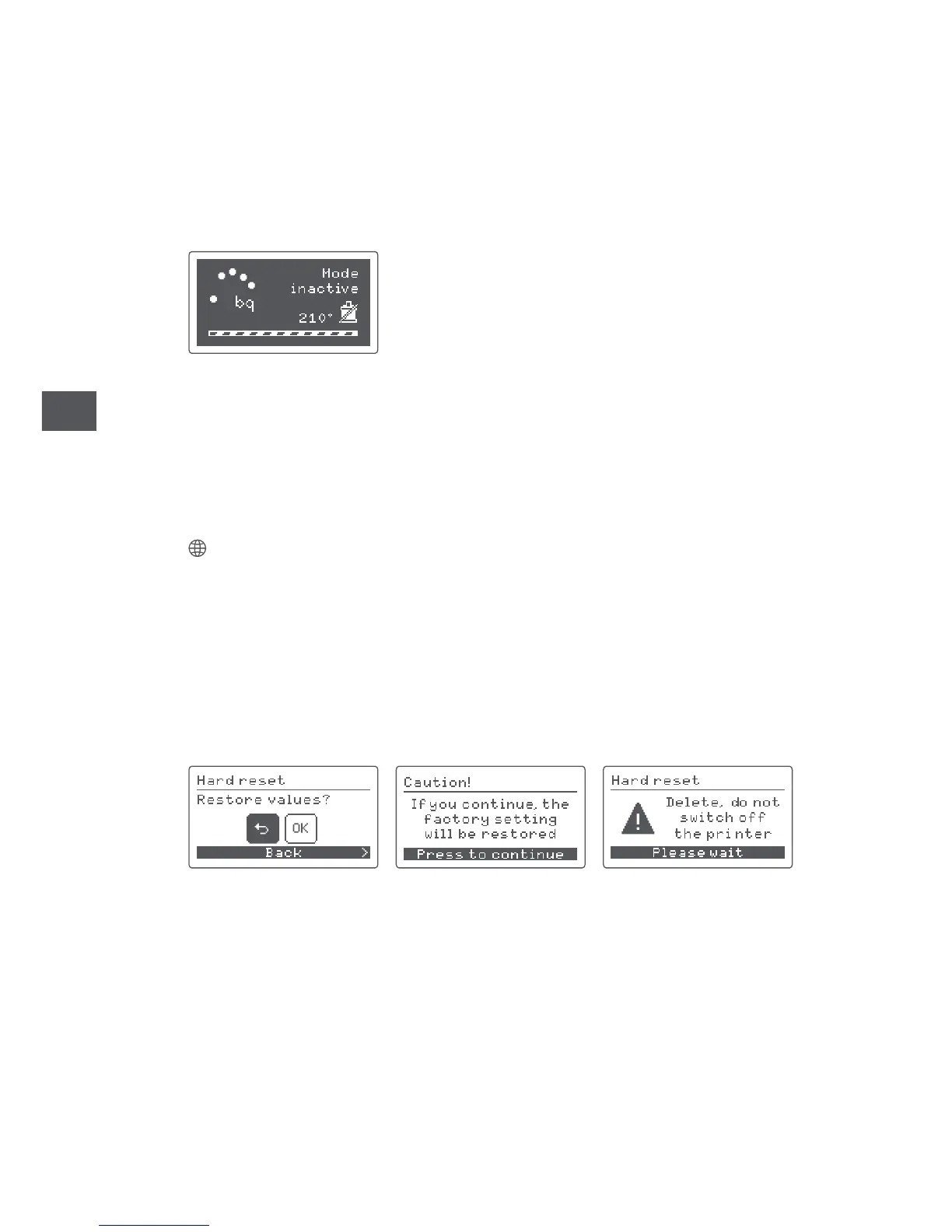
Idle mode
If your 3D printer is not active for a prolonged period of time, it will switch to idle
mode. Press or turn the control wheel to activate it again.
Updating the firmware
A professional team works every day to improve the capacities of your printer. To
guarantee the best printing results and technical support, keep your printer
updated with the latest firmware.
www.bq.com/support/witbox-2
Hard reset
If you want to restore your 3D printer to the original factory settings, you can this by
going to Settings > Hard reset. This will cause you to lose any settings that you have
previously saved.



 To Next Page