Operating Your Printer.
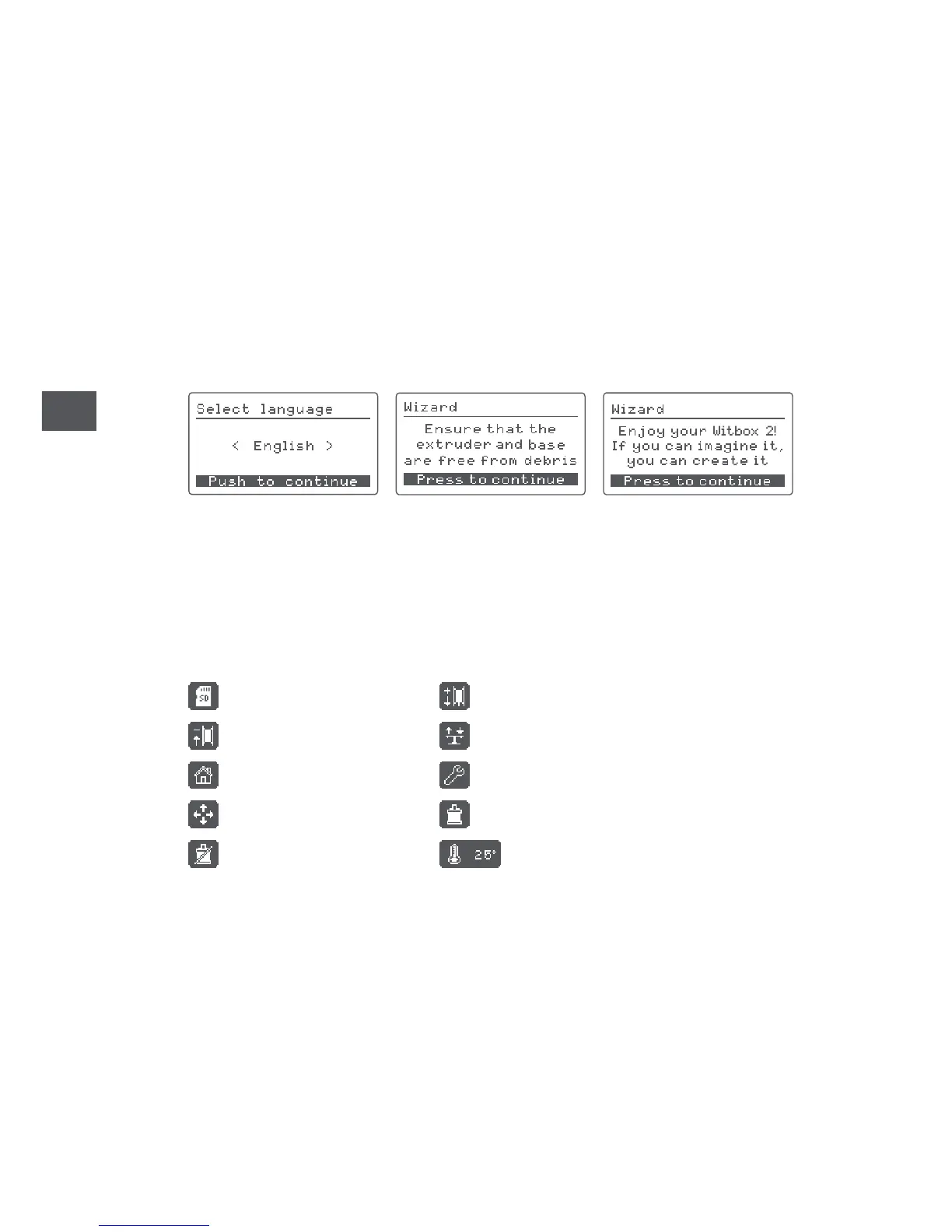
Once you have connected your printer to the mains, you can switch it on. The LCD
panel will light up and the initial configuration of your Witbox 2 will be displayed.
Initial configuration
Select your preferred language to start using your Witbox 2.
Main menu
The control wheel is located next to the LCD panel. Press and turn the wheel left
or right to browse through the main menu. You will see the following options:
Print from SD Insert filament
Remove filament Level bed
Home Settings
Move axes Motors: ON
Motors: OFF Temperature



 To Next Page