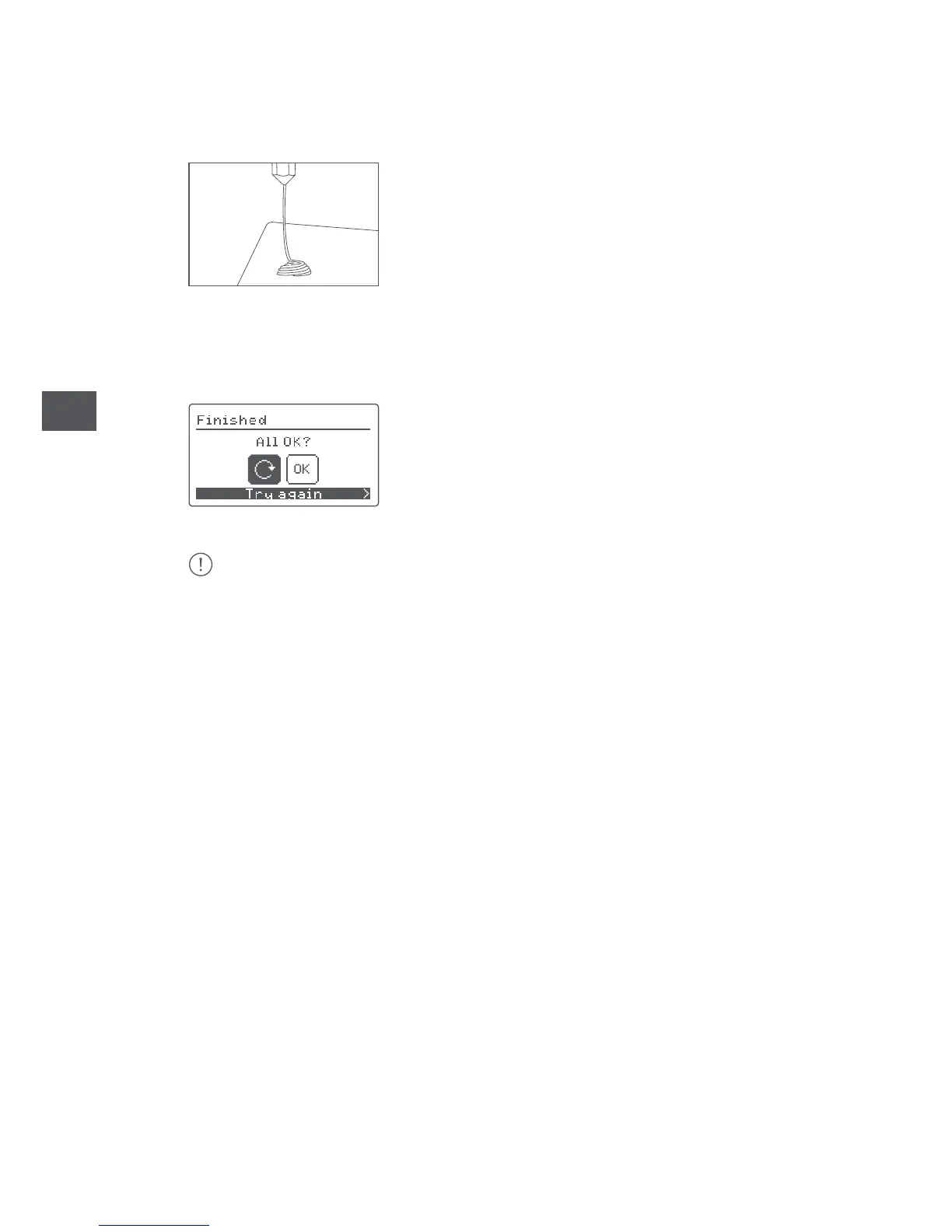
5. Press OK to complete the loading process.
6. Wait a few minutes for the extruded material to cool down before opening
the door.
Caution: do not touch the end of the extruder as it will still be hot.
If your 3D printer is not active for a prolonged period of time, it will switch to idle mode
and the extruder will cool down.



 To Next Page