BPP11 User Manual
7
Open / Close the Top Cover
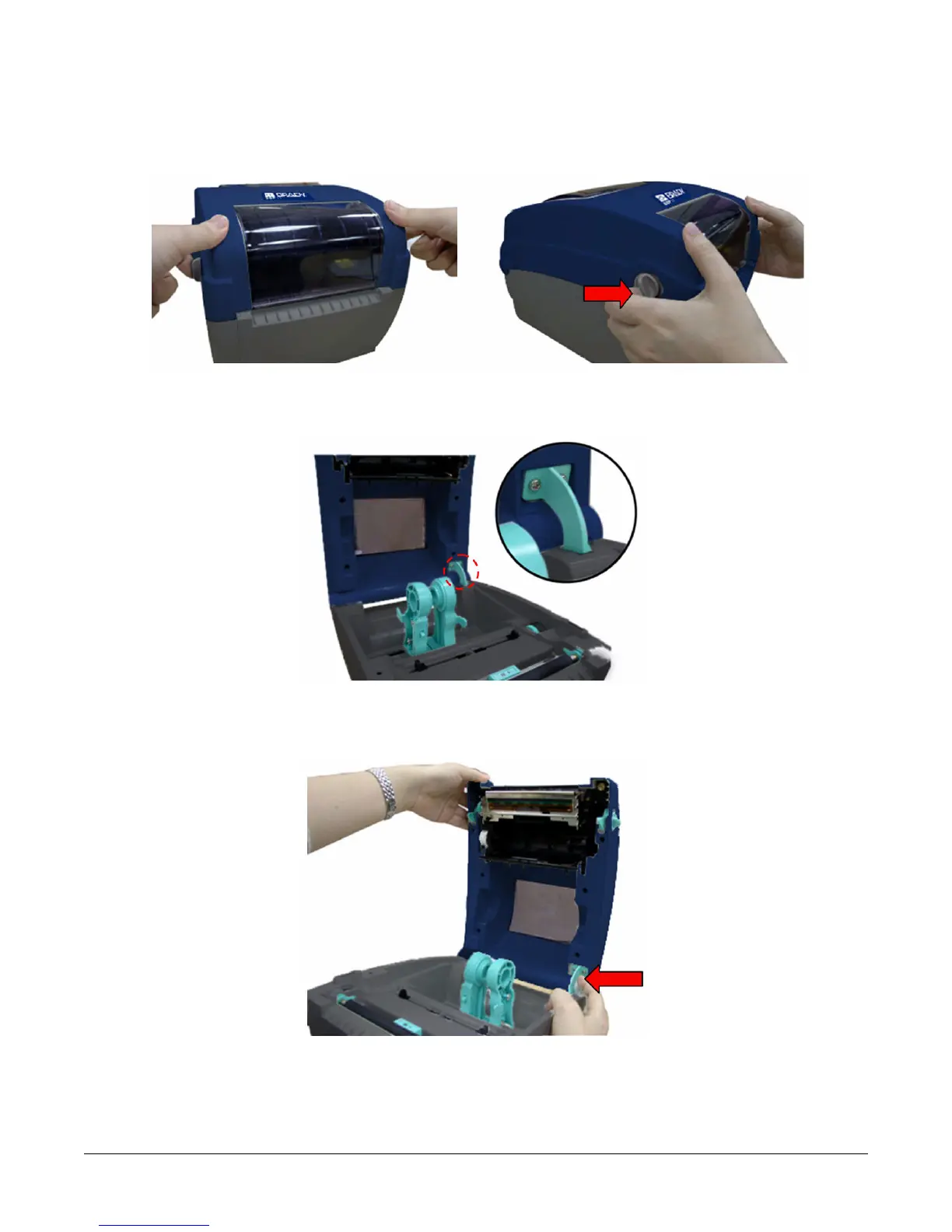
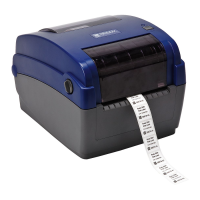
1. Open the printer top cover by pulling the grey tabs located on each side toward the front
of the printer, then lift the top cover to the maximum open angle.
2. A top cover support at the rear of the printer will engage with lower inner cover to hold the
printer top cover open.
3. Hold the top cover and press the top cover support to disengage the top cover support
with lower inner cover. Gently close the top cover.


 To Next Page