8
BPP11 User Manual
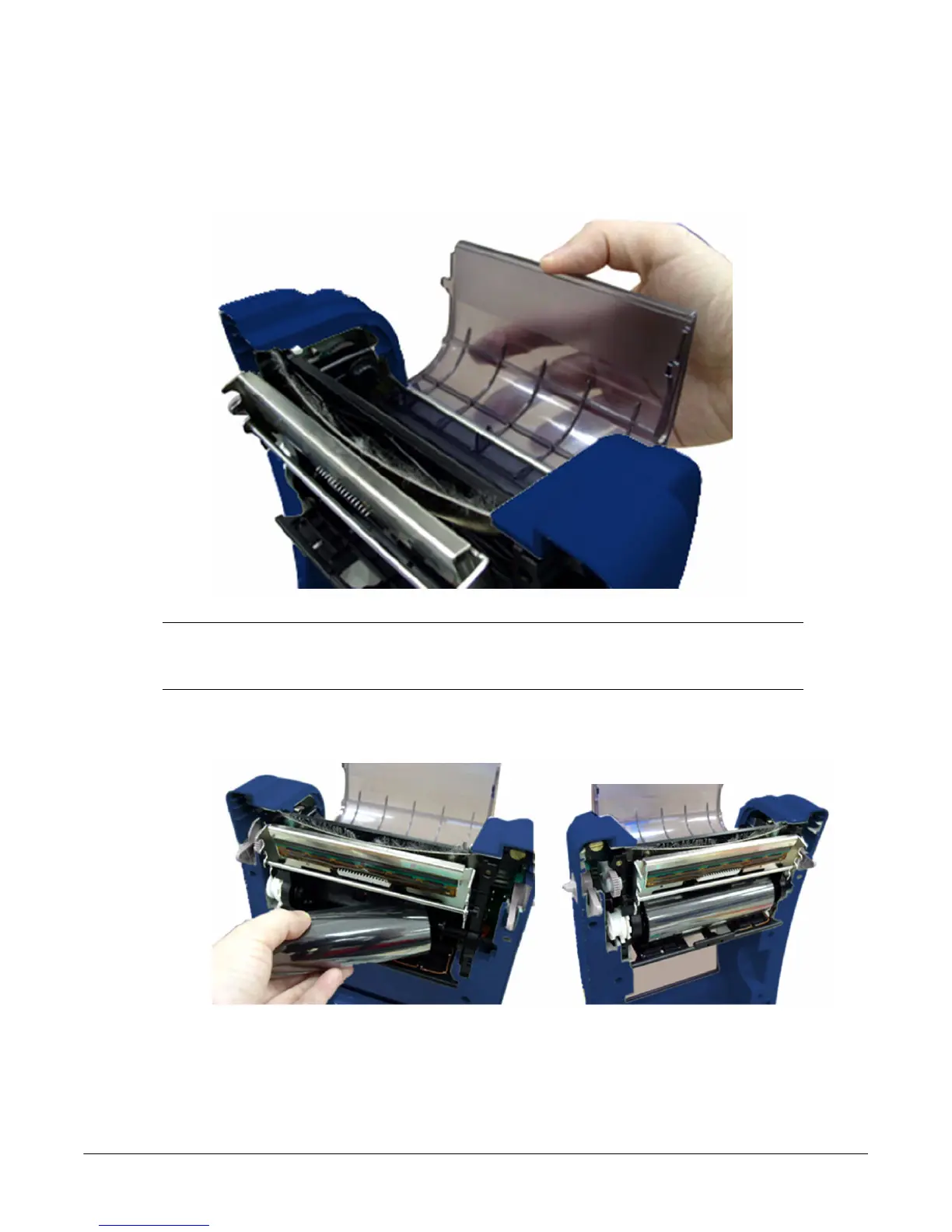
Loading the Ribbon
1. Open the top cover on the printer by pulling the green open levers located on each side of
the printer and lifting the top cover to the maximum open angle.
2. Open the ribbon access cover.
Note: In normal print mode, the ribbon access cover can be opened while opening
the top cover. The ribbon access cover can be closed while the top cover is open
or closed.
3. Insert the right side of the ribbon right onto the supply hub. Align the notches on the left
side and mount onto the spokes.



 To Next Page