26
BPP11 User Manual
CHAPTER 6 Maintenance
This session presents the cleaning tools and methods to maintain your printer.
1. Use one of following materials to clean the printer:
• Cotton swab (Head cleaner pen)
• Lint-free cloth
• Vacuum / Blower brush
• 100% ethanol
2. Clean the printer using the following process:
Printer Part Method Interval
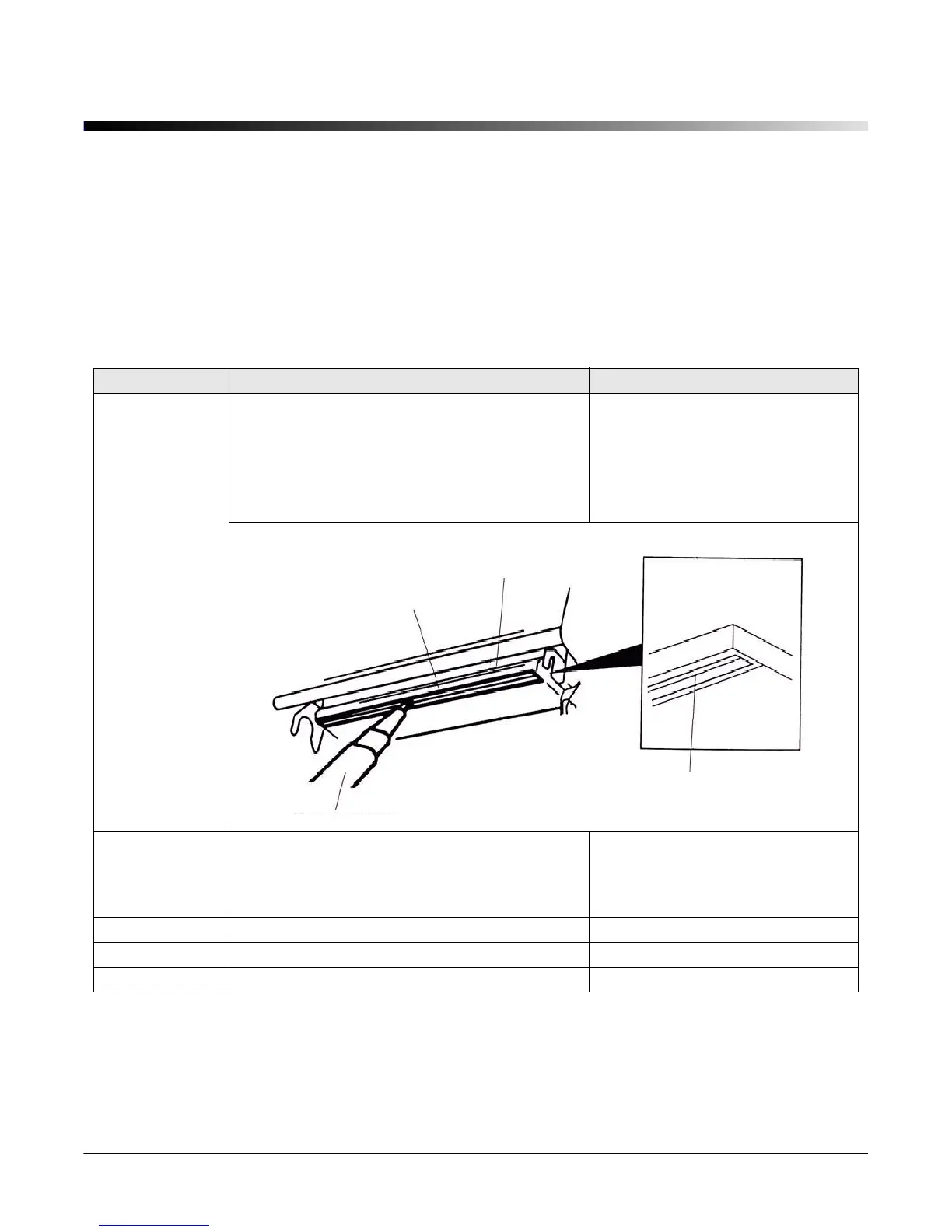
Print Head
1. Turn off the printer before cleaning the print
head.
2. Allow the print head to cool for a minimum
of one minute.
3. Use a cotton swab and 100% acetone to
clean the print head surface.
Clean the print head when
changing a new label roll.
Platen Roller
1. Turn the power off.
2. Rotate the platen roller and wipe it
thoroughly with 100% ethanol or acetone
and a cotton swab, or lint-free cloth.
Clean the platen roller when
changing a new label roll
Sensor Compressed air or vacuum Monthly
Exterior Wipe it with water-dampened cloth As needed
Interior Brush or vacuum As needed
Print Head
Element
Print Head
Element
Head Cleaner Pen



 To Next Page