16
BPP11 User Manual
Printer Function (Calibrate Sensor, Ethernet Setup, RTC Setup…)
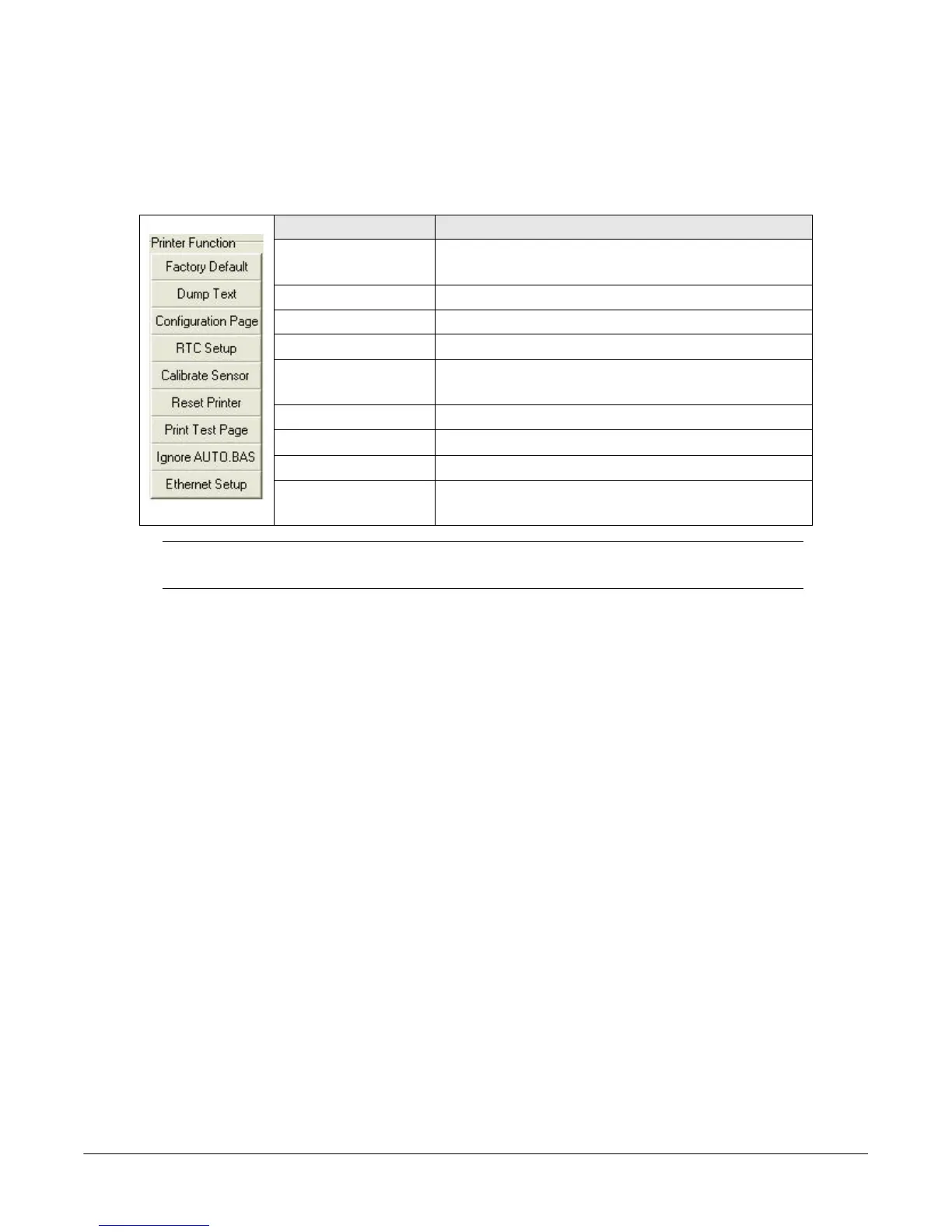
1. Select the PC interface connected to the bar code printer.
2. Click Function to set.
3. The detail functions in the Printer Function Group are listed in the table.
Note: For more information about Diagnostic Tool, refer to the diagnostic utility
quick start guide in the CD disk \ Utilities directory.
Function Description
Factory Default Initialize the printer and restore the settings to
factory default.
Dump Text Activate the printer dump mode.
Configuration Page Print printer configuration.
RTC Setup Synchronize printer Real Time Clock with PC.
Calibrate Sensor Calibrate the sensor specified in the Printer
Setup group media sensor field.
Reset Printer Reboot the printer.
Print Test Page Print a test page.
Ignore AUTO.BAS Ignore the downloaded AUTO.BAS program.
Ethernet Setup Setup the IP address, subnet mask, gateway for
the on board Ethernet.



 To Next Page