Troubleshooting
Printer Diagnostics
100
Y882746 BBP81 User Manual 5/13/08
CANCEL Self Test
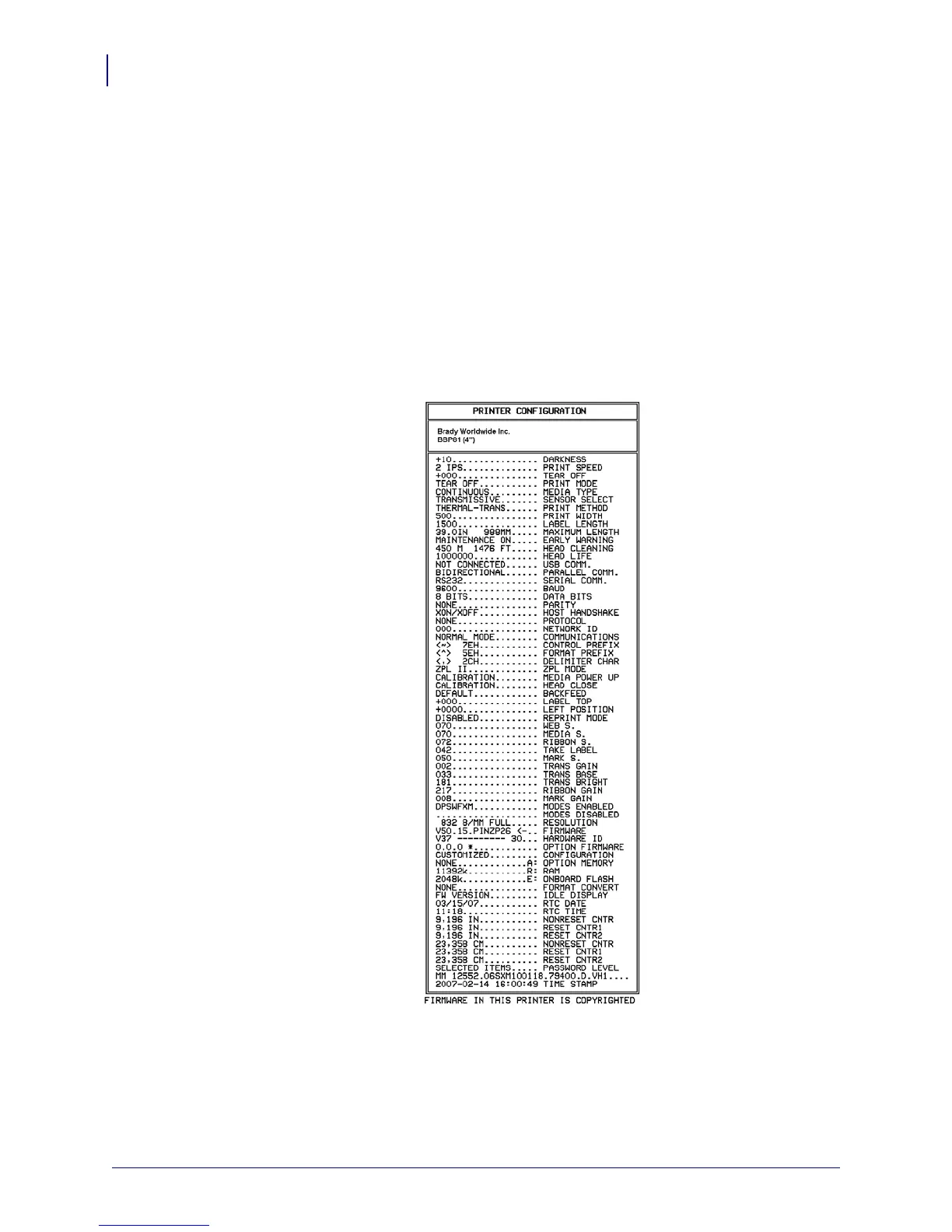
The CANCEL self test prints a configuration label (Figure 17).
To perform the CANCEL Self Test, complete these steps:
1. Turn off (O) the printer.
2. Press and hold CANCEL while turning on (I) the printer. Hold CANCEL until the first
control panel light turns off.
A printer configuration label prints (Figure 17).
Figure 17 • Configuration Label



 To Next Page