Configuration
Print a Network Configuration Label
52
Y882746 BBP81 User Manual 5/13/08
Print a Network Configuration Label
If you are using a print server, you can print a network configuration label after the printer is
connected to the network.
To print a network configuration label, complete these steps:
1. On the control panel, press SETUP/EXIT.
2. Press PLUS (+) or MINUS (-) to scroll through the parameters until you reach
LIST NETWORK.
3. Press SELECT to select the parameter.
4. Press PLUS (+) to confirm printing.
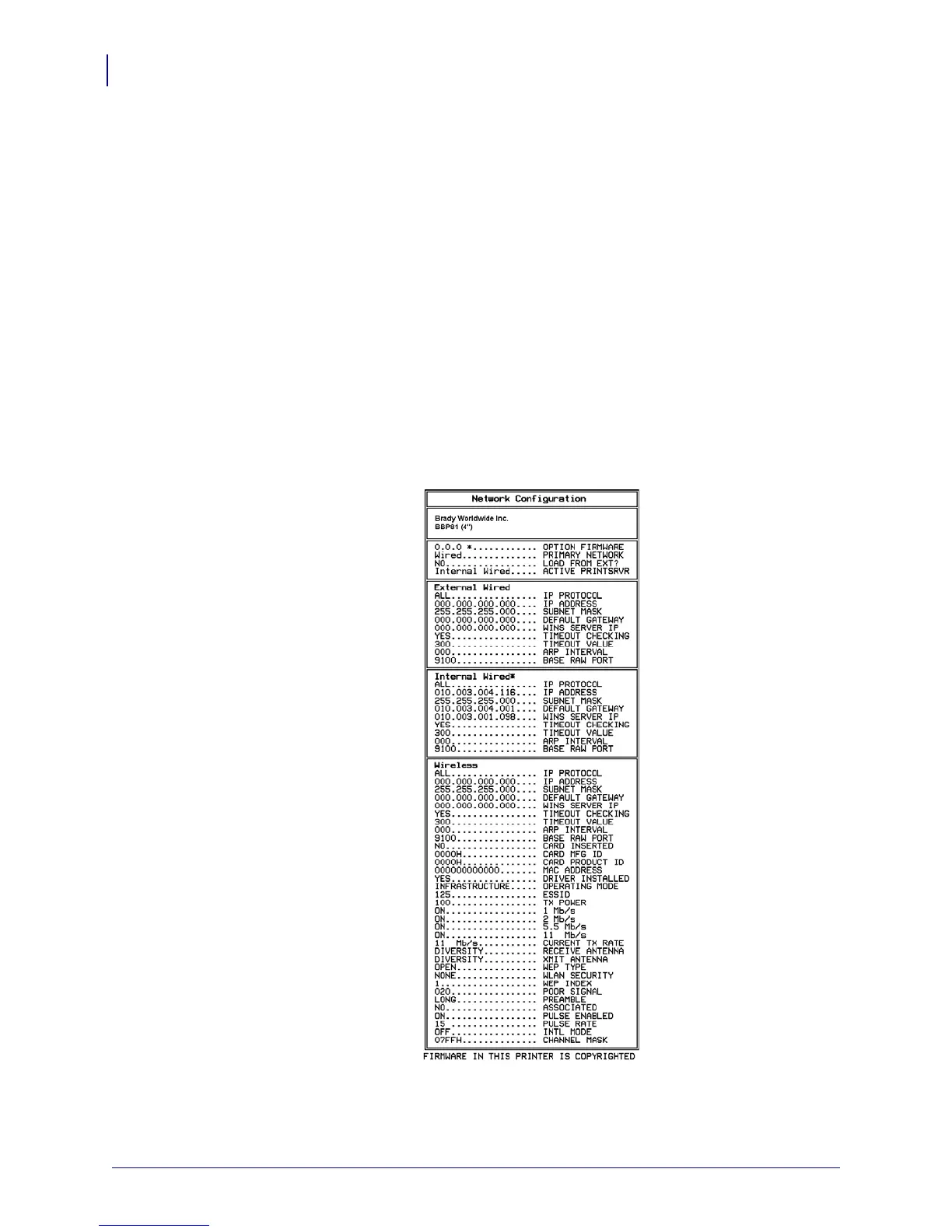
A network configuration label prints (Figure 12).
Figure 12 • Network Configuration Label



 To Next Page