8
Detailed Explanation of User Options:
Temperature Differential
(User Option 1 and 2)
Thedifferentialsettingisthetemperaturecontrolrangethatyourthermostat
willprovide.Thesmallerthesetting,thetighteryourrangeoftemperature
controlandcomfortwillbe.The2ndstagedifferentialisonlyforsystems
withasecondstageofheating(auxiliaryheat).
Temperature Adjustment
Presstheorbuttontoadjustthecurrentsetpointtemperature.
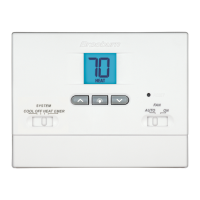
Status Indicators
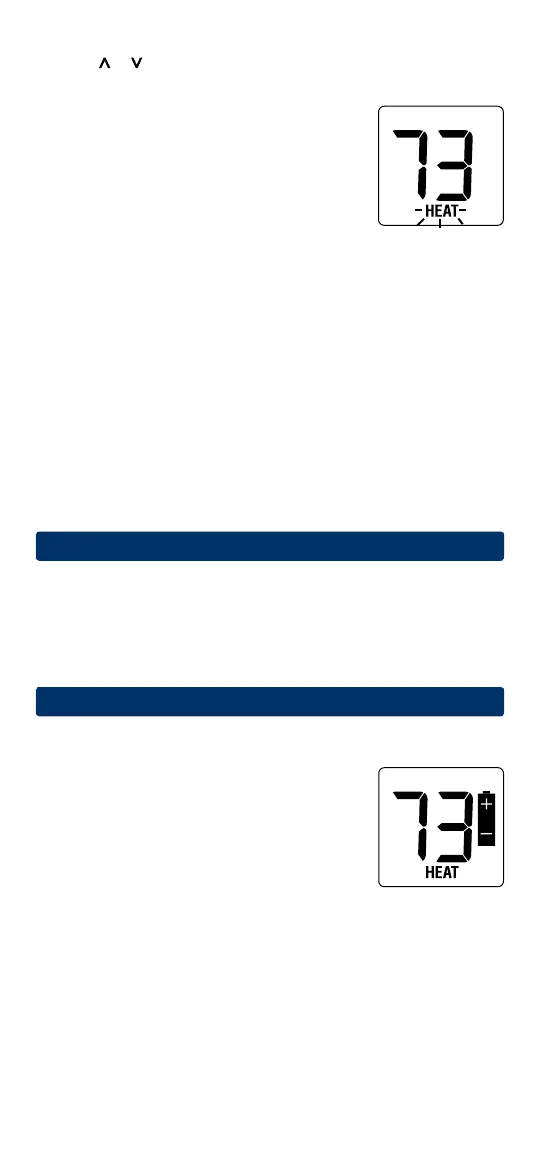
Statusindicatorsappearinthedisplaytoletyou
knowifyoursystemisheating,coolingoroff.
HEAT
Ifashing,indicatesyourheatingsystem
isrunning.
COOL
Ifashing, indicatesyourcoolingsystem
isrunning.
Additional Status Indicators (Model 1200NC Only):
AUX Indicatesthattheauxiliarystageofheatingisrunning
(Multi-StageSystemsonly),orthattheemergencyheat
systemisrunning(heatpumpsystemsonly).
Resetting the Thermostat
Thisthermostatprovidesyouwitharesetbuttonthatwilleraseallofyour
usersettings.
Toresetthethermostat,useasmallobjectsuchasatoothpickorpaper-
clipandgentlypressthebuttonlocatedinsidethesmallholeonthefrontof
thethermostathousinglabeled“reset”.
7
Additional Operation Features
Compressor Protection
Thisthermostatincludesanautomaticcompressorprotectiondelayto
avoidpotentialdamagetoyoursystemfromshortcycling.Thisfeature
activatesashortdelayafterturningoffthesystemcompressor.
8
Thermostat Maintenance
Changing the Batteries
Dependingonyourparticularinstallation,this
thermostatmaybeequippedwithtwo(2)“AA”
typealkalinebatteries.
If batteries are installed and they become low,
a low battery indicator will appear in the display.
You
shouldchangeyourbatteriesimmediately
whenyouseethelowbatterysignalbyfollowing
theseinstructions.


 To Next Page