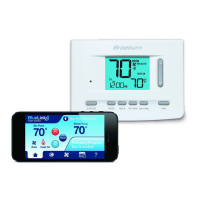
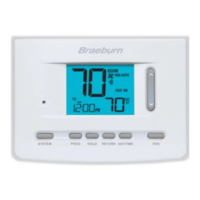
Setting the Time and Day
1. In normal operating mode, touch the DAY/TIME TouchPad.
The display will switch to the day/time setting mode and the
hour will be flashing.
2. Press the SpeedBar
®
up or down to adjust the hour,
touch NEXT.
3. Press the SpeedBar up or down to adjust the minute,
touch NEXT.
4.
Press the SpeedBar up or down to adjust the day of the week.
5. Touch RETURN to exit.
NOTE: If the Wi-Fi feature is used, the clock will adjust automatically to the time zone and DST (Daylight Savings
Time) set up in the Wi-Fi feature.
3
Setting Your Program Schedule
Wi-Fi Clear
User Option 9
Use this setting if you no longer want to be connected to your Wi-Fi network or if you change Wi-Fi routers.
Select WIFI to skip changes to your network settings. Select CL WIFI to clear all Wi-Fi network settings. You can
set up Wi-Fi again at a later time if desired (see Wi-Fi Setup Guide).
13 User Manual



 To Next Page