Page 7
TROUBLESHOOTING
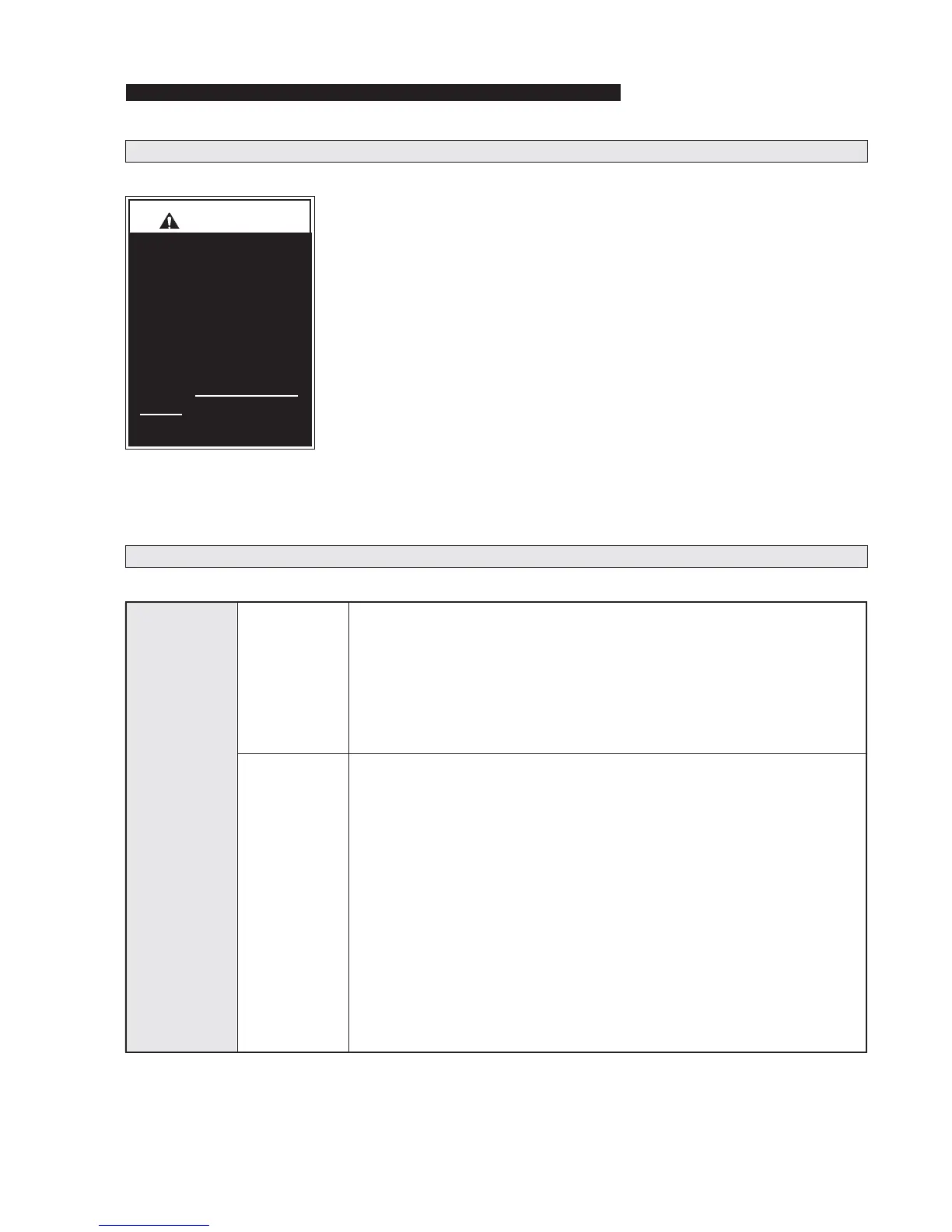
Troubleshooting and
repair procedures
must be performed
as specified by an
authorized service
technician only. Fail-
ure to do so may re-
sult in serious bodily
injury and/or property
damage.
Operation should be discon-
tinued immediately if a conver-
sion problem occurs. Repairs
should not be attempted by the
consumer. Contact the sales
representative or call The Braun
Corporation at 1-800-THE LIFT
®
.
One of our national Product Sup-
port representatives will direct you
to an authorized service techni-
cian who will inspect your vehicle.
The cause of the problem can
be determined by locating the
function and related symptom in
the Troubleshooting Diagnosis
Charts. The specific cause and
remedy can then be determined
by process of elimination. Elec-
trical Schematics and Wiring
Diagrams are provided to aid in
troubleshooting.
A Repair Parts section with ex-
ploded views and corresponding
parts lists is also provided. Cor-
rect the problem if possible. If
the problem continues, contact
The Braun Corporation.
FUNCTION SYMPTOM POSSIBLE CAUSE REMEDY
1.00
NO
OPERATION
1.10
No Power to
Conversion
Systems
(Circuit Problem)
1.20
Power to
Conversion
Systems
But No
Operation
Troubleshooting Diagnosis Chart
1.11 Poor ground connection
1.12 Battery terminals dirty
1.13 Battery damaged
1.14 Battery discharged
1.15 12 volt source (check fuses for
12 volts)
1.16 Circuit breaker tripped or
damaged
1.21 Transmission not in Park
1.22 Chrysler Slide Door Master Lock
Out switch in OFF position
1.23 Slide door handles have been
manually operated
1.24 Loose connection
1.25 Broken wire
1.26 Wire terminal
1.27 Control switch damaged
1.28 OEM keyless transmitter (FOB)
does not function properly or
damaged
1.29 Braun electronic controller
Clean and tighten
Clean and tighten
Replace
Charge battery
Check for blown fuse, loose terminals
or broken wire or cable
Reset or replace
Engage transmission in Park
Press switch to ON position
Press a control switch
Clean and tighten
Repair or replace
Crimp tightly to wire
Replace
Relocate to avoid interference, replace
battery or replace transmitter. See
OEM owner's manual.
Press main electronic controller reset
button and try operation again. If no
operation - run serial diagnostics test.
If no operation - contact Braun Product
Support.



 To Next Page